foo_truepeak is a ITU-R BS.1770-5 compliant True Peak scanner. It can also scan ReplayGain, Loudness Range (LRA), Dynamic Range (DR), show the amount of clipping samples and report the position of highest peak.
For users primarily concerned with playback quality and simplicity, foo_truepeak can replace foobar2000’s ReplayGain and DR scanners. It uses modern loudness standards, detects true peaks and can write all relevant tags in a single pass. While its ReplayGain and DR values may not exactly match legacy scanners, they are more appropriate for real-world playback on modern systems.
In foobar2000, open File → Preferences → Components.
Click Install…, select the foo_truepeak.fb2k-component file.
Restart foobar2000 when prompted.
2. Disabling legacy scanners (optional but recommended)
To avoid confusion or duplicate workflows:
Don’t try removing the ReplayGain scanner as it’s built in.
You can uninstall foo_dr_meter and or foo_dynamic_meter.
This keeps foo_truepeak as your single analysis tool.
3. Open foo_truepeak preferences
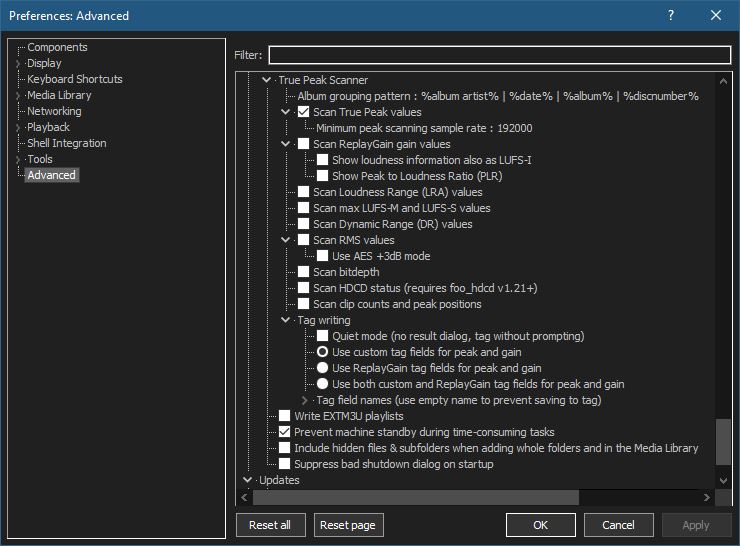
Go to File → Preferences → Advanced →Tools → True Peak Scanner
4. Ensure the following is enabled
✔ Scan True Peak Values
True peak scanning accounts for inter-sample peaks created during digital-to-analog conversion, ensuring that peak levels reflect what a real DAC actually outputs, not just what is stored in the file.
5. Enable ReplayGain scanning
✔ Scan ReplayGain values
Notes:
Gains are derived from EBU R128 loudness, but written as ReplayGain tags.
Peaks are true peaks, not simple sample peaks.
Playback normalization works normally in foobar2000.
6. Enable Dynamic Range scanning
✔ Scan Dynamic Range (DR) values
Notes:
These values are analytical, not official TT DR Meter values.
They are suitable for comparison within your library, not for DR Database submissions.
7. Choose tag writing behavior
✔ Use ReplayGain tag fields for peak and gain
8. Run a True Peak scan
Select a track, tracks or albums in a playlist.
Right-click → True Peak Scan.
You can also create custom buttons on the toolbar for Album or Track scans.
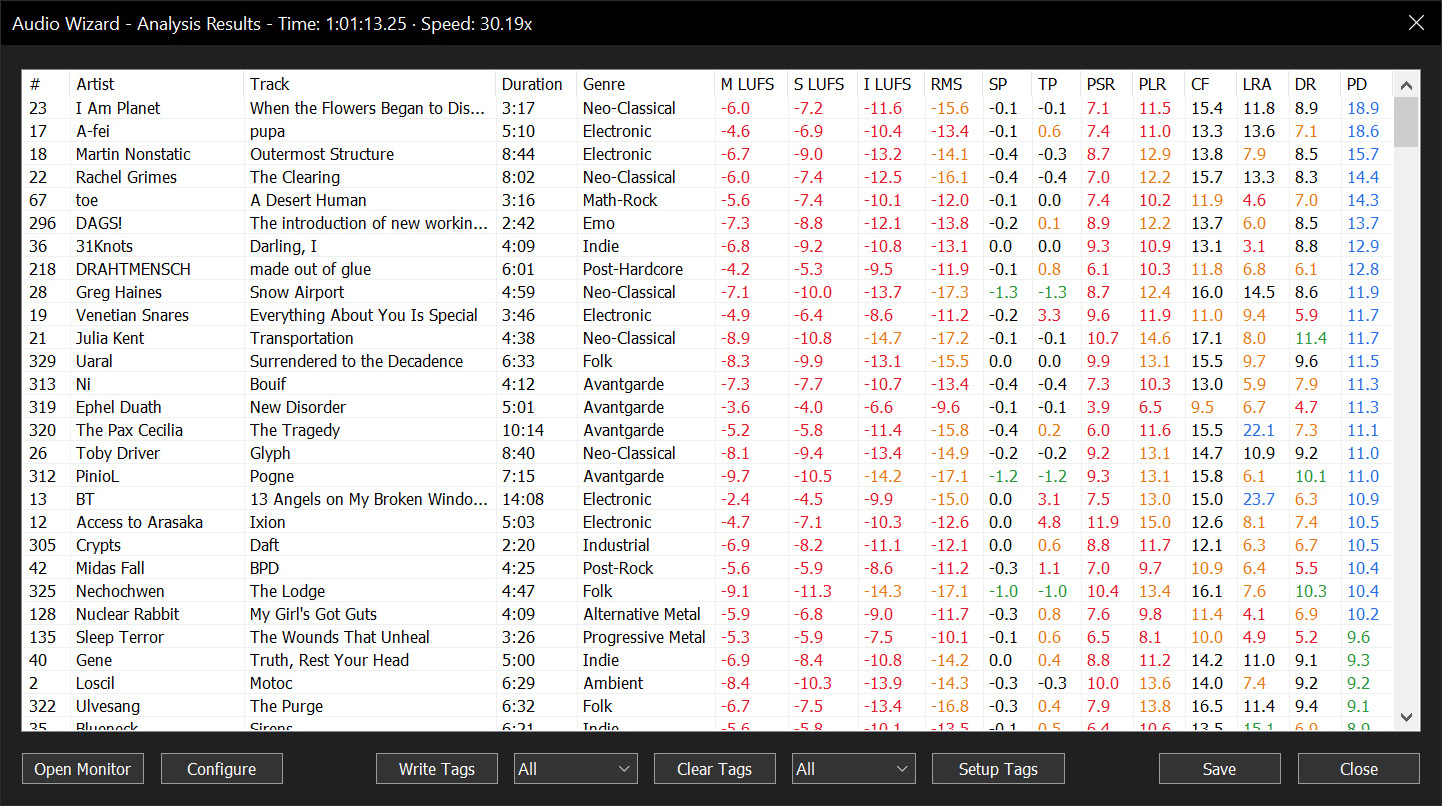
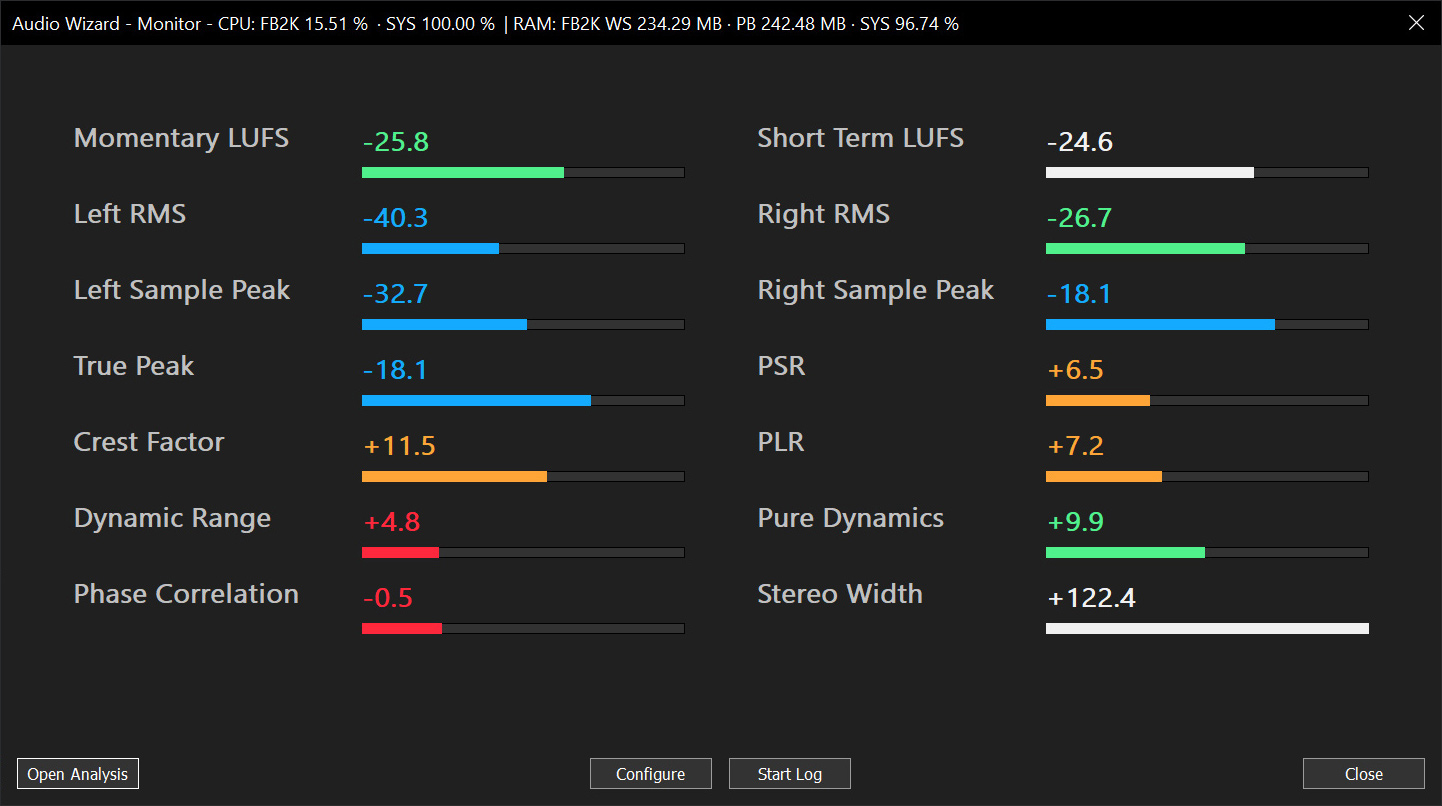
Audio Wizard (foo_audio_wizard) is a fiery chapter of The Wizardium, granting foobar2000 audiophiles and engineers tools for full-track analysis and real-time monitoring. Harness Pure Dynamics for psychoacoustic clarity.
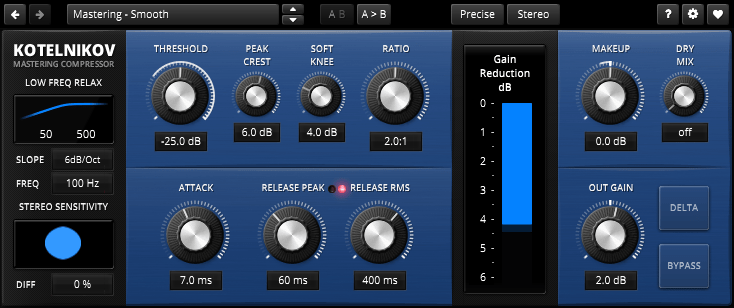
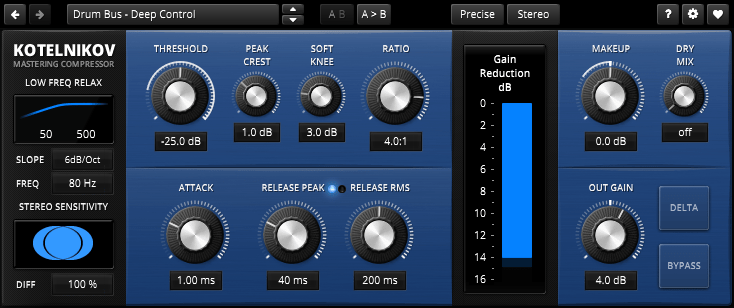
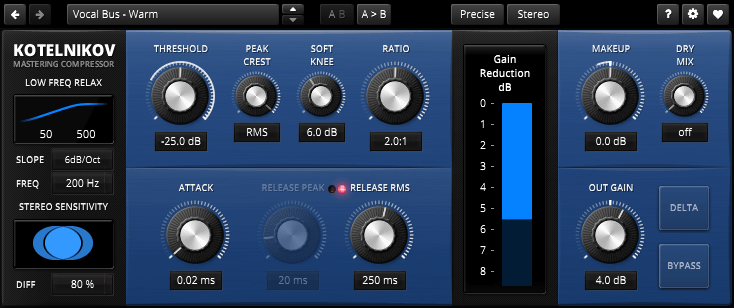
TDR Kotelnikov is a wideband dynamics processor combining high fidelity dynamic range control with deep musical flexibility. As a descendant of the venerable TDR Feedback Compressor product family, Kotelnikov has directly inherited several unique features such as a proven control scheme, individual release control for peak and RMS content, an intuitive user interface, and powerful, state of the art, high-precision algorithms.
With a sonic signature best described as “stealthy”, Kotelnikov has the ability to manipulate the dynamic range by dramatic amounts, while carefully preserving the original tone, timbre and punch of a musical signal. As such, it is perfectly suited to stereo bus compression as well as other critical applications.
The concept is “proudly digital” in the sense that it doesn’t try to emulate any previously existing device. This is the original!
Features:
64bit multi-rate processing structure for highest accuracy
“Delta” oversampled signal path (bit transparent at 0dB gain reduction)
Super fast, yet natural sounding compression
“Crest factor” based control scheme offering independent release controls for peak and RMS events
Flexible sidechain highpass filter
Advanced stereo linking options optimized for the stereo bus
Delta preview mode previews the difference between compressed and original signal
Latency compensated, click free bypass (i.e. processing never interrupted)
Accessible Peak Meter uses real-time sonification to deliver information to the user about audio levels and peaks in audio signals, and so supports core activities in audio production. Accessible Peak Meter 3 is an extended development of Accessible Peak Meter. It adds more meter modes (RMS, EBU, VU/PPM, Truepeak, Dialnorm and Dynamic Range).
Accessible Peak Meter was developed in 2014/2015 at Queen Mary University of London as part of the Design Patterns for Inclusive Collaboration research project ( depic.eecs.qmul.ac.uk ).
USAGE The plug-in comes with the following tweakable parameters:
Sonification Type: to switch between continuous mode , clipping mode and clip tone mode. “Clip tone” sonficates as soon level is above threshold .
Dry: controls the level of the input audio, namely the audio content you want to analyze;
Wet: controls the level of the sonification;
Tone: controls height of the sonification tone in clip tone mode;
Threshold: sets the threshold for the clipping mode, it has no effect on the continous mode
Decay: this only affects the continuous mode sonification. The value ranges from 1 second down to 0.05 seconds. This is the time the meter would take to decay from 0 db to -inf after an impulse. These numbers don’t give a real feeling of how the sonification will sound – it is easier to think that when set to 0.05 the sonification will stop pretty immediately when you stop the audio; whereas if the value is set to 1, it will take longer to decay. In general, though, the latter sounds cleaner and normally the audio level doesn’t go all the way down to silence, as during the decay it encounters other peaks that bring it back up. So it’s up to you to find the right trade off.
DAW sync: if set to “on”, meter reset is synced with DAW start playing. Only applicable for program loudness modes like RMS/EBU/DialNorm IL and PLR
Meter Mode: sets the meter modes. Please to note that all meter modes are calibrated to 0 dBFS, 0 dBTP, 0 LUFS, 0LKFS, 0 VUFS and 0 PPMFS
The AccessiblePeakMeter3 provides access to the parameters by exposing them to inspectors – such as ReaAccess plug-in or the Cakewalk Sonar inspector – in a clear and well formatted way.
dpMeter is a precise digital audio multi channel meter including RMS, EBU R 128, Dialog gated and TruePeak (intersample) measurement. It is the successor of the very popular dpMeter4 and adds GUI resizing and preset management.
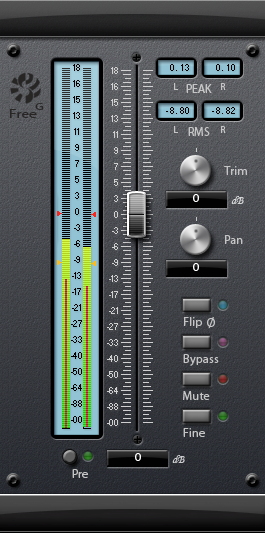
The Sonalksis FreeG is everything you need in a master fader. A simple, but absolutely indispensable plug-in, FreeG extends the functionality of a typical audio host by providing a large-format style fader, along with ultra accurate metering. FreeG helps to maximise workflow with extended, customizable metering, and multiple control features and settings.
When working with digital audio, a lack of fine metering and extended signal flow control in the host is a common issue. FreeG helps to improve workflow in the host by providing these features in the insert chain. By delivering enhanced control of amplitude, phase and pan (stereo version) in the insert chain as well as fine metering, with user configurable industry standard ballistic options, the freeG is the perfect master control.
Features:
Long-throw fader
Ultra accurate metering
Multiple metering ballistic types
Peak and RMS readouts
Pre/Post metering options
Selectable Pan-Law
‘Fine’ mode for sensitive calibration of the master fader
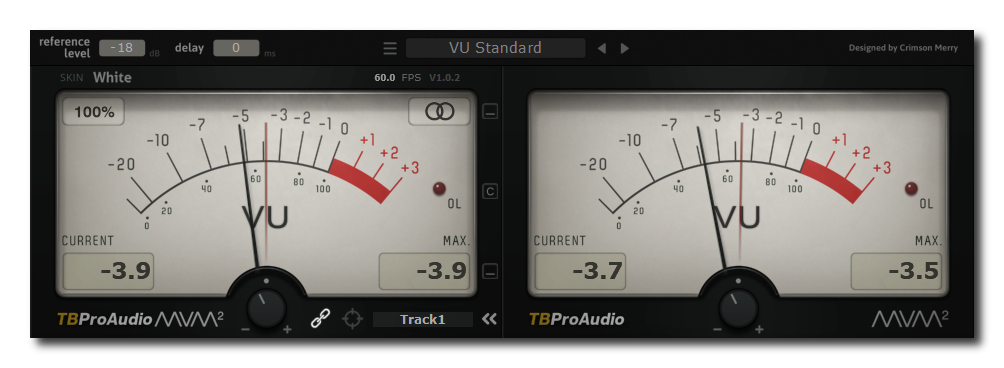
mvMeter2 is a multivariable meter including RMS, EBUR128, VU and PPM measurement. mvMeter2 is the successor of mvMeter and adds single/dual meter display, adjustable reference level for all meter modes, adjustable meter delay and preset management.
Features:
behavior of classic analog VU and PPM meters
multiple measurement modes: PEAK, RMS, EBU R128, VU and PPM
multi channel metering: stereo, left, right, mid, side
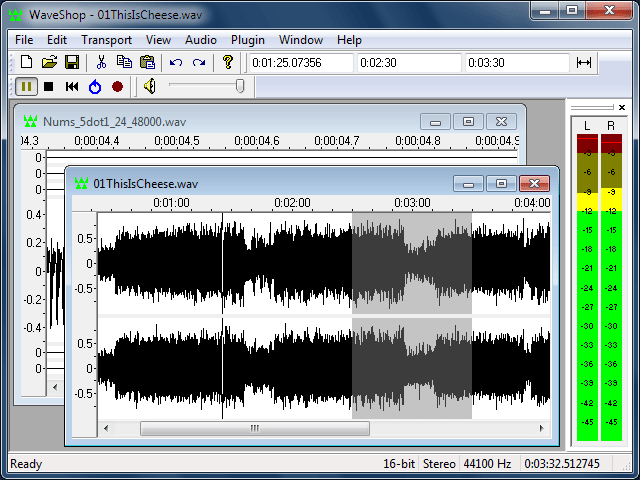
WaveShop is a free, open-source audio editor for Windows XP/Vista/7/8 32-bit and 64-bit. WaveShop is fast, lightweight, and bit-perfect, meaning samples aren’t altered unless they need to be. Editing a portion of an audio file only affects that portion; the rest of the file is untouched. Blocks of audio can be cut and pasted without changing their contents at all. This is especially useful for patching a finished master without corrupting its dither. Waveshop’s features include peak, RMS and spectral analysis, normalizing, fading, sample rate conversion, audio generation, plug-ins, and more, all with unlimited undo and comprehensive help.
K-Meter supports mono, stereo and 5.1 surround sound signals. All meters have been thoroughly validated. The average meter reads either RMS levels or ITU BS.1770-1 loudness weighted levels.










 The Audio File