
Greatly extend the information in your music files by using the foo_discogs component to tag albums with Discogs information. Once the additional Discogs release information is stored in the song tags, it’s possible to search for catalog numbers, secondary artists or studios, etc. You can now also create toolbar buttons which open the corresponding artist or release pages in Discogs, the artist’s own website or other links.
- download Discogs album and artist artwork
- retrieve more information than most taggers
- goes that extra length to make sure retrieved data is correct and well formatted
- flexible tag mapping allows you to write only what you want, where you want
- use meta-data in tags to display Discogs artist / label / release web pages
able to later update specified tags (useful in update ratings)
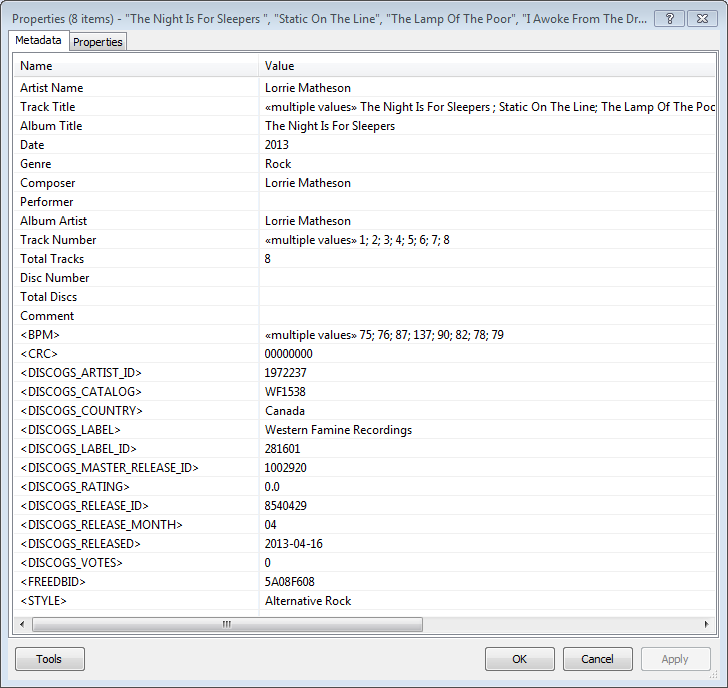
Album’s properties when tagged with Discogs info
Installing & Configuration:
- Install the foo_discogs component
- Select any song on any playlist
- Right click the song and select Tagging
- From the sub-menu select Discogs
- Now select Configuration
- Change any settings needed.
Tagging Files:
- Select an entire album on a playlist
- Right click the album and select Tagging
- Select Discogs
- Select Write Tags…
- Click Search then select the correct match and click Next
- Confirm that the tracks match the files and click Write tags
Your audio files should now be tagged with additional Discogs metadata.
Open Release Page Button:
- Right click on Foobar’s Toolbar area and select “Customise Buttons…“
- In “Available Commands” navigate to and select [context] > Tagging > Discogs > View Release Page
- Change Icon and then click “OK“
- Select a song, or album that has been tagged with Discogs metadata, and click the new custom button
References:
www.foobar2000.org/components/view/foo_discogs
hydrogenaud.io/index.php/topic,50523.0.html
Latest update:
github.com/ghDaYuYu/foo_discogs
bitbucket.org/fooDaYuyu/foo_discogs/downloads/

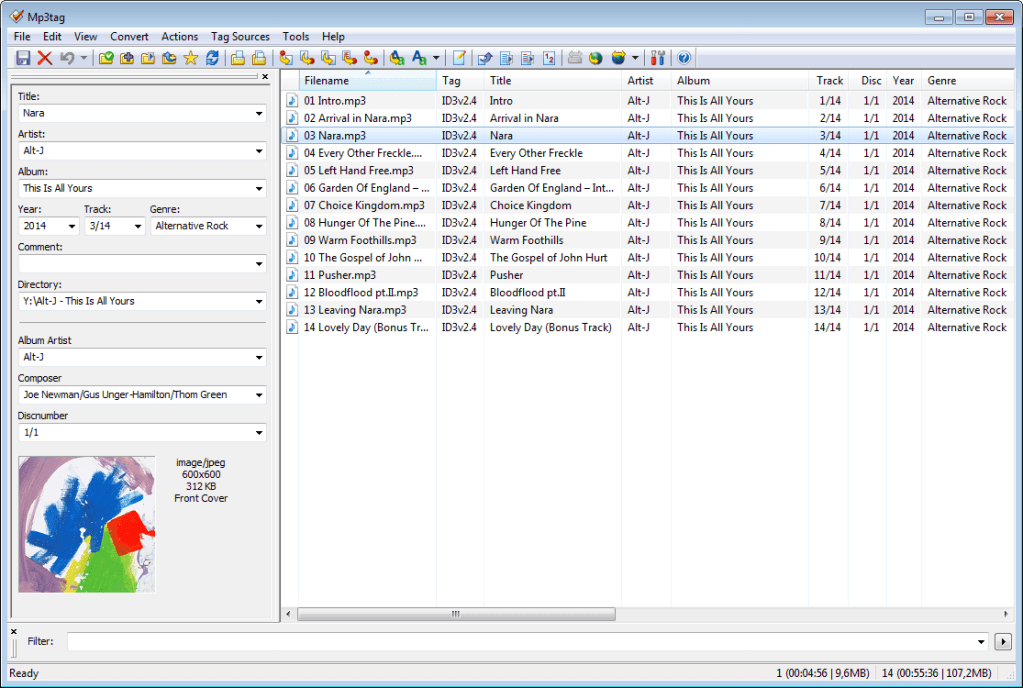

 The Audio File