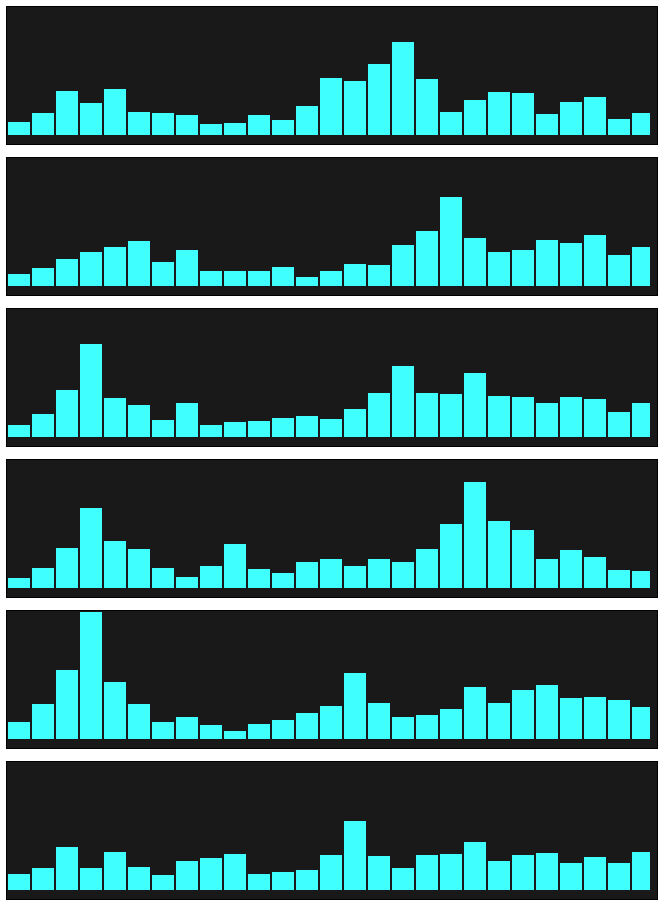
SoundScapeExplorer ~ Process, Visualize & Explore


SSE is a powerful and versatile software environment designed for soundscape visualisation and quantification. It provides a robust platform for processing audio files, generating useful metrics, and presenting data through intuitive visualisation interfaces. Catering to bioacousticians and data scientists alike, 

SoundScapeExplorer Icon

SSE encompasses an extensive range of tools and capabilities to fulfil diverse user requirements.

sound-scape-explorer.github.io
github.com/sound-scape-explorer

FluentFlyout ~ Windows Audio Flyout


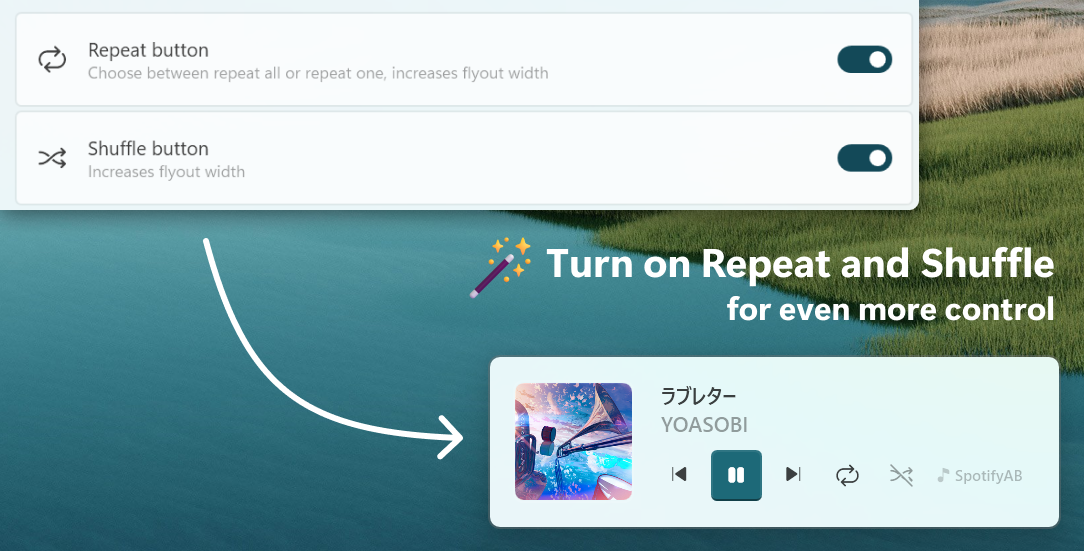
FluentFlyout is a simple and modern audio flyout for Windows, built with Fluent 2 Design principles. The UI seemingly blends in with Windows 10/11, providing you an uninterrupted, clean, and native-like experience when controlling your media.

FluentFlyout features smooth animations, blends with your system’s color themes, includes multiple layout positions and a suite of personalization settings while providing media controls and information in a nice and modern looking popup flyout.

Features:

  • Native Windows-like design
  • Uses Fluent 2 components
  • Utilises Windows Mica blur
  • Supports Light and Dark mode
  • Matches your device color theme
  • Smooth animations
  • Customizable flyout positions
  • Includes Repeat All, Repeat One and Shuffle
  • Listens to both volume and media inputs
  • Sits unobtrusively in system tray
  • Audio flyout: Displays Cover, Title, Artist and media controls
  • “Up Next” flyout: shows what’s next when a song ends
  • Lock Keys flyout: displays the status of lock keys at a glance

github.com/unchihugo/FluentFlyout

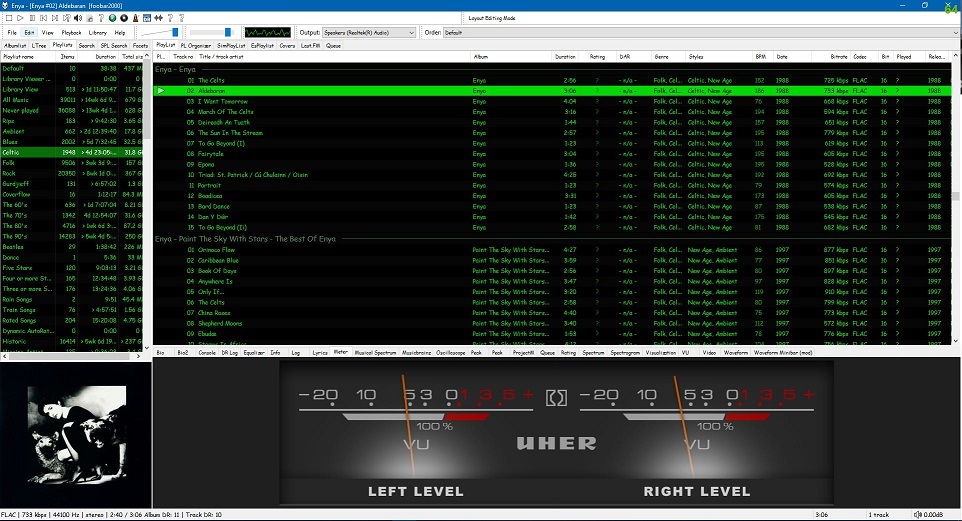
Foobar2000 ~ Installing Analog VU Meters


Adding an analog VU meter to the Foobar2000 2.x Default User Interface

Required component: foo_vis_vumeter

Directions:

  1. Download foo_vis_vumeter
  2. Click on foo_vis_vumeter which should install the component
  3. Click Apply and then Ok to restart Foobar
  4. Copy some .bin skin files to the …\AppData\Roaming\foobar2000-v2\vumeter folder (Shift+File>Browse configuration folder)
  5. Select View > Layout > Enable layout editing mode
  6. Right click the tab area in a panel and select Add New Tab
  7. Right click the new tab and rename it “Analog VU Meter” or whatever
  8. Right click the new tab display area and select Add New UI Element
  9. Select ‘Analog VU Meter (DirectX 12)’ from the list (Playback Visualization)
  10. Disable layout editing mode

Parameters:

Right mouse click on the meter display:

  • submenus – Layout / Mode / Levels / Decay / Tuning / Options
  • Fullscreen
  • Skin Selection

Mouse wheel (hover over meters)

  • Adjusts current Tuning selection

Resources:
Analog VU Meter Skin Gallery
Foobar2000 1.x ~ Installing Analog VU Meters

Sources:
www.hydrogenaud.io/forums/index.php?showtopic=33939
www.hydrogenaud.io/forums/index.php?showtopic=106793
www.head-fi.org/t/616963/the-foobar2000-resource-thread/45#post_9382013
foobar2000.ru/forum/viewtopic.php?t=5012 (Russian)

Discogs Album Art Visualizer


An album art visualizer for your Discogs collection.

discovers.antisound.net

Online Multichannel Peakmeter Using AudioWorklet


hydrogenaud.io/index.php/topic,126685

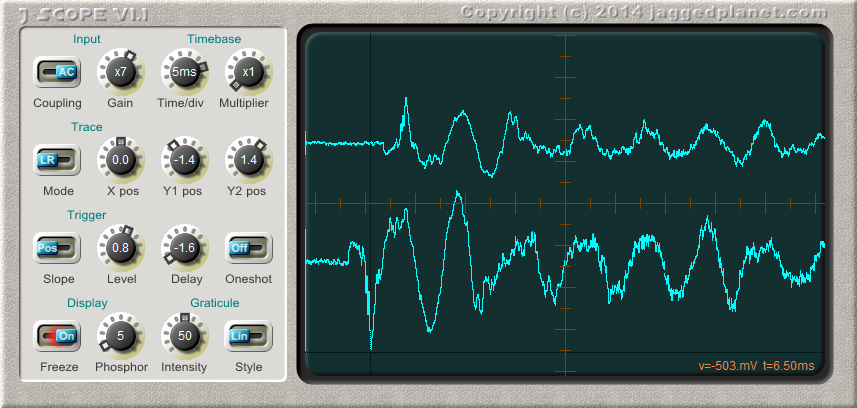
GŌN ~ Visualization Plugin For Stereo Bus Masters


Available for all major plug-in formats, including VST 2, VST 3 and AAX for macOS and Windows plus Audio Units for macOS, GŌN (rhymes with “lone”) is a free software goniometer that authentically replicates an analog oscilloscope experience while keeping complexity at bay.

www.maat.digital/gon

Instant Lyrics ~ Linux Lyrics App


Instantly fetches the lyrics of the currently playing Spotify song, or any song, and displays it in a window.

A Linux application with a very convenient GUI. Built with Python Gtk+3 (gi).

github.com/bhrigu123/Instant-Lyrics

Ferocious File Converter ~ Graphical Frontend For ReSampler


Ferocious File Converter is a graphical front-end for ReSampler, and potentially any number of other command-line audio conversion tools.

It provides a convenient and easy-to-use method for converting audio files between a number of formats.

github.com/jniemann66/ferocious

Digital Level Meter ~ 0.1 dB Resolution Readout


With 0.1dB resolution readout, ideal for accurate steady state measurements or for reading peaks however short.

For Windows XP, Vista, 7 or above.   Requires WDM drivers, does not support ASIO.

The button to the left of the readout switches the digital readout to follow the maximum peak markers or the instantaneous ‘live’ peaks. In conjunction with the peak hold feature this enables transient peaks to be read accurately.

Zero is referenced to Full Scale Digital, although this can be modified with the calibration adjustment to provide some headroom as required.

Sample rate can be set to match recording if necessary.

Infinite peak hold setting if required, even across program restarts. Reset by double-clicking meter display.

If you need to run multiple meters monitoring more than one source there is a Multi-Channel Level Meter for up to 24 channels.

www.darkwooddesigns.co.uk/pc2/meters.html#Digital

foo_vis_milk2 ~ Foobar2000 MilkDrop 2 Visualizer


foo_vis_milk2 is a port for foobar2000 of Winamp’s MilkDrop 2 music visualizer. It additionally migrates rendering from its original DirectX 9 to DirectX 11.

MilkDrop 2 takes you flying through visualizations of the soundwaves you’re hearing. It uses beat detection to trigger myriad psychedelic effects, creating a rich visual journey through sound.

Features:

  • Uses DirectX 11 for rendering.
  • Uses updated libraries.
  • vis_milk2 has been upgraded to use more modern C++ alongside DirectX 11. Deprecated or insecure functions have been rewritten and most unused functionality removed.
  • Configurable through foobar2000 preferences instead of INI files.
  • Supports the Default User Interface (Default UI) only.
  • Tested on foobar2000 v2.1.2 (x86 32-bit and x86 64-bit) and Microsoft Windows 11 (Build 22621).

www.foobar2000.org/components/view/foo_vis_milk2

Apple Music Scrobbling With Album Artwork


Features:

  • See all scrobbled songs
  • See scrobbled songs that you “love” on Apple Music
  • Browse scrobbled albums by artwork color
  • A detail page for seeing album artwork and song metadata
  • Graphs and insights on top played songs, longest songs, most listened artists

github.com/nishanths/scrobble
scrobble.growl.space

Online Spectrum Analyzer & Spectrogram Using Custom FFT