Enable high resolution audio for MediaTek devices up to 32-bit/192kHz (if device supports). This module only changes the configuration on “audio_policy” because most Android devices limit their capabilities to 16-bit/48kHz only, the rest depends on whether the device used supports Hi-Res Audio™ or not.
*applies to internal Speakers & Wired (not for Bluetooth/USB devices).
Satunes is an mp3 player on Android. Use it to listen your music from your audio files stored in your Android phone (Android Lollipop 5.1.1 and later).
This entire project is under GNU/GPL v3 and it’s applied on all versions of this project (even the code pushed from the very first commit.)
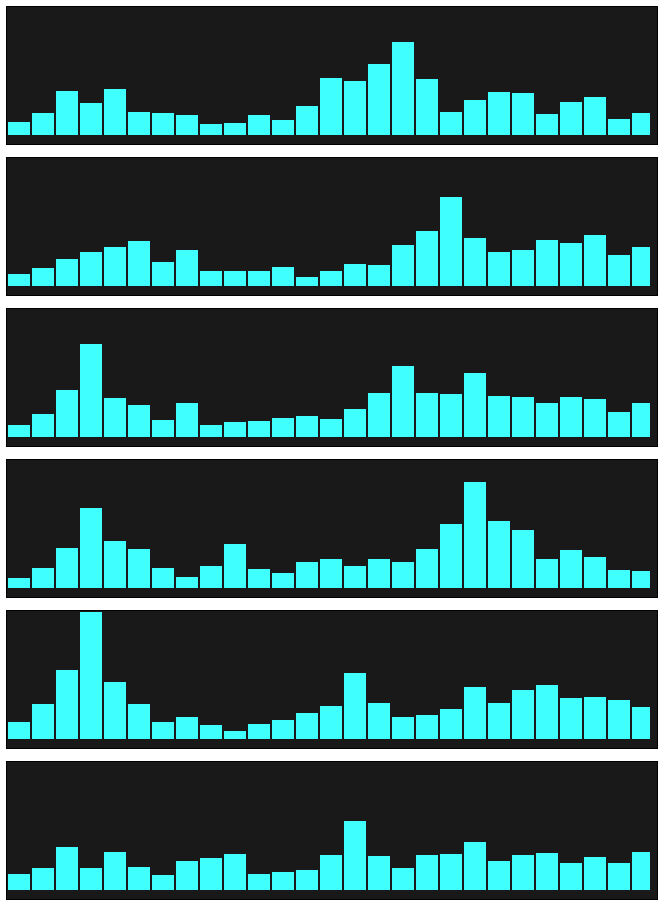
Realistic vintage Hi-Fi audio LED VU level meter, which shows relative loudness in decibels of the ambient sound, music or your voice. It features fall time selection, alternative VFD or Neon segments and calibration.
Picard Barcode Scanner helps you to tag your physical releases with MusicBrainz Picard. It allows you to scan the barcode of e.g. a CD and have the corresponding metadata from MusicBrainz automatically loaded into Picard on your desktop.
This is especially useful if you have your physical music collection already digitized and want to tag the files using the correct album.
FoobarSync is an command line driven VBscript which will synchonize parts from your foobar2000 Medialibrary and Playlists to one or more targets in a very flexible way.
Lets say you have a USB-Stick for your car entertainment system plus an Android device. Sure you want to have some music in your car and on your Android. But your car only accepts MP3 and needs a special folder-layout while your Android device plays many formats, but you want to save space and therefore want lower bitrates. And at least you want to have different albums and playlists in your car then on your Android. FoobarSync will help you to meet those demands plus more.
FoobarSync will get a subset of items from your Medialibrary AND your playlists, defined by a search-query and other rules. The selected items can be defined per target (one configuration file per target). This configuration file is stored in the root folder of the target. When synchronizing each item is checked against the defined rule sets and then a) copied to the target or b) converted to the target. If your subset (choosen items) in foobar2000 changes, these changes will get synchonized as soon as you rerun FoobarSync.