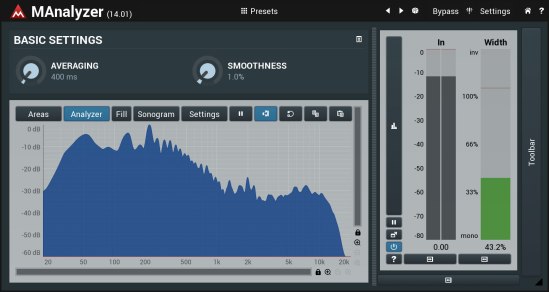
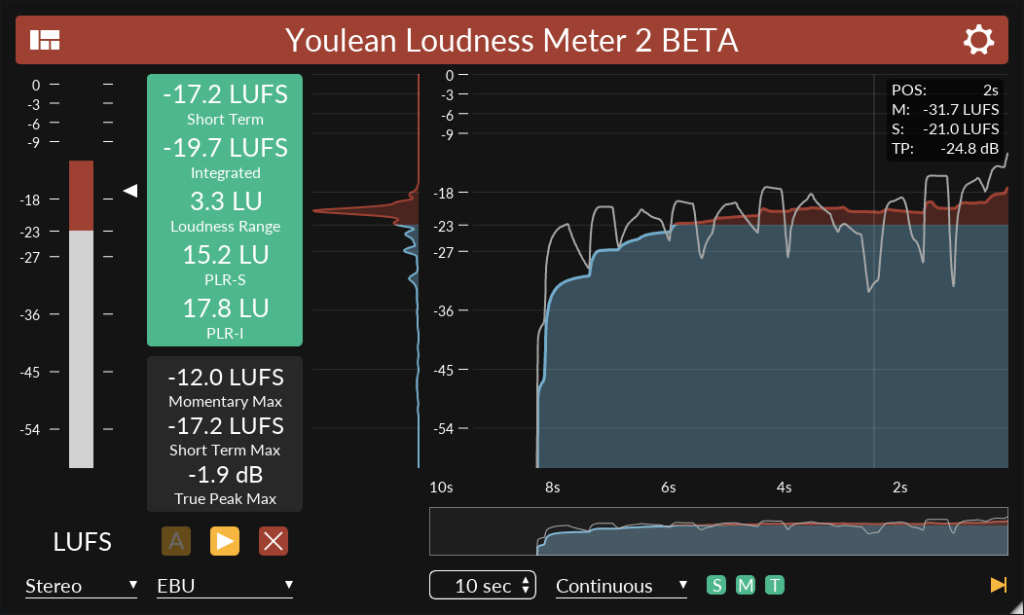
MAnalyzer is an advanced spectral analyzer and sonogram containing unique features such as smoothing, normalization, super-resolution, prefiltering and deharmonization. The included meters provide a peak meter and EBU R128 and ITU-R BS 1770-3 compliant loudness meter.
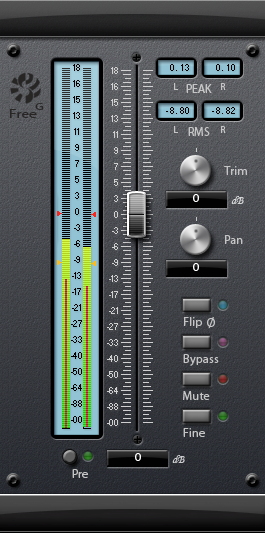
The Sonalksis FreeG is everything you need in a master fader. A simple, but absolutely indispensable plug-in, FreeG extends the functionality of a typical audio host by providing a large-format style fader, along with ultra accurate metering. FreeG helps to maximise workflow with extended, customizable metering, and multiple control features and settings.
When working with digital audio, a lack of fine metering and extended signal flow control in the host is a common issue. FreeG helps to improve workflow in the host by providing these features in the insert chain. By delivering enhanced control of amplitude, phase and pan (stereo version) in the insert chain as well as fine metering, with user configurable industry standard ballistic options, the freeG is the perfect master control.
Features:
Long-throw fader
Ultra accurate metering
Multiple metering ballistic types
Peak and RMS readouts
Pre/Post metering options
Selectable Pan-Law
‘Fine’ mode for sensitive calibration of the master fader
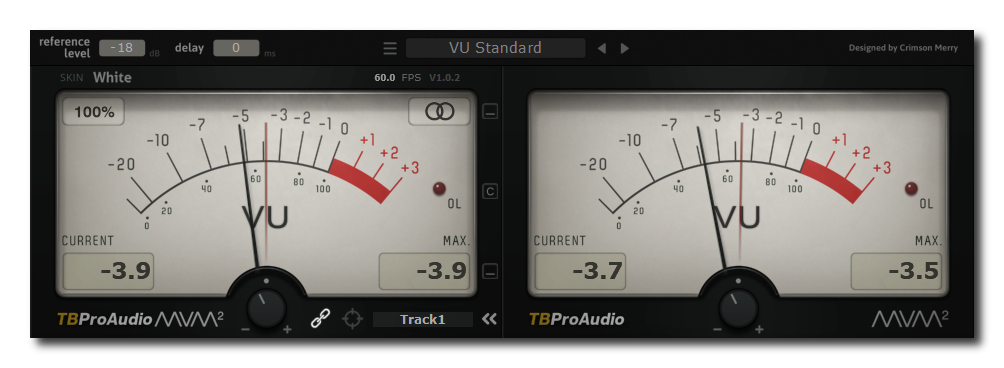
mvMeter2 is a multivariable meter including RMS, EBUR128, VU and PPM measurement. mvMeter2 is the successor of mvMeter and adds single/dual meter display, adjustable reference level for all meter modes, adjustable meter delay and preset management.
Features:
behavior of classic analog VU and PPM meters
multiple measurement modes: PEAK, RMS, EBU R128, VU and PPM
multi channel metering: stereo, left, right, mid, side
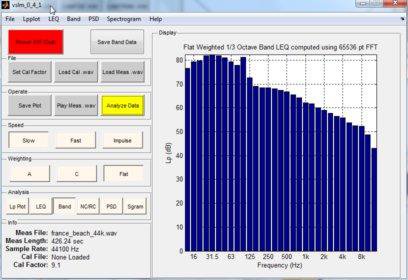
This project is the MATLAB development of a virtual sound level meter. The program will read in a calibrated .wav file and allow the user to analyze it as one would analyze a sound field with a sound level meter. The software implements Fast, Slow, Impulse and LEQ; A, C and Flat Weighting; Ln and Noise Dose analysis; Octave and 1/3 Octave band analysis; high resolution FFT analysis and spectrograms. Band analysis can be made using fast FFT methods or slower, but ANSI standard methods.
Source code requires MATLAB + Signal Processing Toolbox.
Developed under MATLAB R2010a (but might work with some earlier versions)
Executable version does not require MATLAB and runs under Windows XP, Vista, and Windows 7.
Features
MATLAB Based Software Sound Analyzer
Mimics results of an ANSI Standard Integrating Sound Level Meter
Includes Lp, LEQ, Octave and 1/3 Octave Band, NC, RC and FFT Analysis
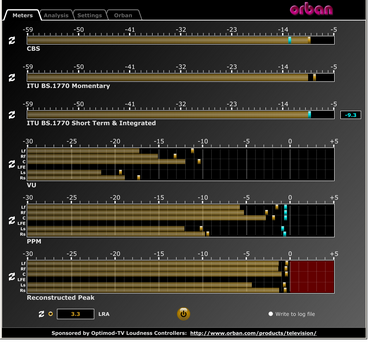
This software simultaneously displays instantaneous peaks, VU, PPM, CBS Technology Center loudness, and ITU BS.1770 loudness. All meters include peak-hold functionality that makes the peak indications of the meters easy to see.
The software accepts two-channel stereo inputs. The VU and PPM meters are split to indicate the left and right channels. The PPM meter also displays the instantaneous peak values of the L and R digital samples. ~ Hydrogen Audio
PeppyMeter is a software VU Meter written in Python. It was originally developed as the new ‘VU Meter’ screensaver for Peppy Player. With minor modifications it became a stand-alone application. PeppyMeter gets audio data from media players (e.g. mpd) via fifo and displays current volume levels in a Graphical User Interface in the form of a traditional VU Meter.
Written in Python.
Pygame library leveraged for UI purposes.
UI is available in three resolutions 800×480, 480×320 and 320×240 pixels.
The input for the program is the data from the named pipe. That signal should be provided by peppyalsa plugin.
Supplies 9 default meters out of the box.
Allows you to add your own meters.
Open-source. All source files are available on Github.
Several data sources are available for testing and tuning.
Provides four types of output: Display, Serial, I2C and PWM.
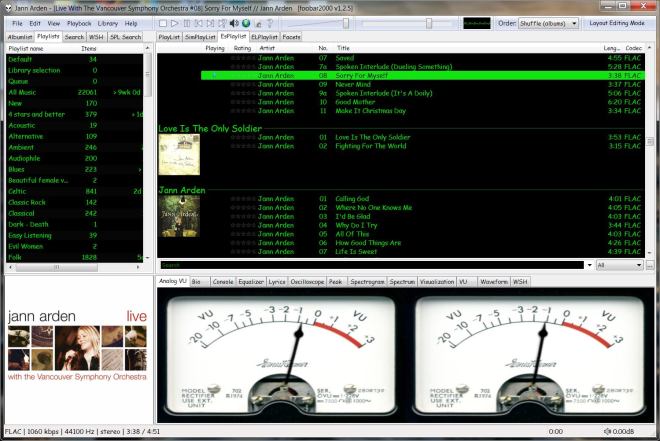
Copy any .bin skin files to the …\AppData\Roaming\foobar2000\user-components\foo_vis_vumeter folder (Shift+File>Browse configuration folder)
Select View > Layout > Enable layout editing mode
Right click the tab area in a panel and select Add New Tab
Right click the new tab and rename it “Analog VU Meter” or whatever
Right click the new display area and select Add New UI Element
Select ‘Analog VU Meter’ from the list (Playback Visualization)
Disable layout editing mode
Group Submenus:
Adding a new subfolder to the …\AppData\Roaming\foobar2000\user-components\foo_vis_vumeter folder creates a listing with that subfolder’s name in the Group submenu. ‘.bin‘ meter files in those subfolders are then accessible via the corresponding group submenu.
Parameters:
Right mouse click on the meter display:
Layout submenu / Horizontal or Vertical / Dual or Single / Mono / Lock Aspect Ratio
Select skin
Preferences > Advanced > Display > VU Meter:
VU meter sensitivity – Default left and right preamp (db): 20 and rise time(s) 0.20s










 The Audio File