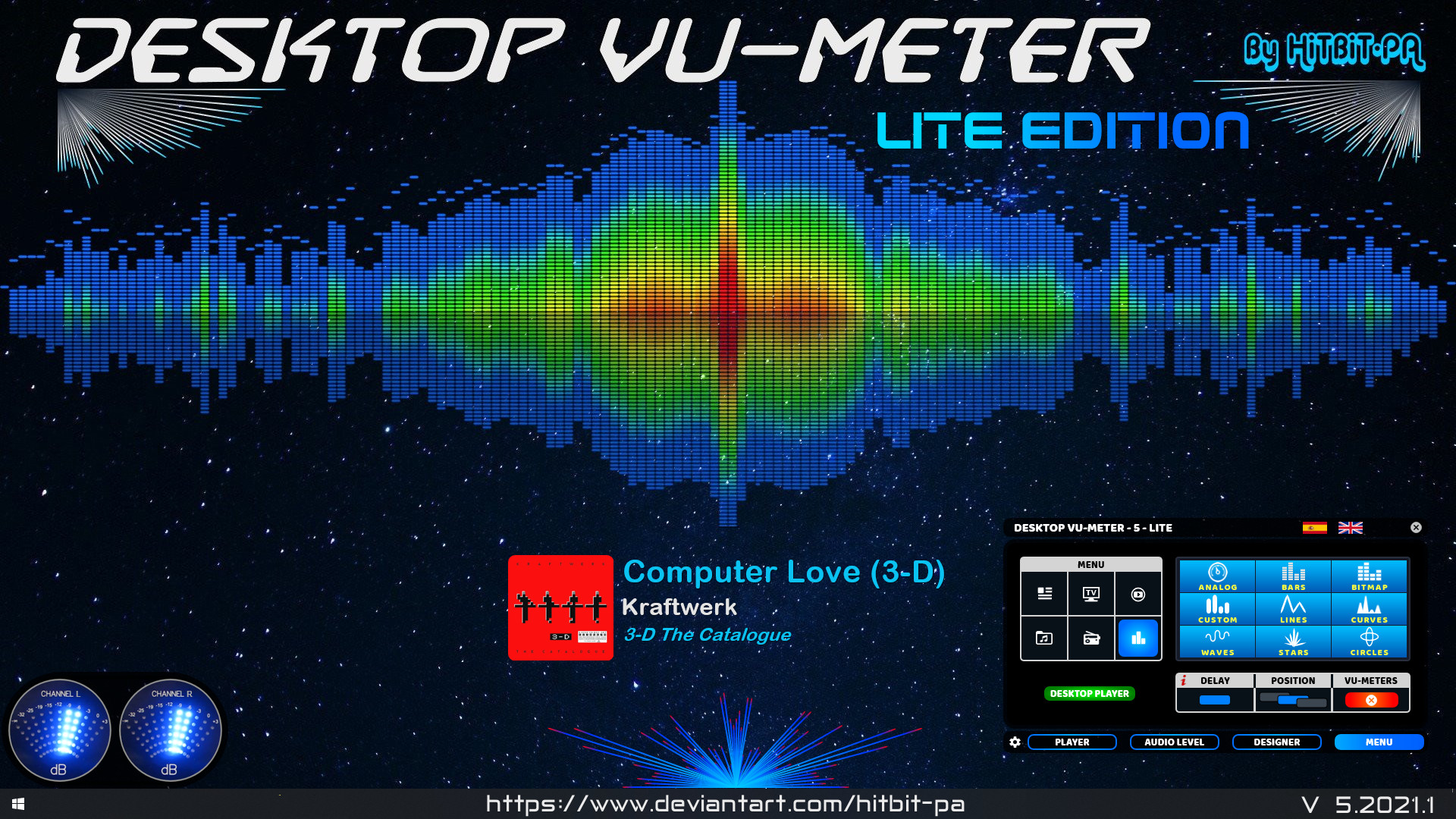
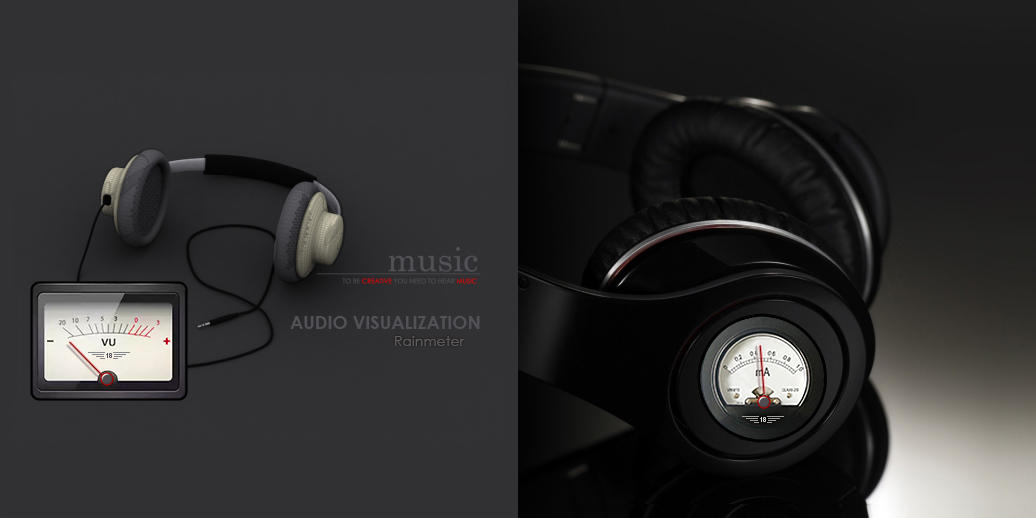
The ORIGINAL and FIRST Desktop VU-Meter for Rainmeter by HiTBiT-PA.
www.deviantart.com/hitbit-pa/art/Desktop-VU-Meter-LITE-edition

The ORIGINAL and FIRST Desktop VU-Meter for Rainmeter by HiTBiT-PA.
www.deviantart.com/hitbit-pa/art/Desktop-VU-Meter-LITE-edition

This is a first JUCE plugin, meant to offer some useful metering.
github.com/airwindows/Meter/releases

Seekbar for foobar2000, using Spider Monkey and ffmpeg or audiowaveform. It’s based on RMS or peak levels, instead of the actual waveform.
Features:
- Uses audiowaveform by default (included).
- ffprobe can be used if desired. Download it and copy ffprobe.exe into ‘helpers-external\ffprobe’.
- Visualizer mode to simply show an animation which changes according to BPM (if tag exists).
- VU Meter mode by RMS or peak levels.
- Fully configurable using the R. Click menu:
- Colors
- Waveform modes
- Analysis modes
- VU Meter
- Animations
- Multi-channel display
- Refresh rate (not recommended anything below 100 ms except on really modern CPUs)
github.com/regorxxx/Not-A-Waveform-Seekbar-SMP

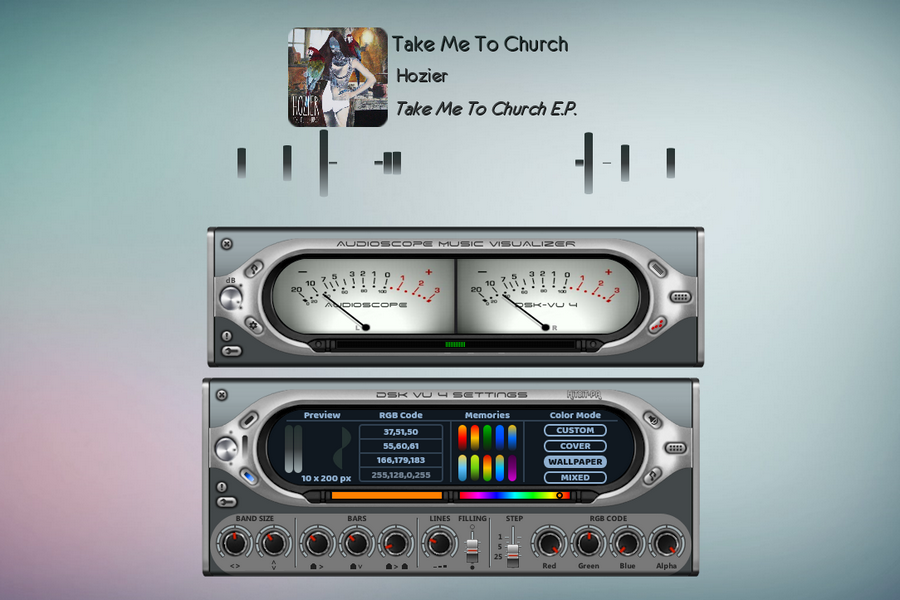
If listening to music is one of your favorite hobbies, then the Desktop VU-Meter 4 plugin could just be perfect addition to your desktop. The skin features more life-like VU meters that will give ultimate control of your audio music experience. The audioscope music visualizer features analogue and digital VU-meters, waves and lines that move in correspondence with the rhythm of the music. On the audio level settings, use the mouse wheel to modify the various values and the left button to configure load default values. You can design your own visualizer using the gradient, custom colors or extract colors from the cover or wallpaper, after which you’ll set up the player and audio device and then load the visualizers.
visualskins.com/skin/desktop-vu-meter-4
Source: ~ visualskins.com/tag/music

Display a 7.1 channel VU meter on your desktop via Rainmeter.
www.deviantart.com/hitbit-pa/art/Digital-VU-Meter-7-1-channels
www.rainmeter.net


Realistic vintage Hi-Fi audio LED VU level meter, which shows relative loudness in decibels of the ambient sound, music or your voice. It features fall time selection, alternative VFD or Neon segments and calibration.

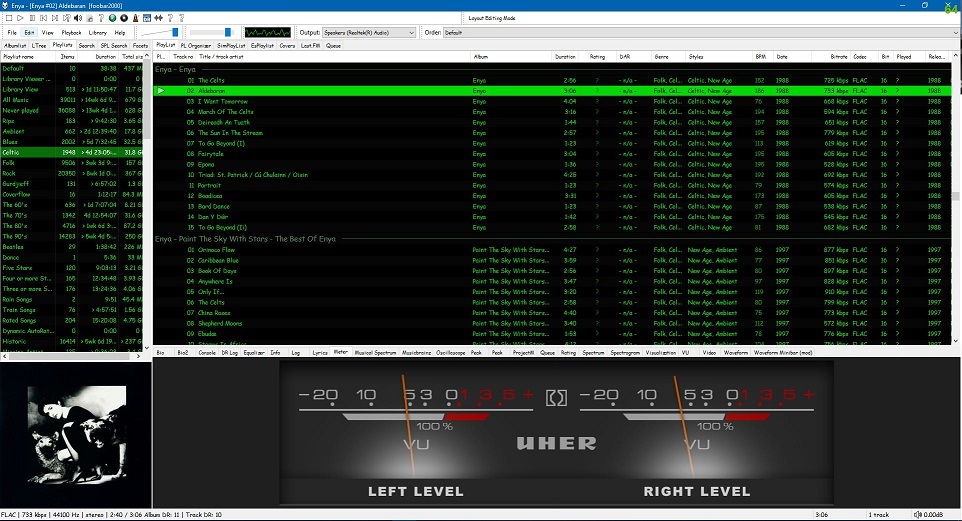
Required component: foo_vis_vumeter
Apply and then Ok to restart FoobarView > Layout > Enable layout editing modeAdd New TabAdd New UI ElementAnalog VU Meter (DirectX 12)’ from the list (Playback Visualization)Right mouse click on the meter display:
Mouse wheel (hover over meters)

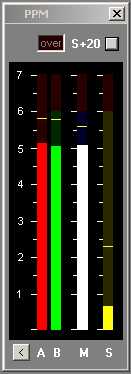
Under-reads very short peaks slightly like a traditional BBC PPM. Fallback ballistics are accurately modelled but the attack time (eg the BBC spec of 2.5dB down for a 10ms burst of 5Khz) is only approximate. Very short peaks such as 1.5ms register -4dB instead of -9dB as per spec. The fallback time from 1 to 7 is in line with BBC specifications, 2.5 to 3 seconds. You may prefer a faster fallback, especially as there are the peak markers, so the fallback time can be adjusted by means of an arbitrary value entered on the options page. A value of 2 corresponds to the BBC PPM spec. Values up to 10 speed up the decay.
Mono matrix can be set to M = (A+B) – 3dB or 6dB. Traditionally the BBC have used M3, though M6 is increasingly used. Channels can be labelled L & R or A & B. Displays Left, Right, Mono (sum) and Stereo (difference) simultaneously.
The peak markers can be set to hold the peak. Click on the window to reset.
There is also a 20dB button. This increases the gain of of the Stereo difference indication by 20dB (10 times). M, L & R are not affected.
The colour of each bar can be set to any colour from the options screen. By default all bars are green but it possible to have, for example, red and green for A and B.
For Windows XP, Vista, 7 or 8.
www.darkwooddesigns.co.uk/pc2/meters.html#Peak

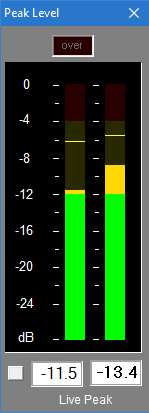
With 0.1dB resolution readout, ideal for accurate steady state measurements or for reading peaks however short.
For Windows XP, Vista, 7 or above. Requires WDM drivers, does not support ASIO.
The button to the left of the readout switches the digital readout to follow the maximum peak markers or the instantaneous ‘live’ peaks. In conjunction with the peak hold feature this enables transient peaks to be read accurately.
Zero is referenced to Full Scale Digital, although this can be modified with the calibration adjustment to provide some headroom as required.
Sample rate can be set to match recording if necessary.
Infinite peak hold setting if required, even across program restarts. Reset by double-clicking meter display.
If you need to run multiple meters monitoring more than one source there is a Multi-Channel Level Meter for up to 24 channels.
www.darkwooddesigns.co.uk/pc2/meters.html#Digital



 The Audio File