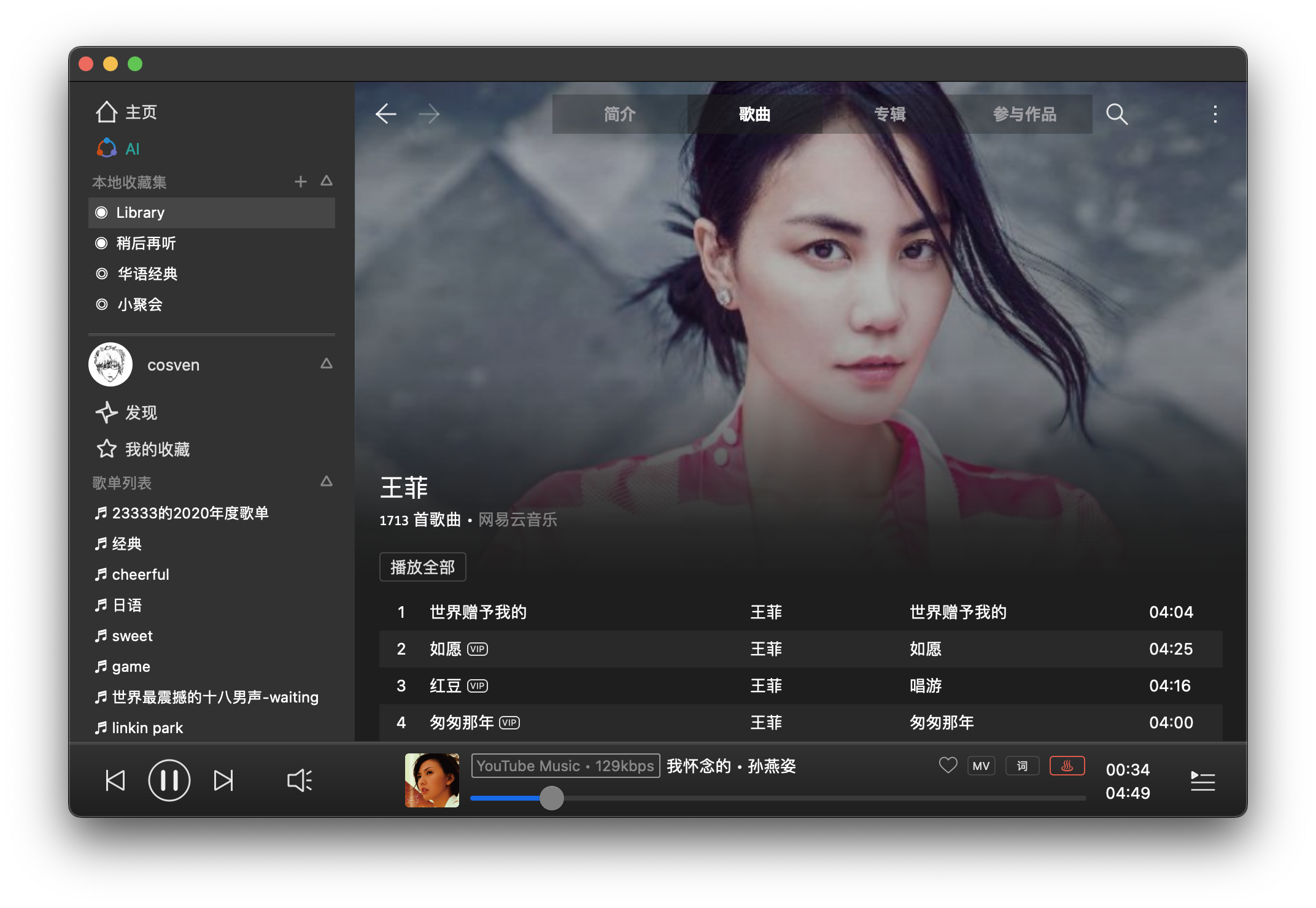
Foo Scrobbler (foo_scrobbler_mac) is a native Last.fm scrobbling plugin for foobar2000 on macOS. Submits tracks based on precise playback rules, caches scrobbles when offline, and operates silently after one-time authentication. Built using the official foobar2000 plugin API, it focuses on reliability, low overhead, and correct metadata handling. Fully open-source under GPLv3.
caudec is a command-line utility that transcodes (converts) audio files from one format (codec) to another, among other things.
It leverages multi-core CPUs and runs multiple processes concurrently (one per file and per codec, and more than one thread per codec when it supports it). The objective is to hog the CPU as much and as long as possible. One strategy is to sort input files by size, so that the largest files potentially get more threads towards the end of the job.
Supported output formats / codecs: all of the above, as well as LossyWAV / LossyFLAC, MP3, AAC (.m4a), Ogg Vorbis, Opus.
Supported platforms: macOS, Linux.
Transcoding to several different codecs at once is possible. In that case, decoding of input files is done only once.
Metadata is preserved (as much as possible) from one codec to another.
Artwork can be embedded into each file, and / or copied to the output directory. It can be done selectively (e.g. embed and / or copy one image for lossless files, and another image for lossy files).
Audio can be resampled (e.g. 48kHz to 44.1kHz) and downmixed (e.g. 6 channels to stereo). A profile can be provided to set a maximum value for the number of channels, bit depth and sampling rate. When a profile is provided, the source will only be altered after decoding and before encoding, if some metric of the source is above the given profile.
Multiprocess ReplayGain scanner for FLAC, WavPack, MP3, Ogg Vorbis, Opus.
Ability to hard link lossy files to a different directory when encoding to WavPack Hybrid. The point is to have two libraries that takes the storage of just one, with a lossy collection that has its own root directory and that’s easy to drag and drop to a device such as a smartphone or a Digital Audio Player (DAP).
Ability to touch files and album directories using metadata to reflect the music’s release date and duration (see example below).
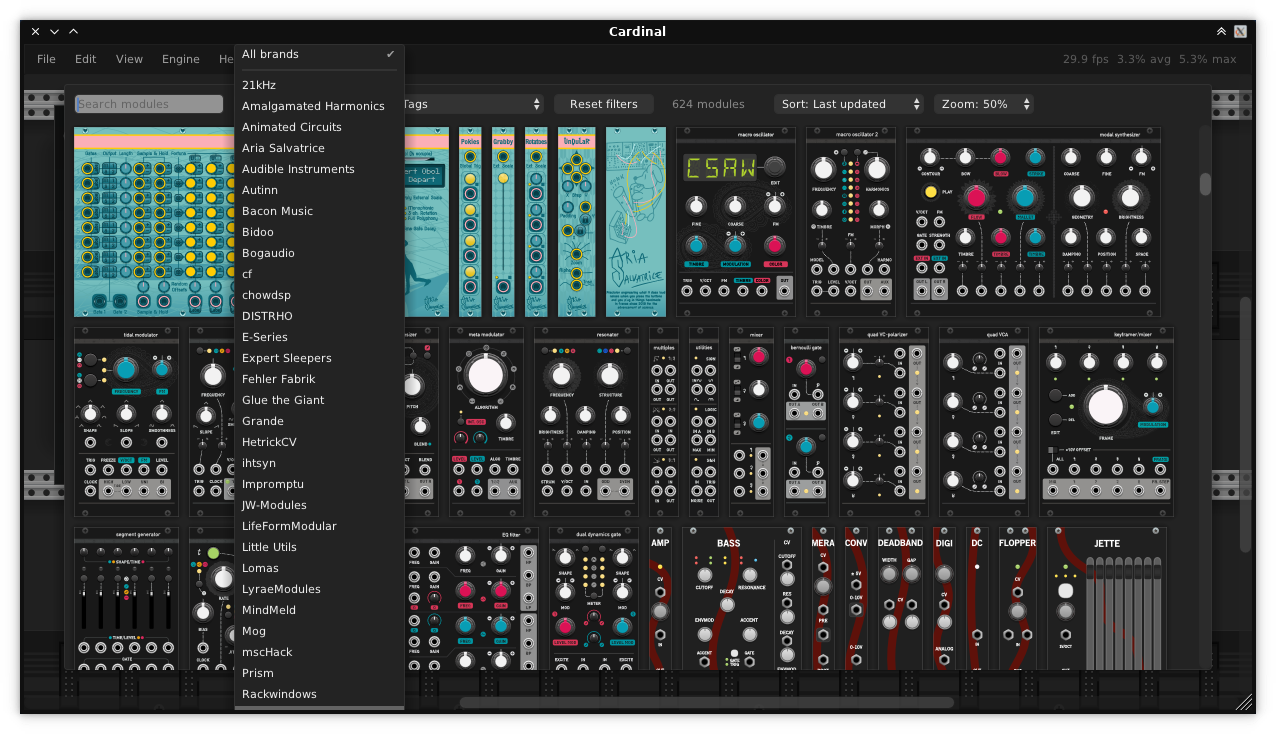
A fully free and self-contained modular synthesizer based on the popular VCV Rack. Available in AudioUnit/CLAP/LV2/VST2/VST3 plugin formats and as a standalone app for FreeBSD, Linux, macOS, Windows and the Web.
RTL Utility is a tool for measuring the Round Trip Latency of your Digital Audio Workstation (DAW) and audio interface. The utility is used for low latency performance testing by system builders, reviewers, device manufacturers and at dawbench.com.
When your DAW sends data to your audio interface for playback, it doesn’t send a continuous stream of data one bit at a time. What it does is fill up a section of RAM called a buffer and sends that in a single message when it is ready. Before sending the next message it has to fill the buffer again. This wait time introduces a latency, or delay, between something happening in your DAW and when you actually hear it.
While you are recording, the audio interface buffers and sends data to your DAW in a similar fashion. This introduces latency into your recordings.
If you send a signal from your DAW, out through the audio interface and back in via a loopback patch, then there will be a round trip latency which is the sum of the output and input delays. This is the RTL.
This application uses state-of-the-art source separation models to remove vocals from audio files. UVR’s core developers trained all of the models provided in this package (except for the Demucs v3 and v4 4-stem models).
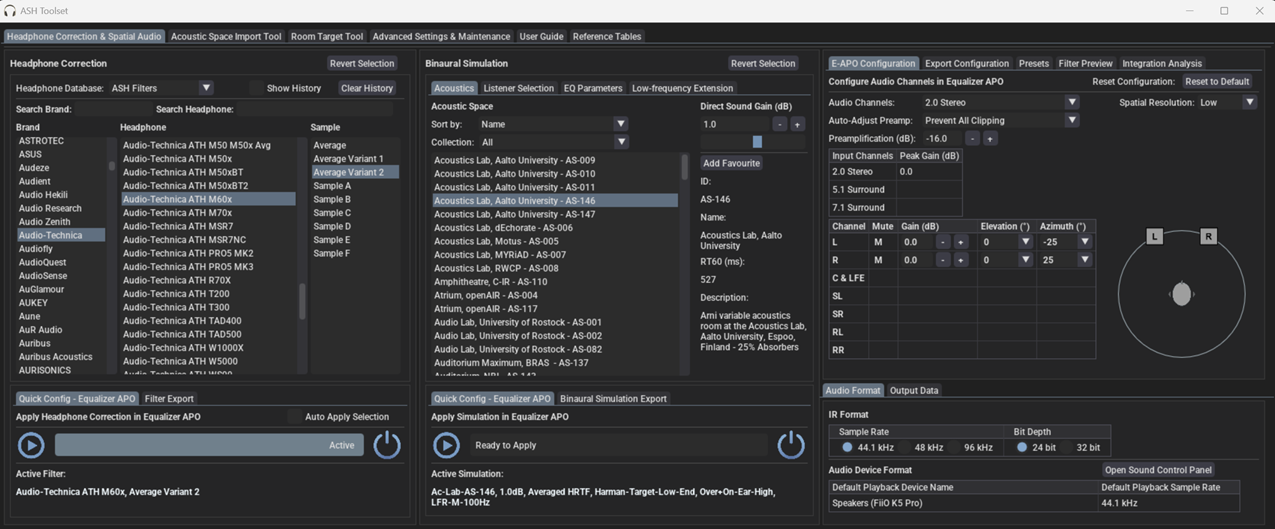
A tool to create audio processing pipelines for applications such as active crossovers or room correction. It is written in Rust to benefit from the safety and elegant handling of threading that this language provides. Supported platforms: Linux, macOS, Windows.
Audio data is captured from a capture device and sent to a playback device. Alsa, PulseAudio, Jack, Wasapi and CoreAudio are currently supported for both capture and playback.
The processing pipeline consists of any number of filters and mixers. Mixers are used to route audio between channels and to change the number of channels in the stream. Filters can be both IIR and FIR. IIR filters are implemented as biquads, while FIR use convolution via FFT/IFFT. A filter can be applied to any number of channels. All processing is done in chunks of a fixed number of samples. A small number of samples gives a small in-out latency while a larger number is required for long FIR filters. The full configuration is given in a YAML file.
Navidrome is a piece of software that allows you to listen to your own digital music in the same way you would with services like Spotify, Apple Music and others. It also allows you to easily share your music and playlists with your friends and family
How it works?
After a simple installation, Navidrome indexes all digital music stored in your hard drive and makes it available through a nice web player and also by using any Subsonic-API compatible mobile client. Your music becomes searchable and you can create playlists, rate and “favourite” your loved tracks, albums and artists
Full support on macOS, Windows, Linux, Google Colab, and Ubuntu Dockerfile
DawDreamer’s foundation is JUCE, with a user-friendly Python interface thanks to pybind11. DawDreamer evolved from an earlier VSTi audio “renderer”, RenderMan.
LosslessSwitcher switches your current audio device’s sample rate to match the currently playing lossless song on your Apple Music app, automatically.
Let’s say if the next song that you are playing, is a Hi-Res Lossless track with a sample rate of 192kHz, LosslessSwitcher will switch your device to that sample rate as soon as possible.
The opposite happens, when the next track happens to have a lower sample rate.
BallroomDJ 4 is a complete rewrite of BallroomDJ. BallroomDJ 4 is a ballroom music player (but can be used for other purposes). It is designed with the goal of being able to play music the entire evening without intervention.
Features:
Uses your music collection from your hard drive
No limitations on the number of audio files
Manual, sequenced and automatic playlists.
Flexible: adjust the music queue or the playlist queue while playing
Flexible: almost everything can be configured
Edit song data. Optionally write the audio file tags