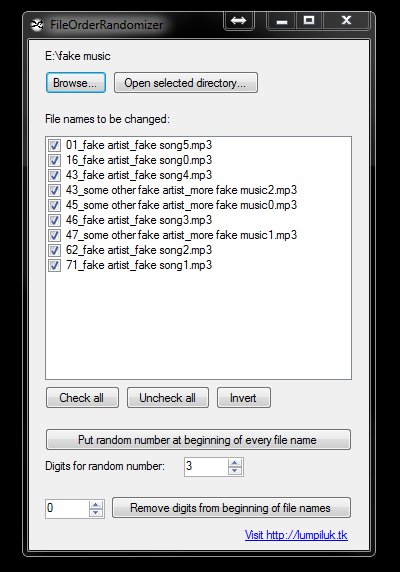
AudiQ ~ Format mp3 File Names & Tags


All the mp3 files of the music albums that you can download have different name formats or the information tags are empty. AudiQ is a very easy to use application that allows you to format the mp3 file names the way you decide. This application also fills the ID3 tags with the information of each song from the filename. Normalize your audio library.
https://sourceforge.net/projects/audiq/

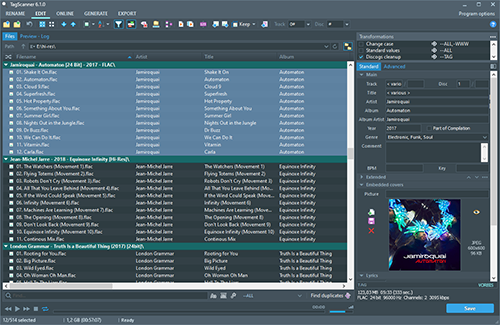
Tagscanner ~ Tag Editor & Utility


TagScanner is a powerful tool for organizing and managing your music collection. It can edit tags of most modern audio formats, supports ID3v1/v2, Vorbis comments, APEv2, WMA and MP4(iTunes) tags. You can rename files according to information from the tags, import tag information from filenames or other sources, perform any text replacement and transformations in tags and filenames. Also you may get album info and download covers via online databases like freedb, Discogs or MusicBrainz. You can create playlists in one click and export your collection to HTML, Excel or any user-defined format. Program has easy-to-use multilingual interface and built-in audio player.
Features:

  • Rename files based on the tag and file information
  • Powerful multiple files tag editor
  • Import album information and covers from online databases like Discogs or MusicBrainz
  • Generate tag information from file/foldernames
  • Tag fields formatting and rearrangement
  • Words replacement and case conversion from tags and filenames
  • Supports MP3, OGG, FLAC, WMA, MPEG-4, Opus, Musepack, Monkey’s Audio, AAC, OptimFROG, SPEEX, WavPack, TrueAudio, WAV, AIFF, Direct Stream Digital files
  • Supports ID3 1.0/1.1/2.2/2.3/2.4 tags, APE v1 and v2 tags, Vorbis Comments, WMA tags and MP4(iTunes) metadata
  • Supports for embedded lyrics and cover art
  • Resize cover art for portable devices on the fly
  • TAGs versions conversions
  • Quick playlists creation
  • Export information to HTML, XML CSV or any user-defined format
  • Full support for Unicode
  • Multi-language interface
  • Built-in audio player
tagscanner

www.xdlab.ru

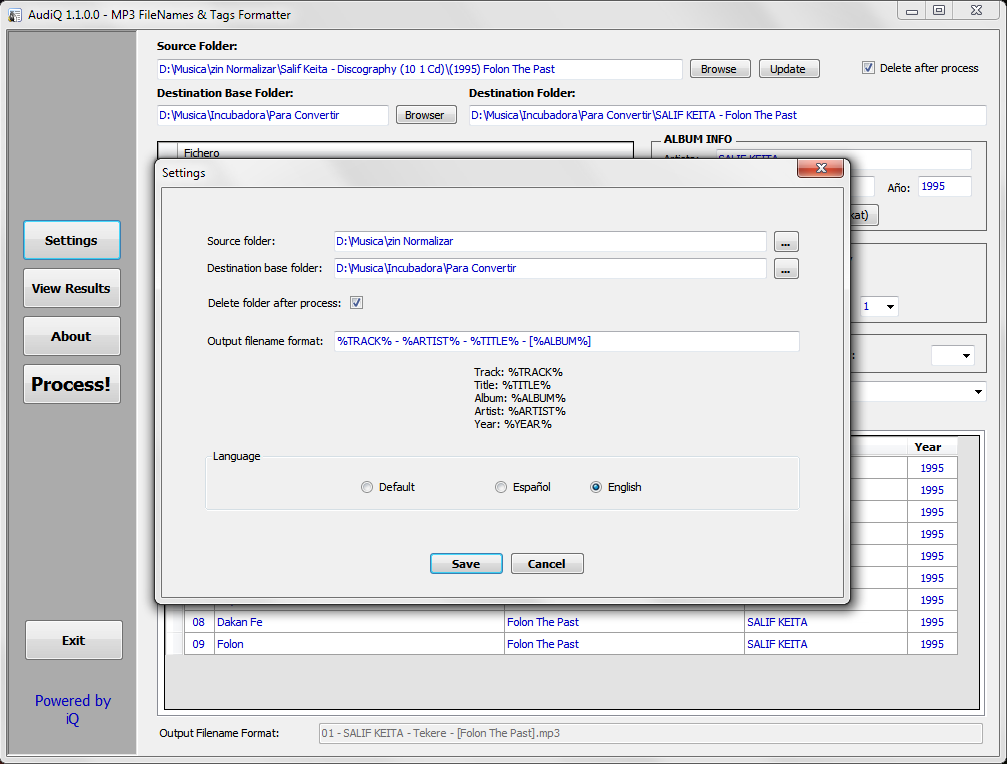
File Order Randomizer ~ For Cheap Music Players


If, like me, you have a car radio or a clock radio which cannot play tracks in random order from your usb stick itself, this application might be useful for you.

It generates random numbers and puts them in front of every file in a specified folder. So all you’ve got to do when you want a new play order for your music tracks is run this application.

FOR

sourceforge.net/projects/filerandomizer
github.com/depuits/RandomFileOrder – Updated Fork

AudioShell ~ ID3 Tag Editor & Windows Shell Extension


AudioShell adds an ID3 tag editor and files rename tools into Windows system music files pop-up menu. AudioShell property shell handler adds detailed music tags information into Windows Explorer columns and Preview pane, thumbnail handler adds thumbnails with album art into Explorer. Full Unicode and 64 bit support.

www.softpointer.com/AudioShell