Audio DiffMaker is a freeware tool set intended to help determine the absolute difference between two audio recordings, while neglecting differences due to level difference, time synchronization, or simple linear frequency responses.
The difference recording that results is only what has changed between the two recordings. If anything – a change of component, a treatment, mechanical damping, etc. – is having any audible effect on the audio signal in a system, the difference recording will have audible content. The end result is primarily intended to be evaluated by ear.
Presented at the 125th AES convention. “Detecting Changes in Audio Signals by Digital Differencing“
Axone.jar is a utility allowing you to view all the information available in an MP3 file. This is not to be misunderstood: all the possible information. In the tag version 2 (ID3V2), the information is subdivided into frames and there are many more frames declared than frames actually displayed by MP3 players. Well Axone.jar knows how to display them all, without exceptions and whatever the version!
Very classic frames such as title, album, artist, year, genre, track and comment.
Other frames displayed by only some MP3 players.
the image(s).
the composer.
the text of the song.
volume control (itunes)
The frames that are hidden from you (not necessarily with bad intentions).
Undeclared frames, not understood and therefore clearly hidden from all MP3 players.
The other frames usually not used.
Other data
The Lyrics and TAG+ tags, which are completely obsolete, may remain forgotten in certain files. If they are present, Axone.jar displays them.
When the software reads an MP3 file to display the current tag, it does a summary check of the audio data. It gives you the classic information on bitrate, sampling frequency, duration, etc.; but also if it finds excess or erroneous data. Excess data can be a sign of corrupted audio data, or of data intentionally hidden if the file was purchased on a merchant site (or if you did P2P). At this level, it is important to understand that the audio decoder is robust in the sense that data that is incomprehensible to it is simply skipped. It is therefore very easy to hide data between audio data, without risking disturbing MP3 players.
This application can be used to find artifacts in audio files generated by signal processors. It analyses the signal variance across the audio duration, then generates a graph of the results.
The following types of audio can analysed: * Music * Sine Tones * Noise (White, Pink, etc)
If the audio recording is split across multiple files, they can be loaded into this application collectively and will be treated as a single stream. Multiple batches can also be loaded, in order to process multiple recordings in one continuous operation. The scanners can only process audio files up to 2.5GB, but the file splitter function can be used to break up large files into smaller ones.
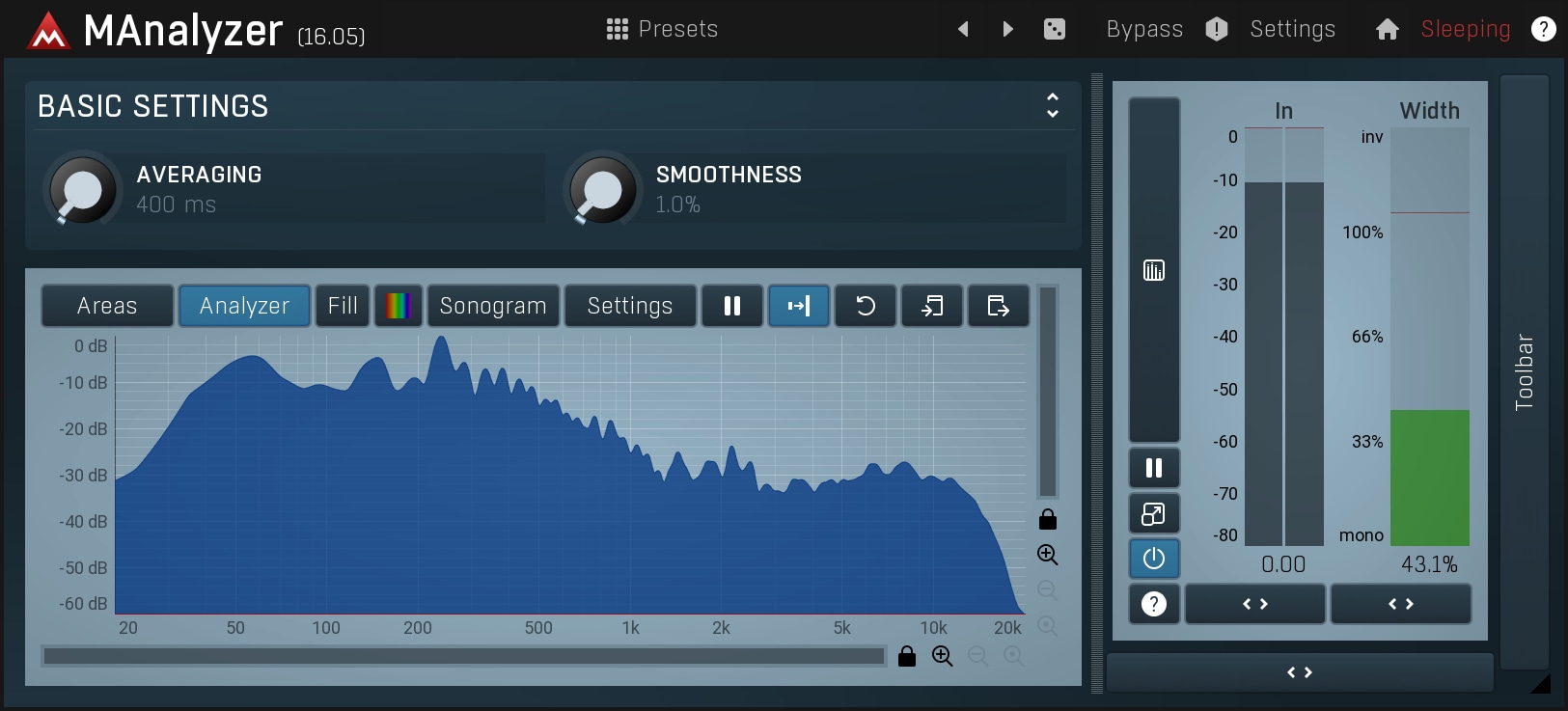
MAnalyzer is an advanced spectral analyzer and sonogram plugin containing unique features such as smoothing, normalization, super-resolution, prefiltering and deharmonization. The included meters provide a peak meter and EBU R128 and ITU-R BS 1770-3 compliant loudness meter.
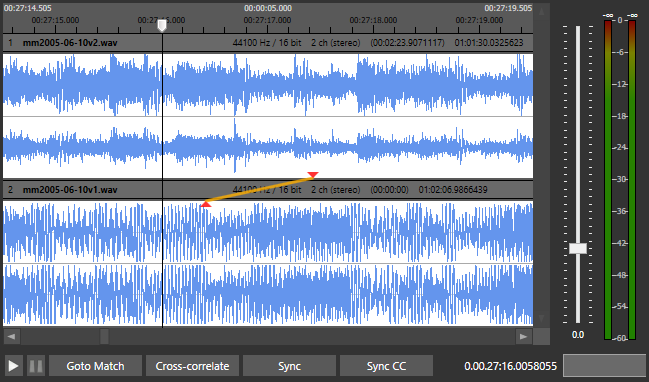
AudioAlign is a research tool to investigate automatic synchronization of audio and video recordings that have either been recorded in parallel at the same event or contain the same aural information. It is designed as a GUI for the Aurio library.
MusicIP is much more than a conventional Playlist Generator. MusicIP is a clever piece of software written in the 2000s that analyses and fingerprints your local music library to try to understand the makeup of each music track. So instead of endlessly scrolling through your library, trying to find something to listen to, you can simply select a track (the seed track) then based on MusicIPs understanding of your library, generate a playlist of tracks that blend together. This is far more than a genre based mix, as it will select tracks that are similar in composition.
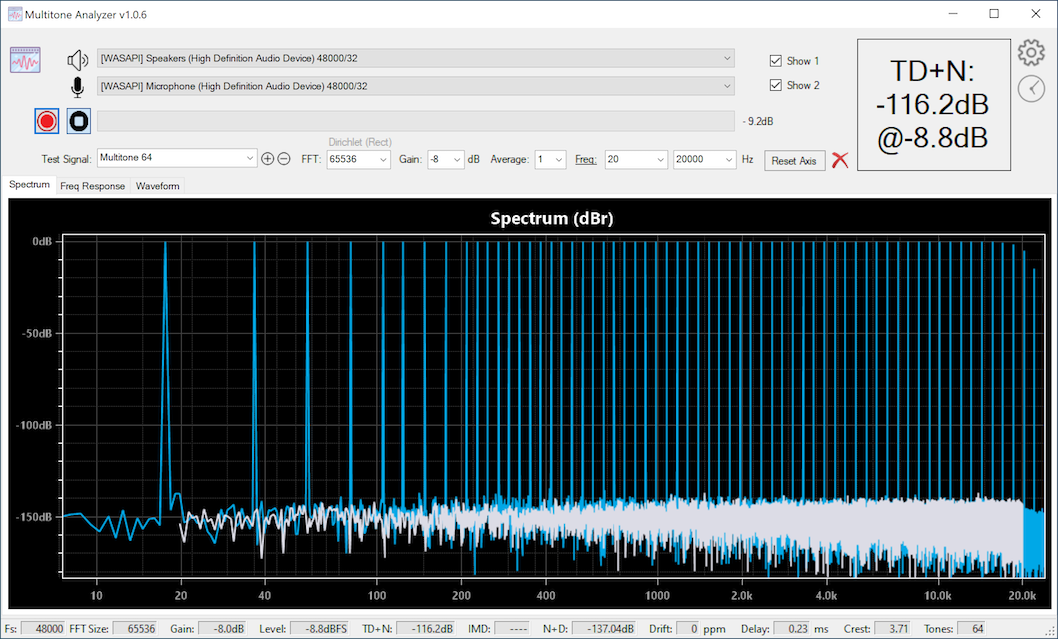
Multitone Analyzer is an app designed to explore audio electronics performance by producing quick measurements using a simple loop-back configuration. MA produces a specific set of test tones that are sent to a digital-to-analog converter (DAC) that are then passed through one or more analog components and then received by MA and analyzed. MA both, plays the signals and records them for analysis. DAC and ADC are required for this to work.
Measurements that MA can produce: TD+N, IMD, N+D, delay, clock drift, frequency response, etc.
Audio support for WASAPI, ASIO, and Direct Audio devices with sampling rates of up to 384kHz/32 bits
Test signals: arbitrarily large multi-tone signal, simple sine waves, two-tone IMD test signals, 3-tone IMD test signals, square wave, triangle wave
FFT sizes of up to 1M
For distortion measurements a range of frequencies to measure can be selected
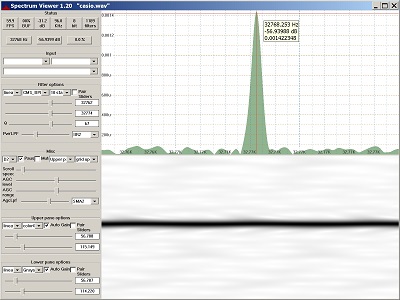
Display of audio spectrum from PC input or wave file.
Reads audio from Windows audio interface or wave file and creates a continuous spectrum display. Command line support for generating sine, square, triangle and sawtooth wave files. Uses biquad IIR digital filters for frequency detection, plus digital lowpass filters for smoothing. Highly configurable. 60+ FPS with suitable hardware. Manual or automatic gain control.
Features:
Continuous display update
Single function, easy to learn
Zoom in on small frequency or dB range
Resizable main window and repartitionable panes
Crosshair cursor when Ctrl is pressed
Single, stand-alone exe file, no install/uninstall
Builds with Visual Studio 2019 or 2022
Bit-perfect sine wave generation for all sample sizes
SuperCollider is a platform for audio synthesis and algorithmic composition, used by musicians, artists, and researchers working with sound. It consists of:
scsynth, a real-time audio server with hundreds of unit generators (“UGens”) for audio analysis, synthesis, and processing
supernova, an alternative server to scsynth with support for parallel DSP on multi-core processors
sclang, an interpreted programming language that controls the servers
scide, an editing environment for sclang with an integrated help system
sclang comes with its own package manager, called Quarks. scsynth and supernova both support third-party plugins via C and C++ APIs.









 The Audio File