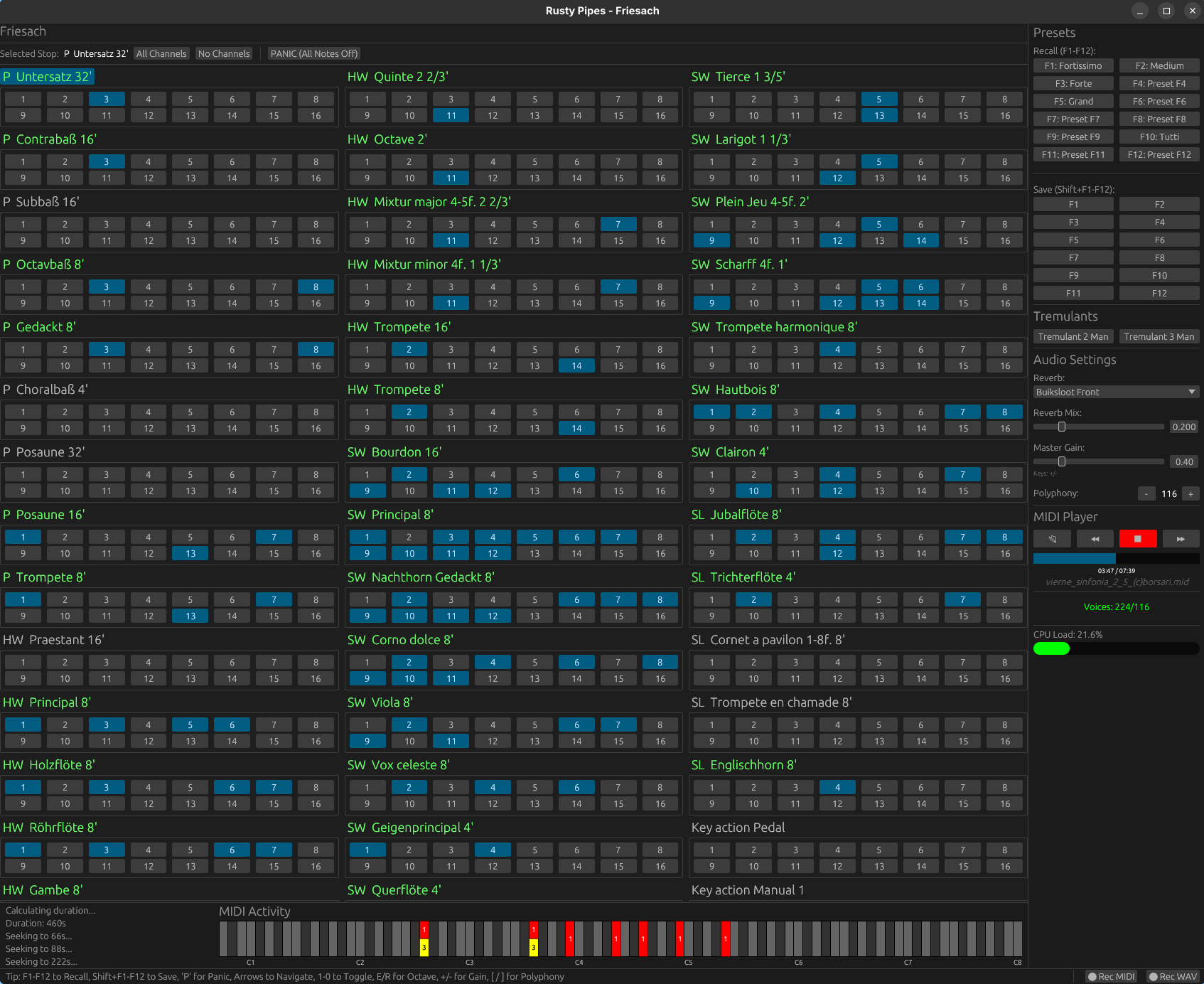
Rusty Pipes is a digital organ instrument compatible with GrandOrgue sample sets. It features both graphical and text-based user interface, can be controlled via MIDI and play back MIDI files. Rusty Pipes can stream samples from disk instead of load them into RAM, though a RAM precache mode similar to GrandOrgue and Hauptwerk is available too.
HydrogenAudio presents the definitive resource for testing sample rate conversion applications. Each Sample Rate Converter (SRC) is examined against multiple revealing tests, generating an overall quality ranking. A quality ranking needs careful consideration, these tests are formulated to test modern SRC routines, as such they are very sensitive way in excess of the 24 bit (-144dB) audible range. A SRC scoring 60% could very well have inaudible defects if converted to 24 bit, so why the need for high precision testing? An example might be in the studio, audio is processed in many ways, having a clean SRC converter allows further processing steps, including amplification, without fear of audible distortion. The best SRC have distortion down below -300 dBFS, giving plenty of head room for future processing and mixing of different sources.
This project is for a DirectSound DLL replacement. It implements the DirectSound interfaces by translating the calls to OpenAL, and fools applications into thinking there is a hardware accelerated sound device. EAX is also implemented (up to version 4) by using OpenAL’s EAX extension, allowing for environmental reverb with sound obstruction and occlusion effects.
Effectively, this allows DirectSound applications to enable their DirectSound3D acceleration path, and turn on EAX. The actual processing is being done by OpenAL with no hardware acceleration requirement, allowing it to work on systems where audio acceleration is not otherwise available.
Or more succinctly: it enables DirectSound3D surround sound and EAX for systems without the requisite hardware.
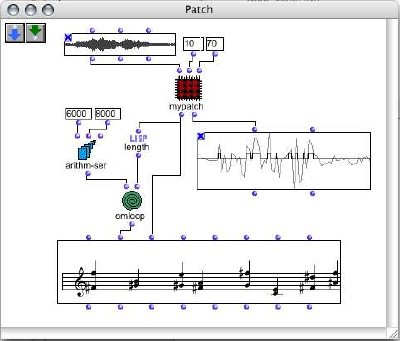
OpenMusic (OM) is a visual programming language based on Common Lisp. Visual programs are created by assembling and connecting icons representing functions and data structures. Most programming and operations are performed by dragging an icon from a particular place and dropping it to an other place. Built-in visual control structures (e.g. loops) are provided, that interface with Lisp ones. Existing CommonLisp/CLOS code can easily be used in OM, and new code can be developed in a visual way.
OM may be used as a general purpose functional/object/visual programming language. At a more specialized level, a set of provided classes and libraries make it a very convenient environment for music composition. Above the OpenMusic kernel, live the OpenMusic Projects. A project is a specialized set of classes and methods written in Lisp, accessible and visualisable in the OM environment. Various classes implementing musical data / behaviour are provided. They are associated with graphical editors and may be extended by the user to meet specific needs. Different representations of a musical process are handled, among which common notation, midi piano-roll, sound signal. High level in-time organisation of the music material is proposed through the concept of “maquette”.
OM-SoX is a library for multichannel audio manipulation and functional batch processing for OpenMusic, a visual programming environment based on CommonLisp / CLOS.
Partiels is an audio analysis application that allows you to explore the content and characteristics of sounds.
Features:
Partiels allows analysis of one or several audio files using Vamp plug-insloading data files, visualizing, editing, organizing, and exporting the results as images or text files that can be used in other applications such as Max, Pure Data, Open Music, etc.
Windows, Mac & Linux support
Multiformat support
Multichannel support
Multiaudiofile support
Analyzing audio with Vamp plug-ins
Visualizing results as spectrogram, lines, and markers
Loading results from CSV, LAB, JSON, CUE & SDIF formats
Batch processing
Command line interface to analyze, export, and convert results
Consolidating documents for sharing
Alongside Partiels, a wide range of analyses based on audio engines developed at IRCAM and outside are ported to Vamp plug-ins. These plug-ins allow you to perform FFT, LPC, transient, fundamental, formant, tempo, TTS and many other analyses. You can also find a large number of analysis plug-ins on the Vamp plug-ins website.
Sequencer64 is a live MIDI looper with a song-creation layout window. Sequencer64 is a reboot of seq24, extending it greatly over the last six years. The heart of seq24 remains intact. It is an old friend with a whole lot of added equipment. It has an extensive manual and Windows installers. Sequencer64 has build options for ALSA, PortMidi, JACK, Gtkmm 2.4, Qt 5, Windows, and a command-line/daemon.
This is a web version of the Roland TR-909 drum-machine with painfully hand-made generated html, svg & css and a proper web-audio-api sound engine. It emulates the exact same cumbersome user experience of the original machine.
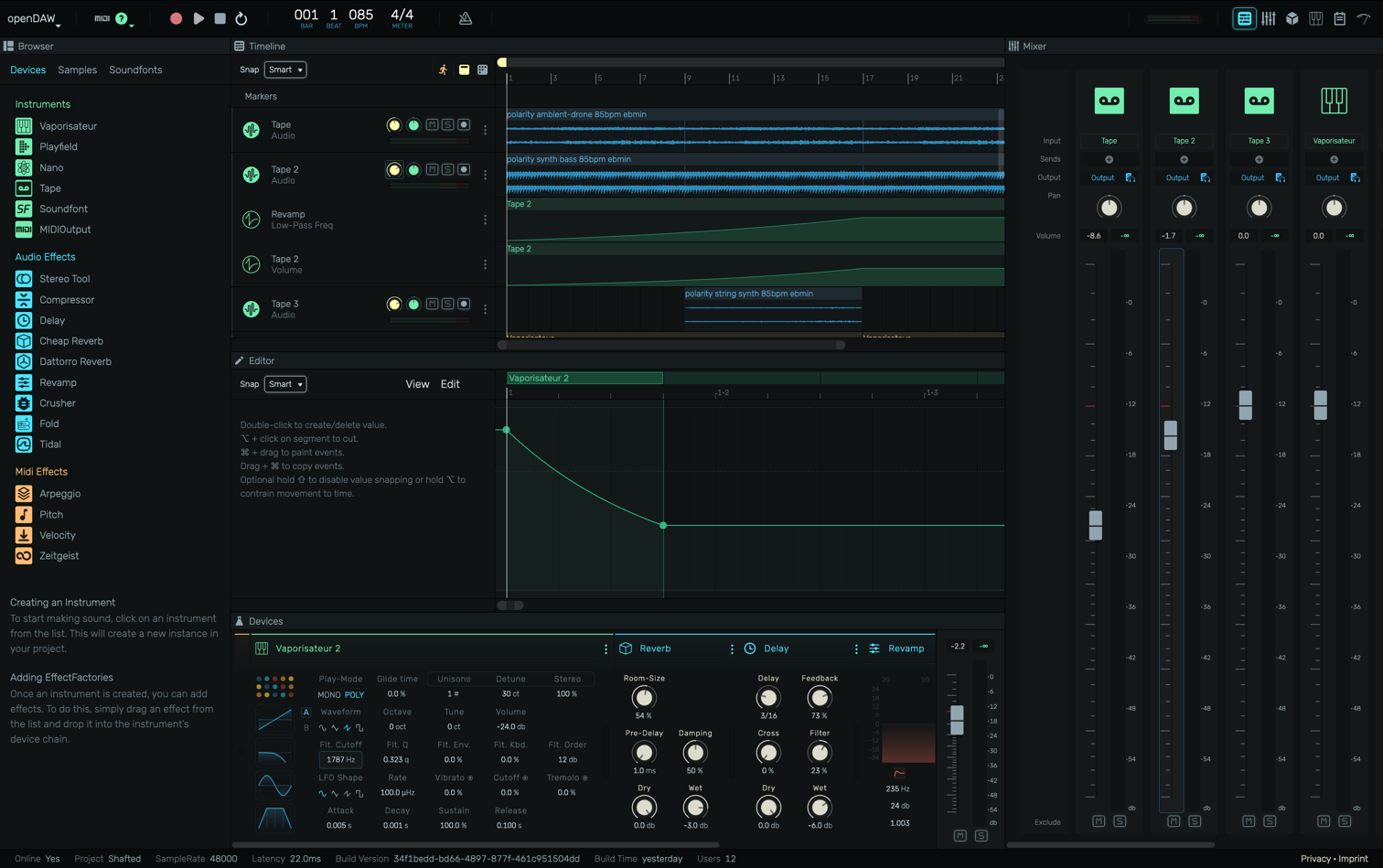
openDAW is a next-generation web-based Digital Audio Workstation designed to democratize music production by making professional creation tools accessible to everyone. Built entirely in TypeScript with Web Audio API, it runs in your browser with no required login and no vendor lock-in. Open-source under AGPL-3 and designed with education at its core.
CPU/GPU Converter from eBooks to audiobooks with chapters and metadata using XTTSv2, Bark, Vits, Fairseq, YourTTS, Tacotron2 and more. Supports voice cloning and 1158 languages!







 The Audio File