FRKB is a cross-platform desktop application designed for audio professionals (such as DJs). The current beta version is compatible with Windows and will be adapted for macOS once stable. It is still under active development.
Core Features:
Portable: Easily transfer the database to mobile devices for on-the-go use.
Audio Fingerprint Deduplication: Identify and exclude duplicate tracks using audio fingerprint technology, providing prompts during import to keep your music collection clean and efficient.
Ergonomic Shortcuts: Ergonomically designed shortcuts that allow most operations to be performed with the left hand, making the organization process smoother and more efficient.
Direct File Management: When adding tracks, FRKB directly manages the audio files themselves, ensuring that the organization results are immediately reflected in the computer’s folders, achieving a “what you see is what you get” effect.
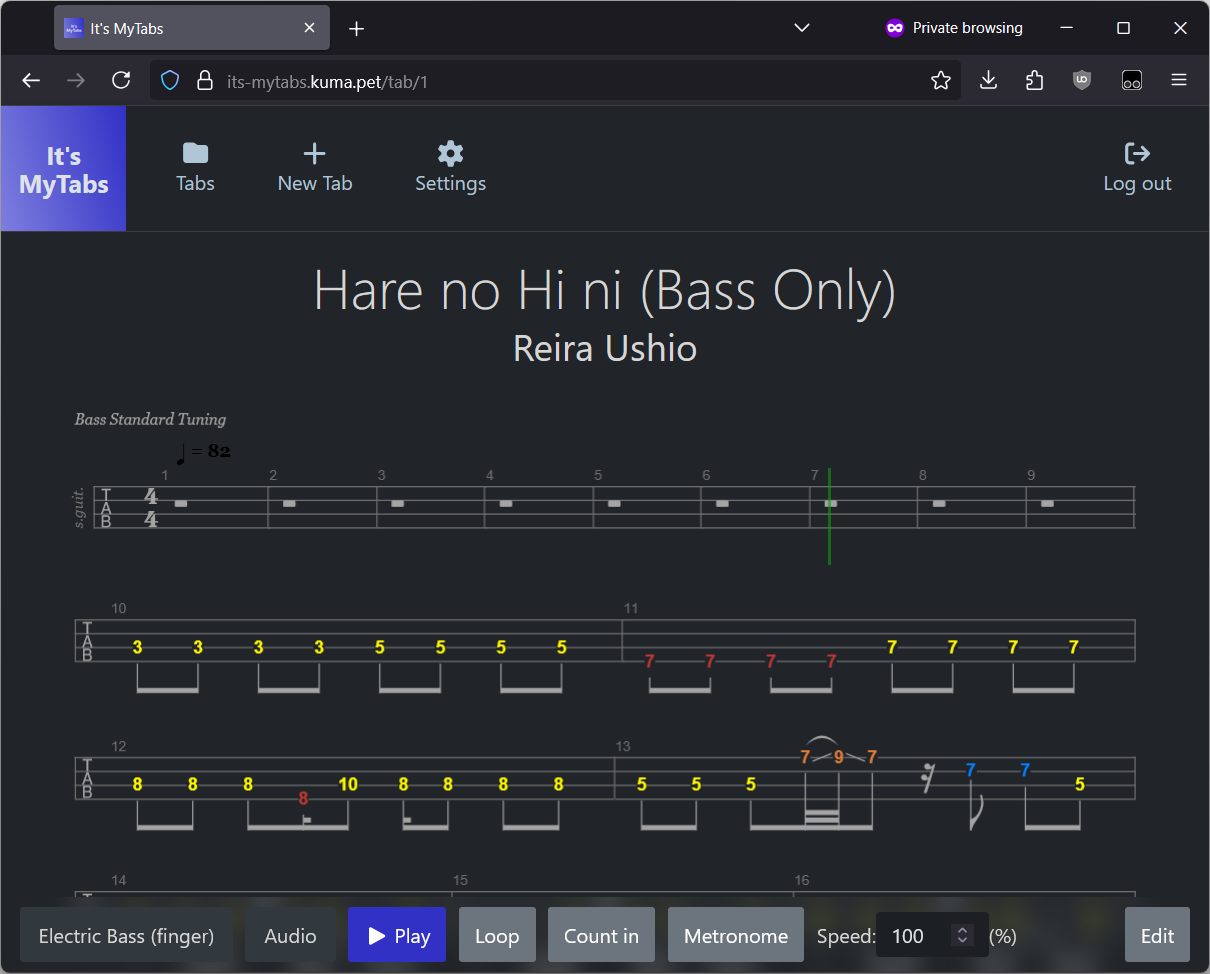
Power Tab Editor 2.0 – A powerful cross platform guitar tablature viewer and editor inspired by the ceased development and missing source code from the original Power Tab Editor. This project is open-source and written from scratch so that your favorite tabbing platform can continuously grow with your needs.
Key Features:
Cross platform – Windows, Mac, & Linux
Tabbed layout for opening multiple files at the same time
Mixer interface for adjusting volumes during playback
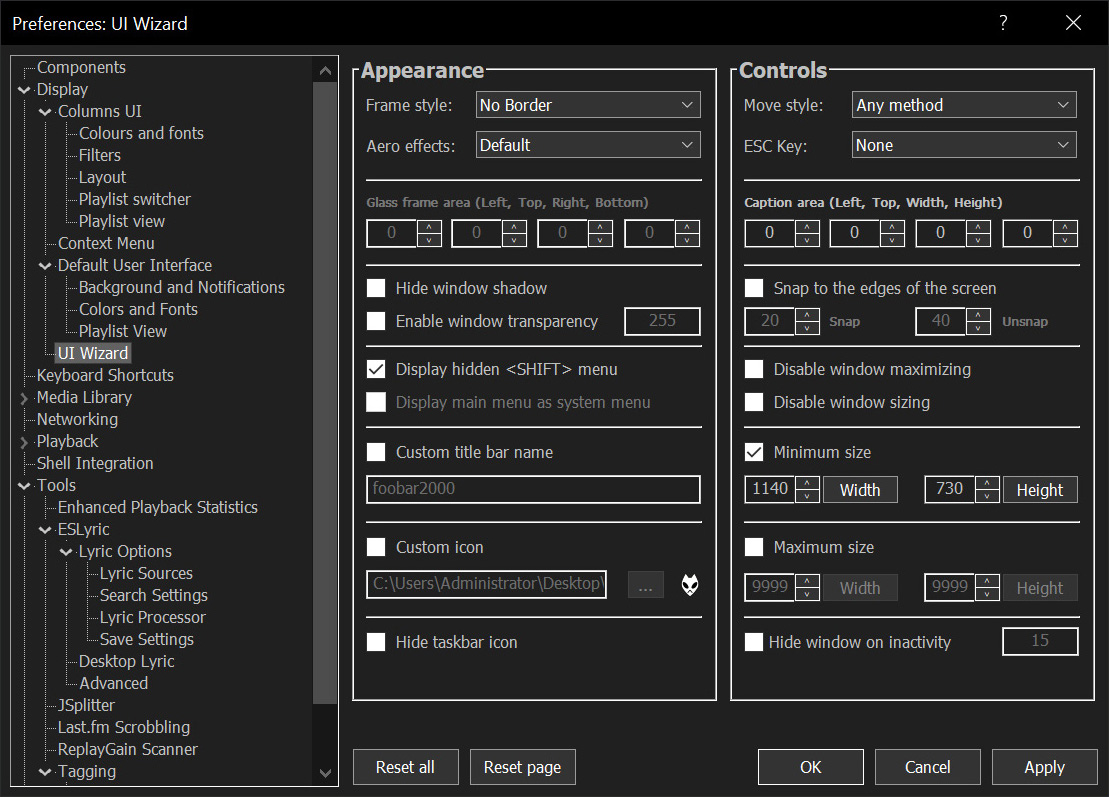
Georgia-ReBORN is feature rich foobar2000 theme developed and based on Mordred’s original Georgia. It’s purpose is to be used mainly as a desktop version, the layout has been modified to look clean and simple without any distractions. The cover artwork and playlist are the main focus. Besides the 11 existing themes Georgia-ReBORN has to offer ( Options > Theme ) there is one special theme “Reborn”. Based on Mordred’s awesome dynamic color change feature, this theme will completely change its appearance based on album art, this means there are unlimited possibilities how the player will look like. Every new album you play will be a new experience!
cplayer is a small, statically served, client-side album-based audio player for modern web browsers. You simply drop a build into a directory on your web server, create a manifest.json file that describes the album metadata and track URIs and you’re done.
This application aims to provide a Fluent Design System based replacement for the old, built-in, Metro Design based Audio/Airplane mode/Brightness flyouts in Windows which are shown while pressing the media or volume keys or even the brightness keys or when airplane/flight mode is toggled.
In case of Windows 11, this application will have the same UI but will provide additional features and customizability compared to the built-in redesigned flyouts.
BassBoom is a music player made with C# using the fast mpg123 library as the native backend that handles the music playback and song information, including the playback device information.
This library is a viable library aimed for cross-platform music playing because we’ve selected mpg123 as the MP3 backend library for its ease of use and for its fast music playback. This library is frictionless as it aims for stability and cross-platform compatibility.
In addition to your regular music files, BassBoom also supports online MPEG radio stations that you can use to play your own favorite radio stations, as long as they don’t use AAC or any other codec that BassBoom doesn’t support.
deej is an open-source hardware volume mixer for Windows and Linux PCs. It lets you use real-life sliders (like a DJ!) to seamlessly control the volumes of different apps (such as your music player, the game you’re playing and your voice chat session) without having to stop what you’re doing.
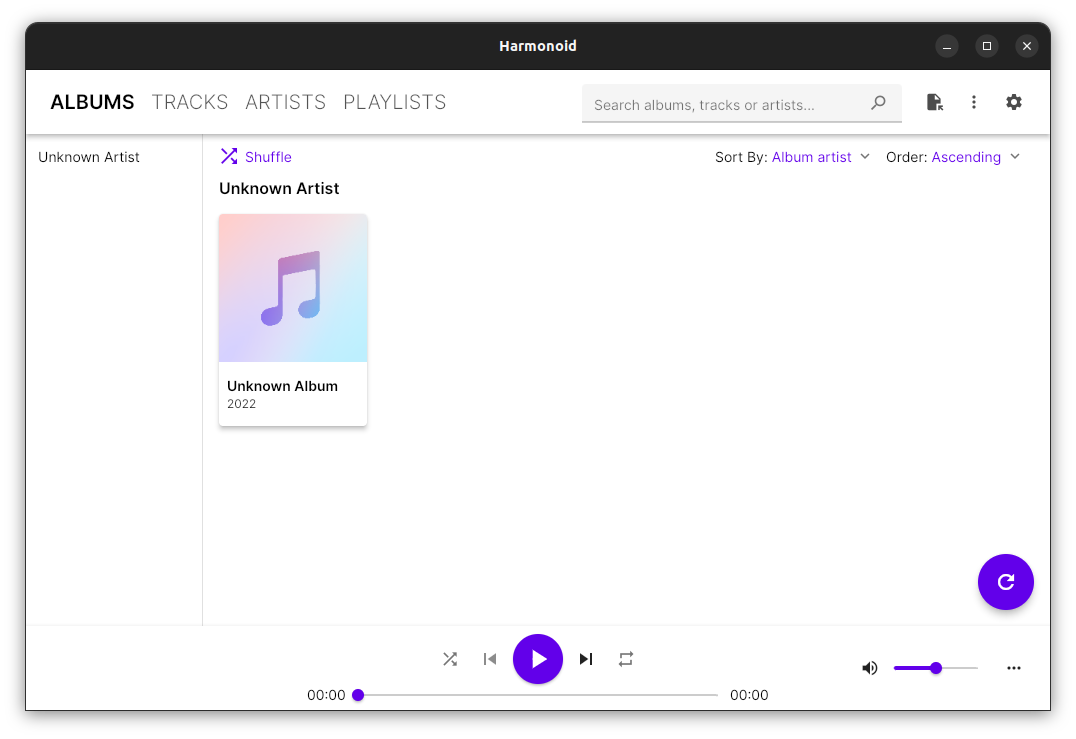
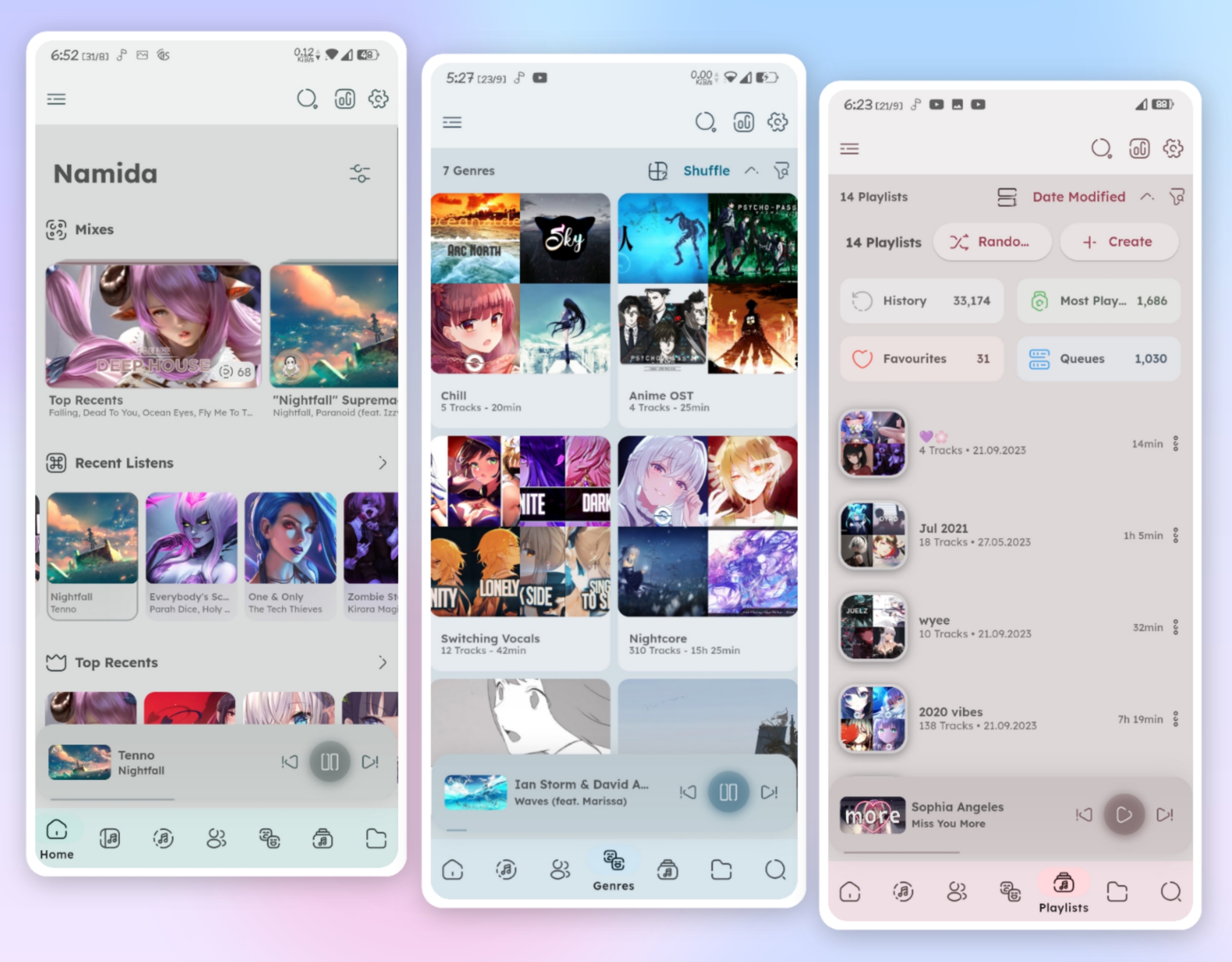
Satunes is an mp3 player on Android. Use it to listen your music from your audio files stored in your Android phone (Android Lollipop 5.1.1 and later).
This entire project is under GNU/GPL v3 and it’s applied on all versions of this project (even the code pushed from the very first commit.)
Fully accessible cross-browser HTML5 media player.
Features:
Supports both audio and video.
Supports either a single audio track or an entire playlist.
Includes a full set of player controls that are keyboard-accessible, properly labeled for screen reader users, and controllable by speech recognition users.
Includes customizable keyboard shortcuts that enable the player to be operated from anywhere on the web page (unless there are multiple instances of the player on a given page; then the player must have focus for keyboard shortcuts to work).
Features high contrast, scalable controls that remain visible in Windows High Contrast mode, plus an easy-to-see focus indicator so keyboard users can easily tell which control currently has focus.
Supports closed captions and subtitles in Web Video Timed Text (WebVTT) format, the standard format recommended by the HTML5 specification.
Supports chapters, also using WebVTT. Chapters are specific landing points in the video, allowing video content to have structure and be more easily navigated.
Supports text-based audio description, also using WebVTT. At designated times, the description text is read aloud by browsers, or by screen readers for browsers that don’t support the Web Speech API. Users can optionally set their player to pause when audio description starts in order to avoid conflicts between the description and program audio.
Supports audio description as a separate video. When two videos are available (one with description and one without), both can be delivered together using the same player and users can toggle between the versions.
Supports adjustable playback rate. Users who need to slow down the video in order to better process and understand its content can do so; and users who need to speed up the video in order to maintain better focus can do so.
Includes an interactive transcript feature, built from the WebVTT chapter, caption and description files as the page is loaded. Users can click anywhere in the transcript to start playing the video (or audio) at that point. Keyboard users can also choose to keyboard-enable the transcript, so they can tab through its content one caption at a time and press enter to play the media at the desired point.
Features automatic text highlighting within the transcript as the media plays. This feature is enabled by default but can be turned off if users find it distracting.
Supports YouTube and Vimeo videos.
Provides users with the ability to customize the display of captions and subtitles. Users can control the font style, size, and color of caption text; plus background color and transparency; all from the Preferences dialog. They can also choose to position captions below the video instead of the default position (an semi-transparent overlay).
Supports fallback content if the media cannot be played (see section on Fallback for details).
Includes extensive customization options. Many of the features described above are controlled by user preferences. This is based on the belief that every user has different needs and there are no one-size-fits-all solutions. This is the heart of universal design.
FluentFlyout is a simple and modern audio flyout for Windows, built with Fluent 2 Design principles. The UI seemingly blends in with Windows 10/11, providing you an uninterrupted, clean, and native-like experience when controlling your media.
FluentFlyout features smooth animations, blends with your system’s color themes, includes multiple layout positions and a suite of personalization settings while providing media controls and information in a nice and modern looking popup flyout.
Features:
Native Windows-like design
Uses Fluent 2 components
Utilises Windows Mica blur
Supports Light and Dark mode
Matches your device color theme
Smooth animations
Customizable flyout positions
Includes Repeat All, Repeat One and Shuffle
Listens to both volume and media inputs
Sits unobtrusively in system tray
Audio flyout: Displays Cover, Title, Artist and media controls
“Up Next” flyout: shows what’s next when a song ends
Lock Keys flyout: displays the status of lock keys at a glance