discogs-cli ~ Discogs Terminal Access


discogs-cli bring the Discogs.com database to your terminal. Perform the following actions from your terminal:

  • Search artists, releases, labels
  • View artist information and their releases
  • View label details and its associated releases
  • View a release in detail

github.com/jesseward/discogs-cli

Ear Tag ~ Edit Audio File Tags


Ear Tag is a simple audio file tag editor. It is primarily geared towards making quick edits or bulk-editing tracks in albums/EPs. Unlike other tagging programs, Ear Tag does not require the user to set up a music library folder. It can:

  • Edit tags of MP3, WAV, M4A, FLAC, OGG and WMA files
  • Modify metadata of multiple files at once
  • Rename files using information from present tags
  • Identify files using AcoustID

Network access is only used for the “Identify selected files” option.

apps.gnome.org/EarTag
gitlab.gnome.org/World/eartag

foo_timesleep ~ Foobar2000 Sleep Timer


foo_timesleep is a sleep timer component for foobar2000. It provides both:

  • Sleep timer commands under Playback > Sleep Timer
  • An always-visible Sleep Timer toolbar item for Columns UI (Toolbars)

Features:

  • Start a sleep timer in minutes (preset values)
  • Stop playback when the timer reaches zero
  • Show remaining time
  • Cancel an active timer

github.com/shirafukayayoi/foo_timesleep

Open Audio Protocol ~ Global Music Database


The Open Audio Protocol exists to bring the world’s music onchain. It’s a community-run, transparent, and open-source repository known as the Global Music Database.

Originally pioneered in the 2020 Audius Whitepaper, the Open Audio Protocol marks the next chapter for a music ecosystem powered by $AUDIO. The protocol combines blockchain, crypto-economics, and music industry technology standards to deliver new tools for distribution, access, and direct-to-fan freedom.

  • Developers: you’ve found a backend for your music app or DSP
  • Artists: you’ve found storage and distribution for your works
  • Infra Providers: you’ve found opportunity to earn staking rewards by securing the catalog

openaudio.org

OpenVoiceOS ~ Voice AI Platform


OpenVoiceOS is a community-driven, open-source voice AI platform for creating custom voice-controlled ​interfaces across devices with NLP, a customizable UI, and a focus on privacy and security.

www.openvoiceos.org
github.com/OpenVoiceOS
github.com/OpenVoiceOS/ovos-installer

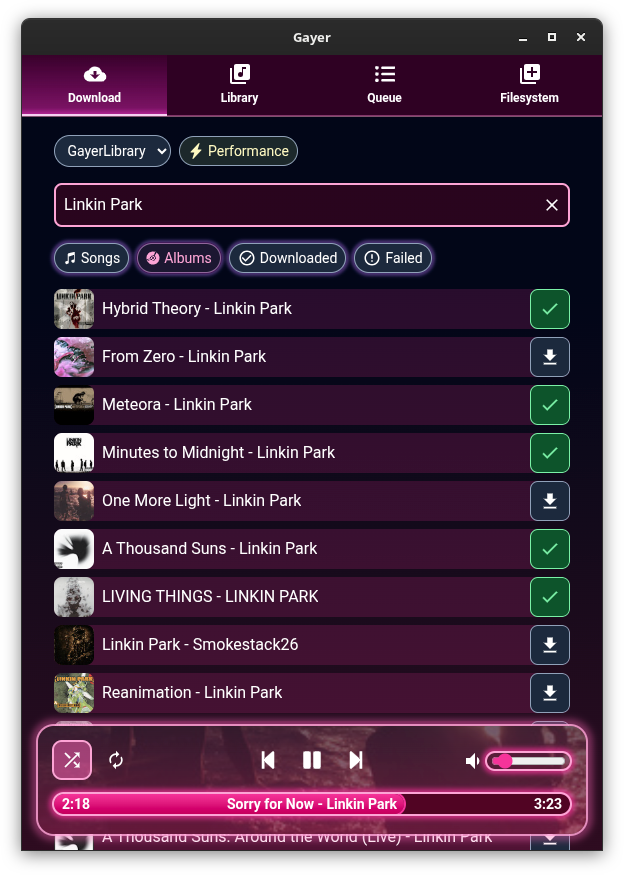
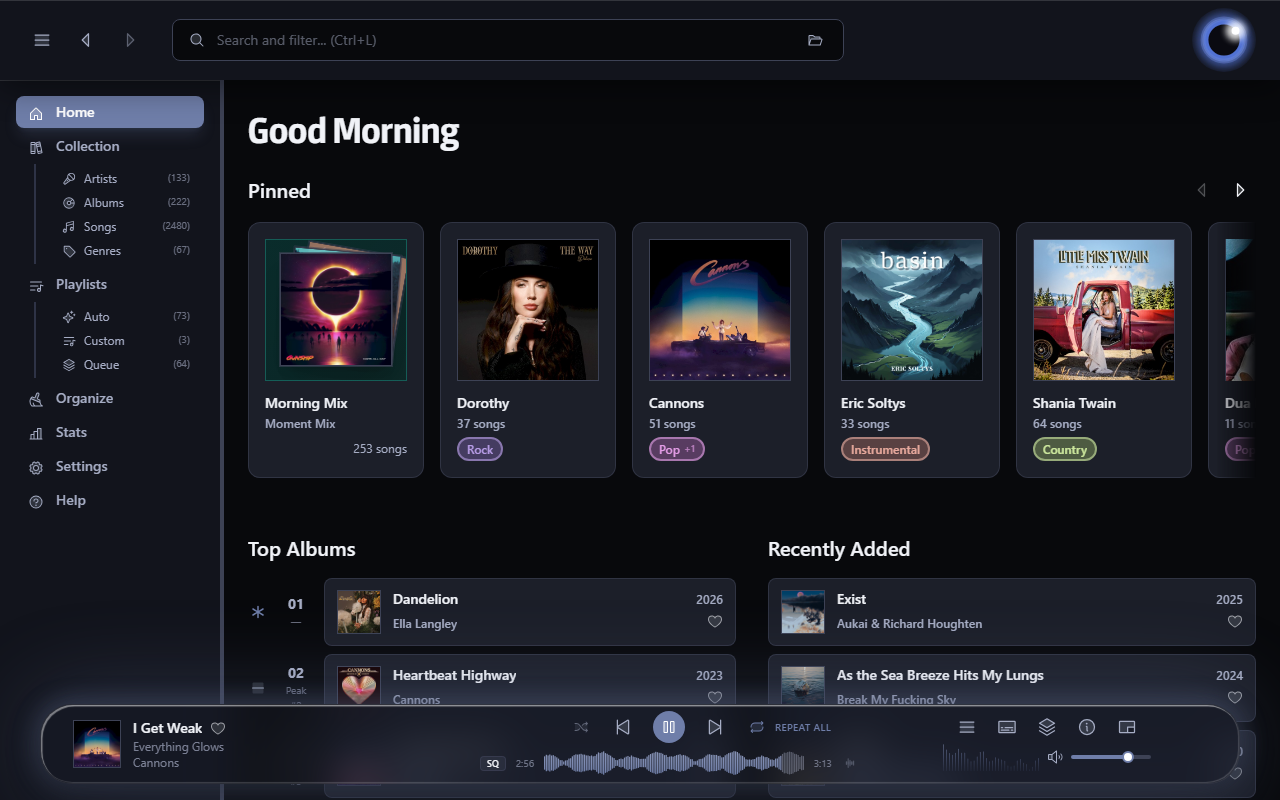
Audion ~ Community Driven Music Player


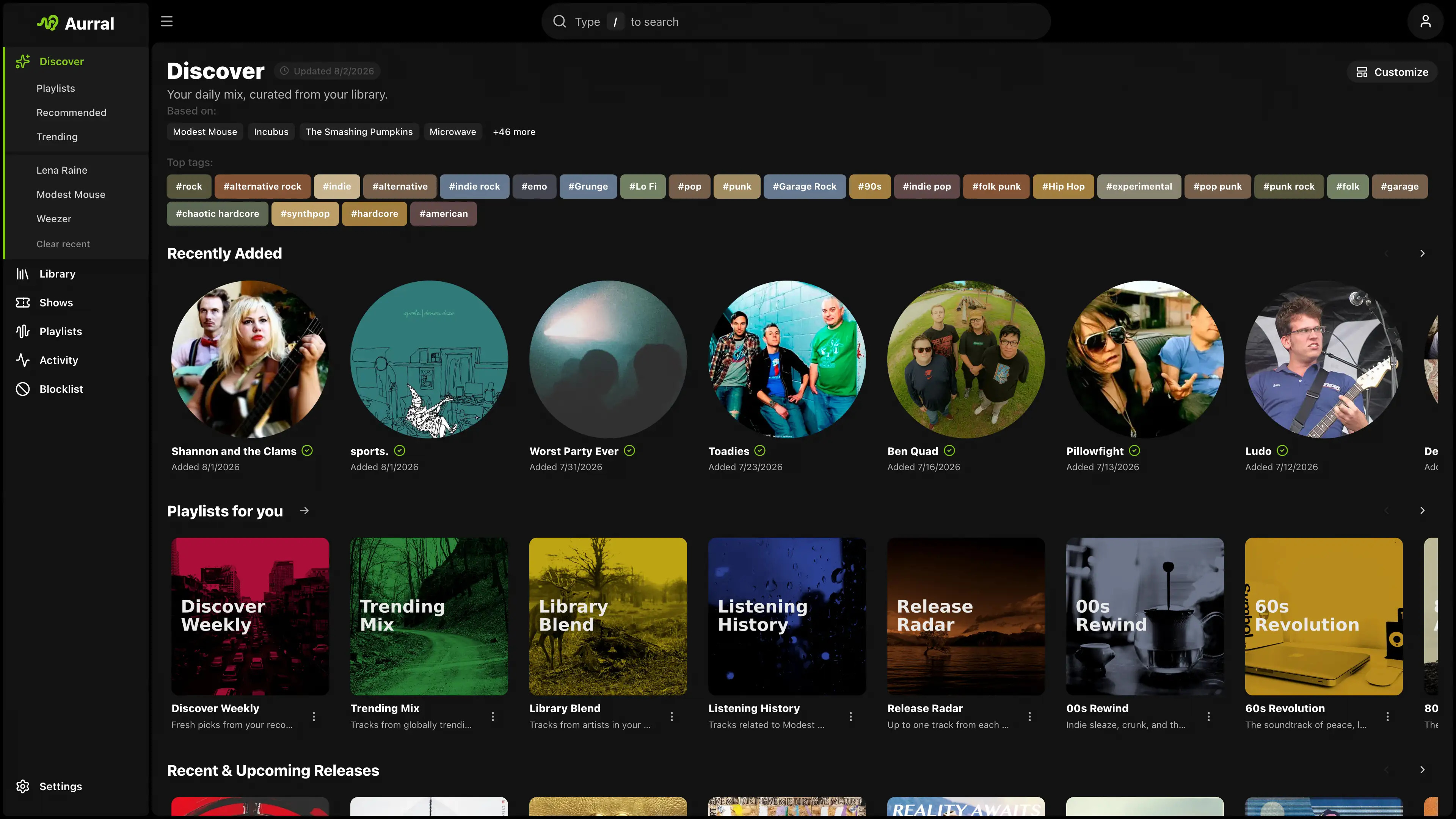
Audion is a privacy-focused music player that brings the Spotify experience to your local music library. No internet required, no tracking, just your music, beautifully organized.

Key highlights:

  • Synced lyrics with karaoke-style word highlighting
  • Extensible plugin system
  • Gorgeous, customizable interface
  • Fully offline

www.audionplayer.com
github.com/dupitydumb/Audion

Tambourine ~ Linux Music Player


A music player for your local music library.

  • Linux first
  • Local only: no internet connection will ever be established.
  • Read only: your music will be accessed only in read mode.
  • Stateless: no cache/database/whatever will be created. The metadata in your songs are the database.
  • Imperfect: there will be use-cases that are not solved by this software, and that’s fine.

github.com/MMarco94/tambourine-music-player

Amberol ~ Plays music and nothing else


Amberol is a music player with no delusions of grandeur. If you just want to play music available on your local system then Amberol is the music player you are looking for.

Current features:

  • adaptive UI
  • UI recoloring using the album art
  • drag and drop support to queue songs
  • shuffle and repeat
  • MPRIS integration

gitlab.gnome.org/World/amberol
apps.gnome.org/en/Amberol
flathub.org/en/apps/io.bassi.Amberol

k-synth ~ Pocket Calculator Synthesizer


/synth is a minimalist, array-oriented synthesis environment. Heavily inspired by the K/Simple lineage and the work of Arthur Whitney, it treats sound not as a stream, but as a holistic mathematical vector.

📐 The Philosophy

This isn’t a DAW; it’s a vector-processing engine designed for “Base Camp” signal processing.

It uses:

  • One-Letter Variables: A-Z globals only.
  • Right-Associativity: Expressions evaluate from right to left.
  • Vectorized Verbs: Math applied to entire buffers at once.

Sound is a vector. A kick drum is a vector. A two-second bell tone is a vector. You do math on vectors and the result is audio. There are no tracks, no timelines, no patch cables — only expressions.

octetta.github.io/k-synth
github.com/octetta/k-synth

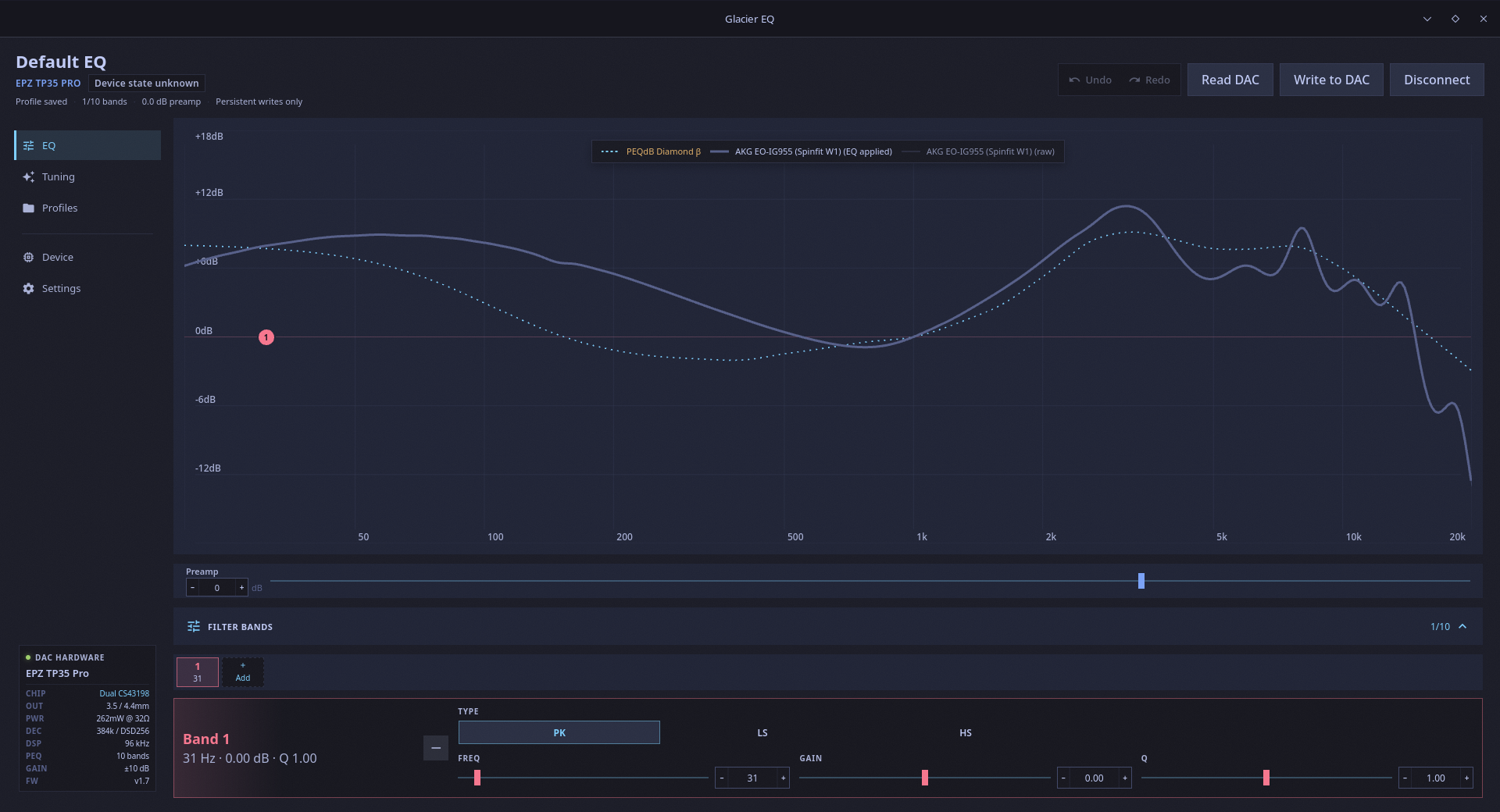
autoeq ~ Automatic Headphone Equalization


Four easy steps to make your headphones sound better.

autoeq.app
github.com/jaakkopasanen/AutoEq

lowhum ~ Deep Brown Noise For Focus


Deep brown noise for focus, for the macOS menu bar. 

Single-purpose menu bar app that generates deep brown noise locally and plays it on loop. Install it, click play, forget about it. Cumulative-sum brown noise through a Butterworth bandpass (1 to 500 Hz, 20 Hz sub-bass highpass), RMS-normalized per chunk, crossfaded at boundaries. Everything is stored in ~/.lowhum/. Playback streams through PortAudio via memory-mapped files, so the full WAV never sits in RAM. The app polls audio devices every 2 seconds and stops instantly if headphones disconnect or a Bluetooth device drops.

Menu bar controls

The menu bar icon is a template image, so macOS handles dark/light mode automatically. Further, use it for:

  • Play / Stop from the menu bar
  • Pick any connected audio device from the Output Device submenu
  • Noise color selection (brown, pink, white)
  • Auto-stops when headphones connect or disconnect

Requires macOS and Python 3.12+.

lmarkmann.github.io/lowhum
github.com/lmarkmann/lowhum

References:

en.wikipedia.org/wiki/Brownian_noise

Aceforge ~ AI Music Workstation


AceForge is a local-first AI music workstation for macOS Silicon powered by ACE-Step

Features:

  • .100% Local (only needs to download models once)
  • Music Generation with ACE-Step prompts
    • Use Stem separation to rebalance vocals vs instrumentals
    • Use existing Audio as reference (optional)
    • Train ACE-Step LoRAs from your own datasets
      • Mass-create _prompt.txt / _lyrics.txt files
      • Auto-tag datasets using MuFun-ACEStep (experimental)
  • Stem Splitting using Demucs for high-quality audio separation
  • Voice Cloning TTS using XTTS v2
  • MIDI Generation using basic-pitch for audio-to-MIDI transcription
  • Embedded Music Player to explore generation catalog
  • Manage and reuse prompt presets

github.com/audiohacking/AceForge