
Unlike a lot of people, I strangely like to have my individual non-mixed tracks located in one flat folder and any mixes (such as Ministry Of Sound mix albums, etc…) go into another folder sorted by Albums in separate folders. I also embed all of my MP3s with the album art from the album it is from so they are fully portable across a multi-tude of systems.
Therefore, I want my original system kept as is for me, but software like Windows Media Center annoyingly requires you to have it structured in the ‘Album Artist -> Album’ directory structure with the album art stored as ‘Folder.jpg’.
I will not be ranting about how rubbish that required structure is on a technical level; I have got over that now :). But instead, I wrote a PERL script that runs on my Linux NAS that does the following:
www.flumps.org/mp3z/tagging
- Only runs on Linux – if anyone wants to code link support in for Windows / NTFS partitions, please go ahead and mail back the changes.
- Scans a directory (–mp3dir) (recursion is optional using –recursive) for MP3s / M3U playlists and creates softlinks pointing back to the original files under the ‘Album Artist\Album’ folder structure within –linksdir.
- The embedded album art is then checked across the album being processed to ensure it is the same – if not, a Warning is output leaving you to fix it. The embedded album art is created as ‘Folder.jpg’ for Windows Media Center.
- If you want it to delete soft links for tracks / directories that no longer exist in –linksdir (i.e. if you have moved / renamed the original file), you can use –delnonexists.
- On the off chance you want the –linksdir within the directory structure of –mp3dir, you can use –excludemp3dir to ensure the –linksdir isn’t double scanned.
- For the first run, I strongly recommend not using the –createlinks switch so you can view any errors you may get.
- You need to have the library MP3::Tag installed for this to run – you can get this from CPAN.
Tag Archives: PERL

gmusicbrowser ~ Unix Audio Library App
Jukebox for large collections of music files, written in perl. Uses gstreamer, mplayer or mpg321/ogg123/flac123 for playback.
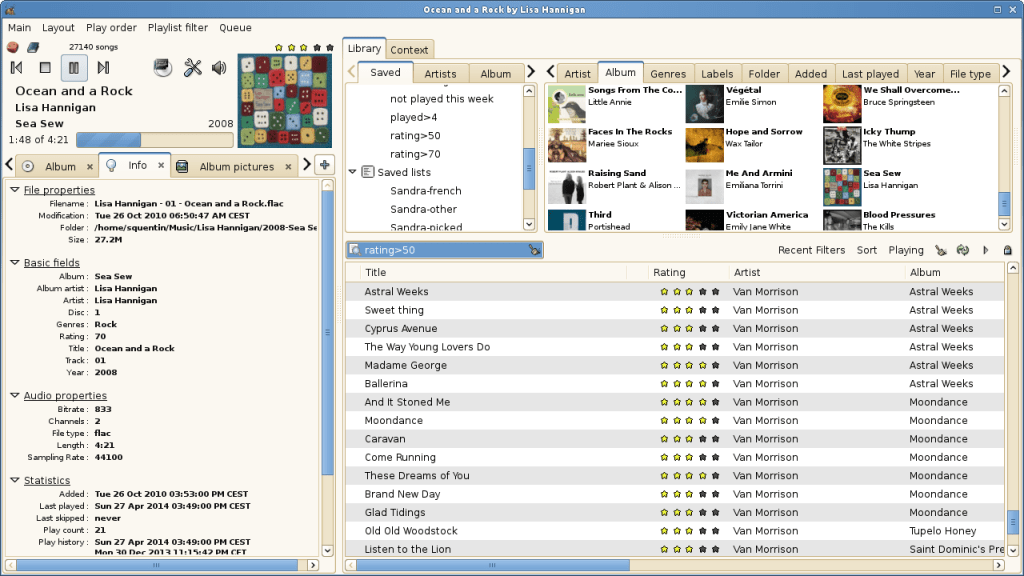
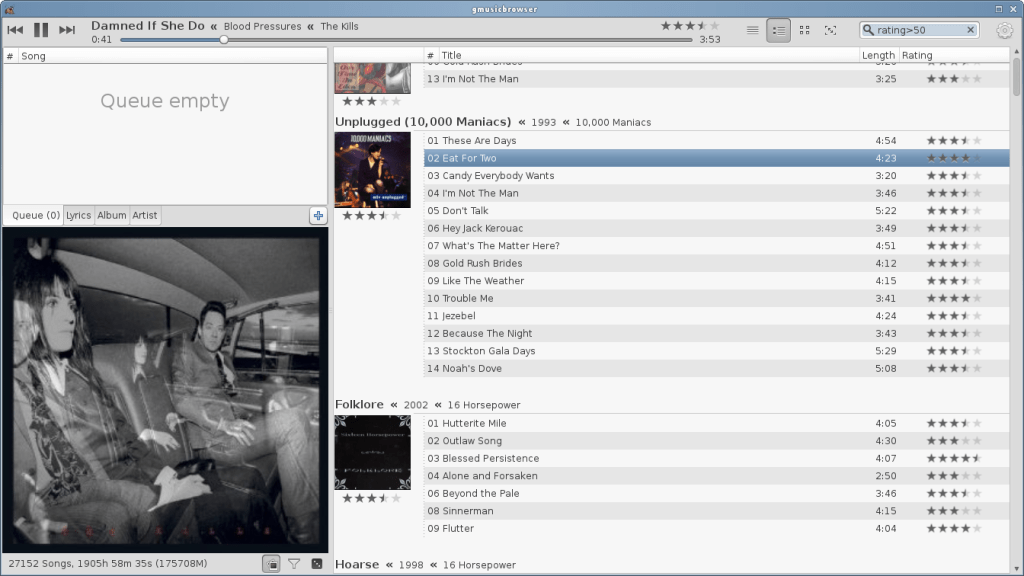
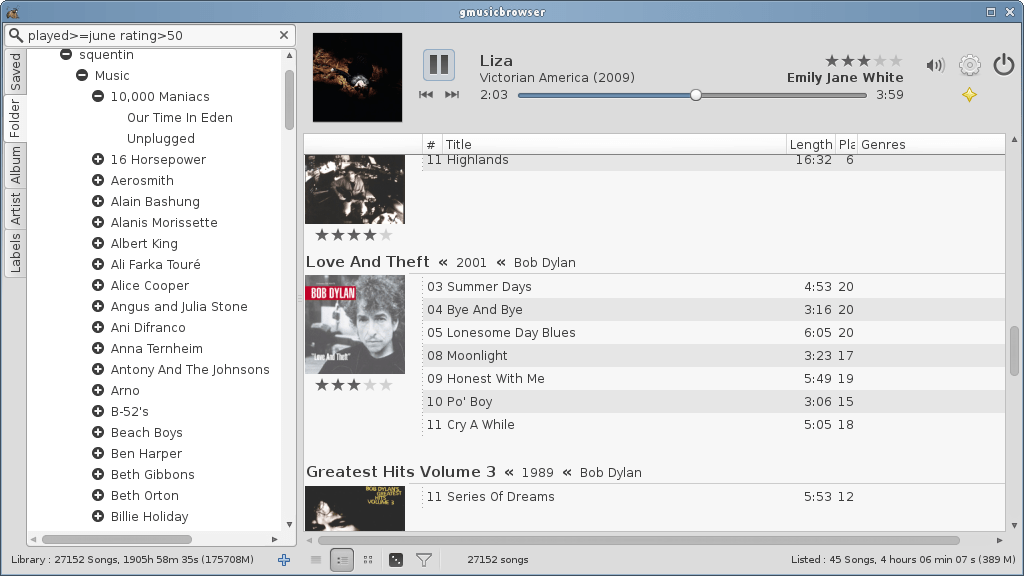
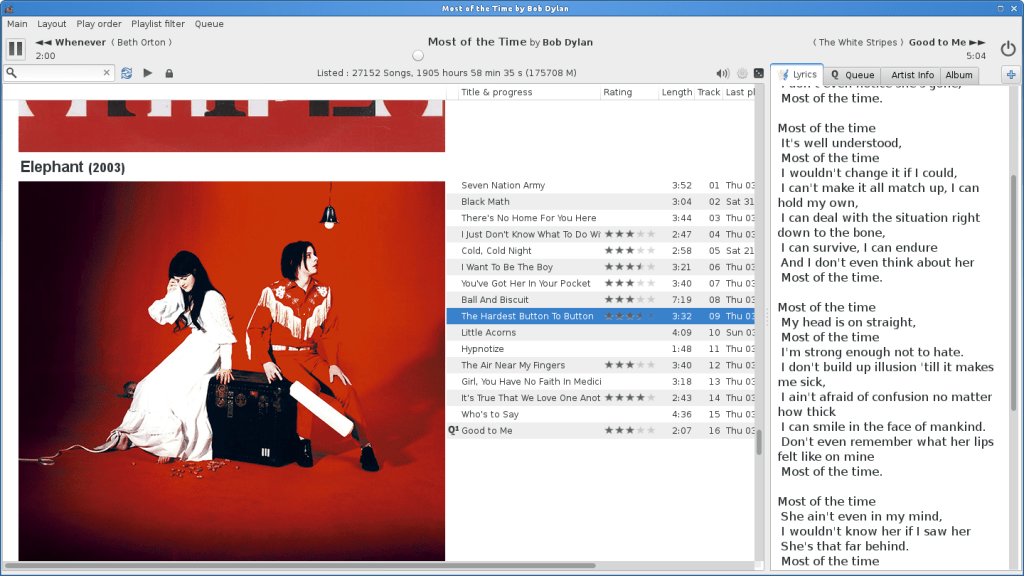
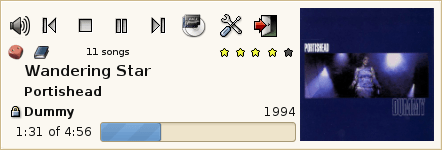
https://sourceforge.net/projects/gmusicbrowser/
Share this:

Humdrum Toolkit ~ Music Analysis & Research
David Huron created Humdrum in the 1980s, and it has been used steadily for decades. Humdrum is a set of command-line tools that facilitates musical analysis, as well as a generalized syntax for representing sequential streams of data. Because it’s a set of command-line tools, it’s program-language agnostic. Many have employed Humdrum tools in larger scripts that use PERL, Ruby, Python, Bash, LISP, and C++.
Humdrum Labs ~ wiki.ccarh.org/wiki/Humdrum_Lab_1
Humdrum music encoding tutorial ~ doc.verovio.humdrum.org/humdrum/getting_started
Humdrum Resources ~ github.com/humdrum-tools

 The Audio File