PeppyMeter ~ Linux Analog VU Meter


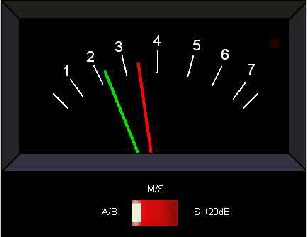
PeppyMeter is a software VU Meter written in Python. It was originally developed as the new ‘VU Meter’ screensaver for Peppy Player. With minor modifications it became a stand-alone application. PeppyMeter gets audio data from media players (e.g. mpd) via fifo and displays current volume levels in a Graphical User Interface in the form of a traditional VU Meter.

  • Written in Python.
  • Pygame library leveraged for UI purposes.
  • UI is available in three resolutions 800×480, 480×320 and 320×240 pixels.
  • The input for the program is the data from the named pipe. That signal should be provided by peppyalsa plugin.
  • Supplies 9 default meters out of the box.
  • Allows you to add your own meters.
  • Open-source. All source files are available on Github.
  • Several data sources are available for testing and tuning.
  • Provides four types of output: Display, Serial, I2C and PWM.
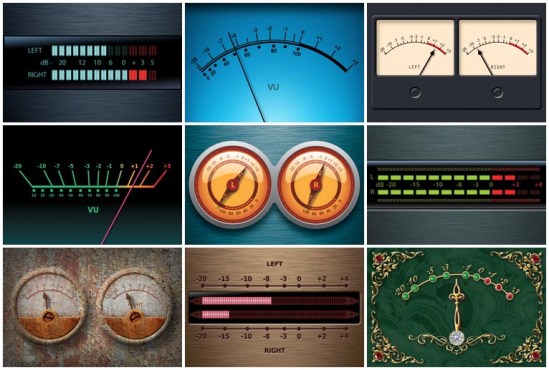
meters

github.com/project-owner/PeppyMeter.doc/wiki
github.com/project-owner/PeppyMeter
diyaudio.com/forums/pc-based/291010-peppymeter

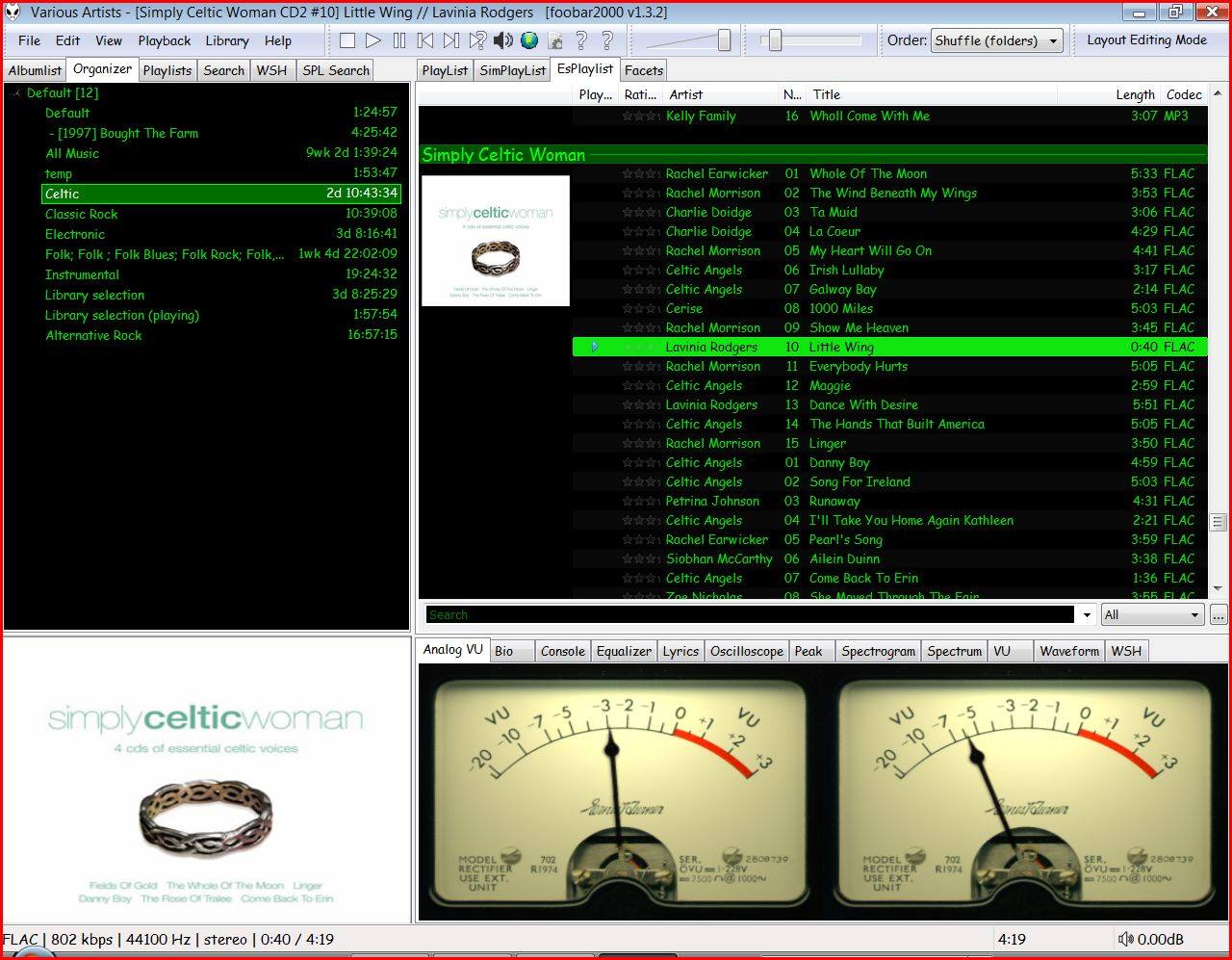
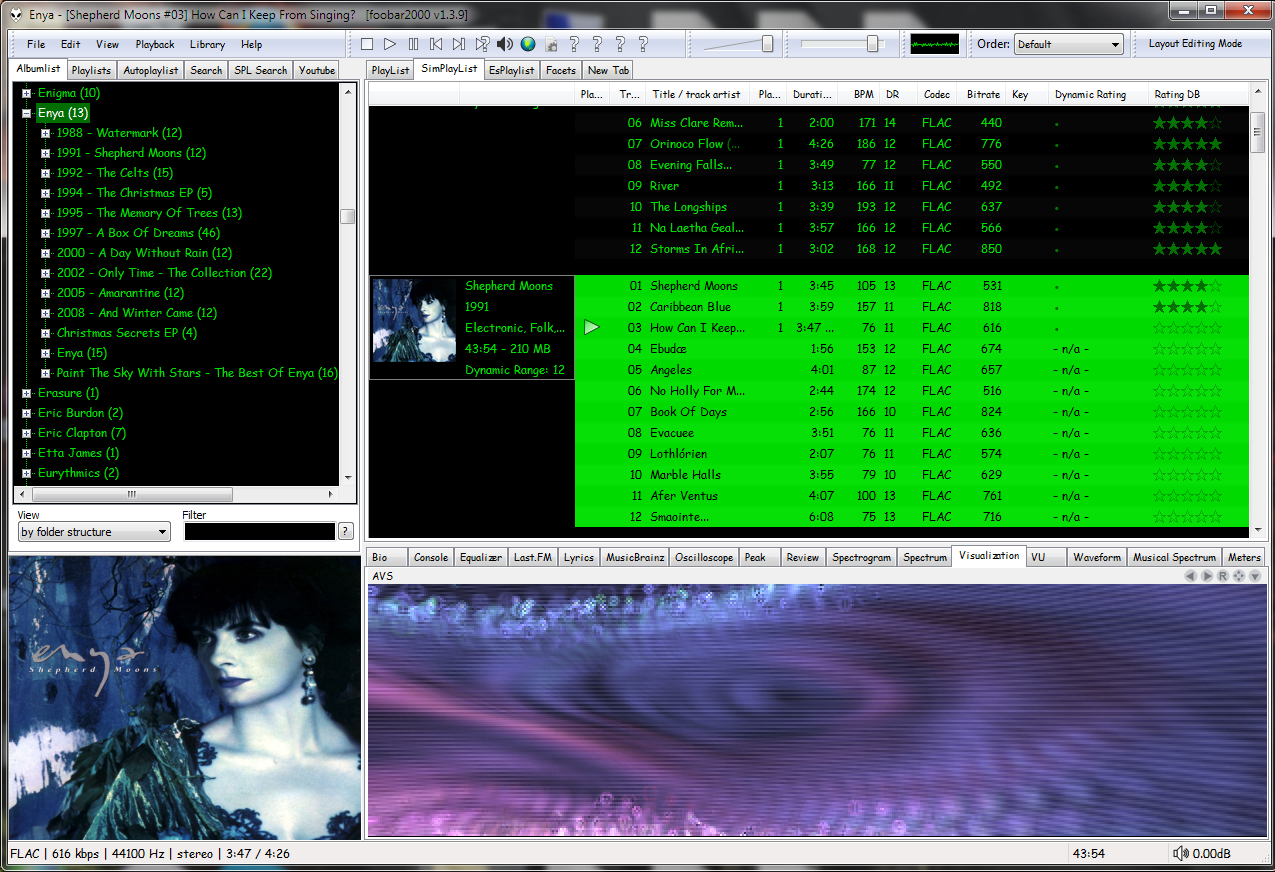
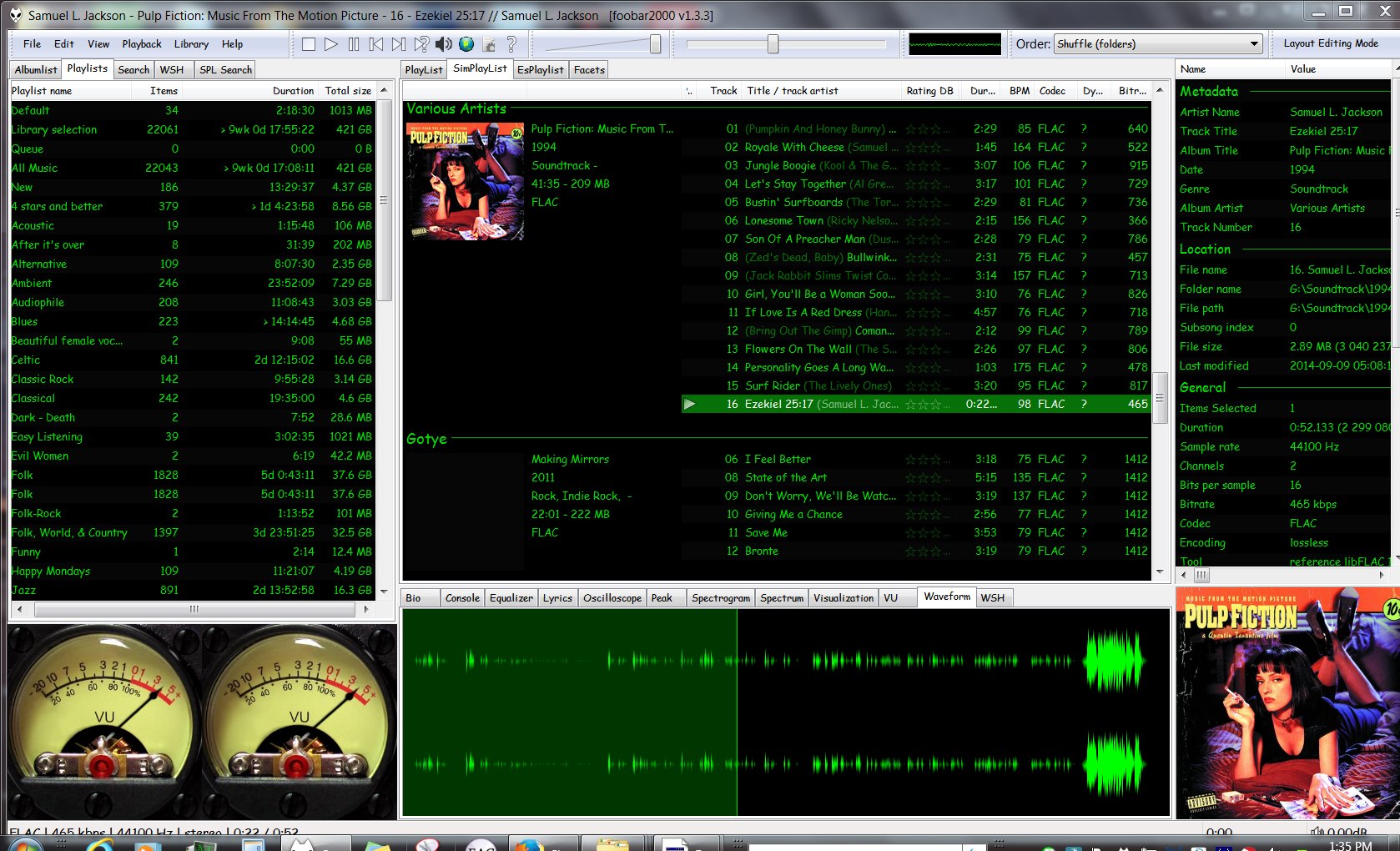
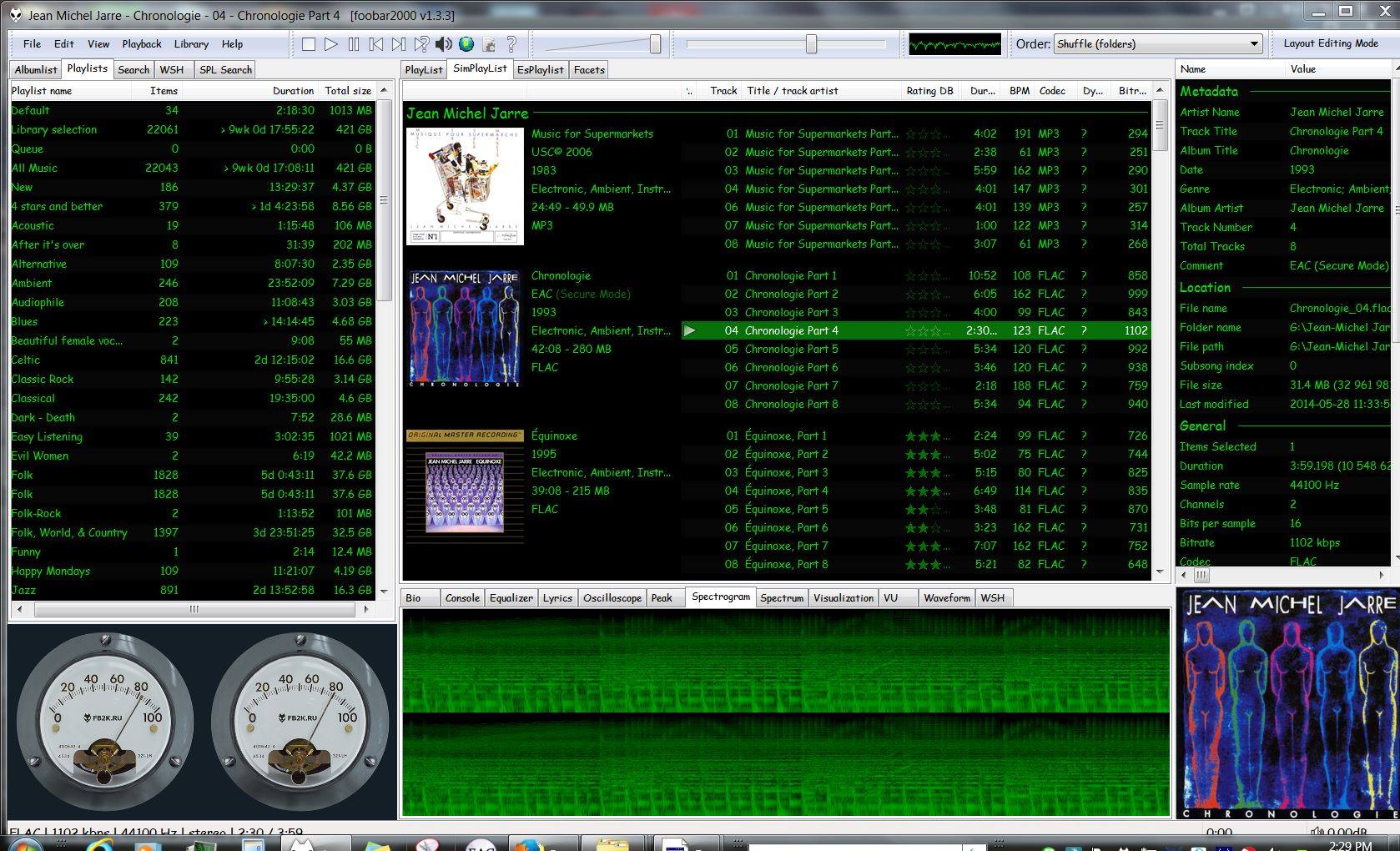
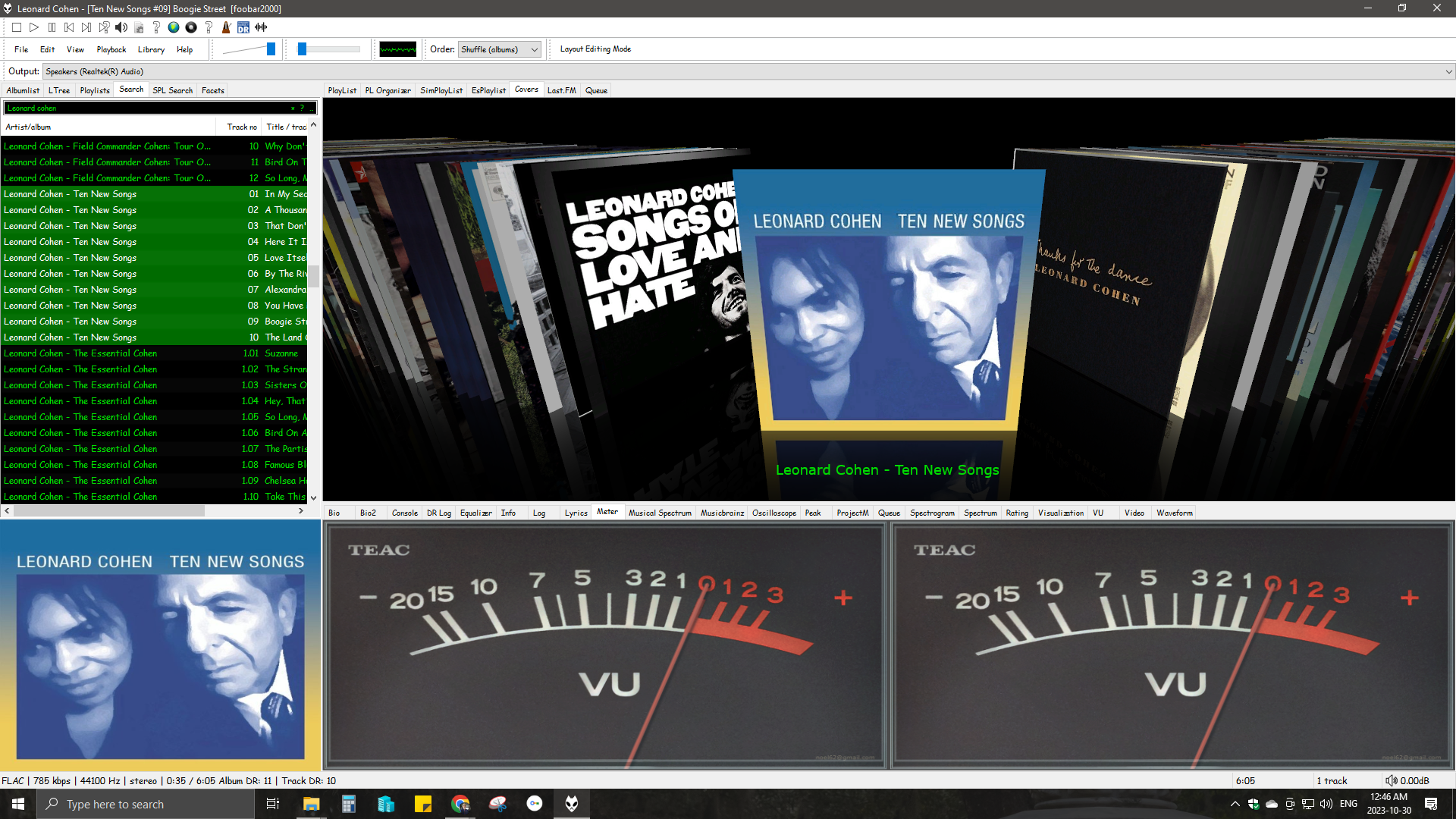
Foobar2000 ~ Playlist Viewers


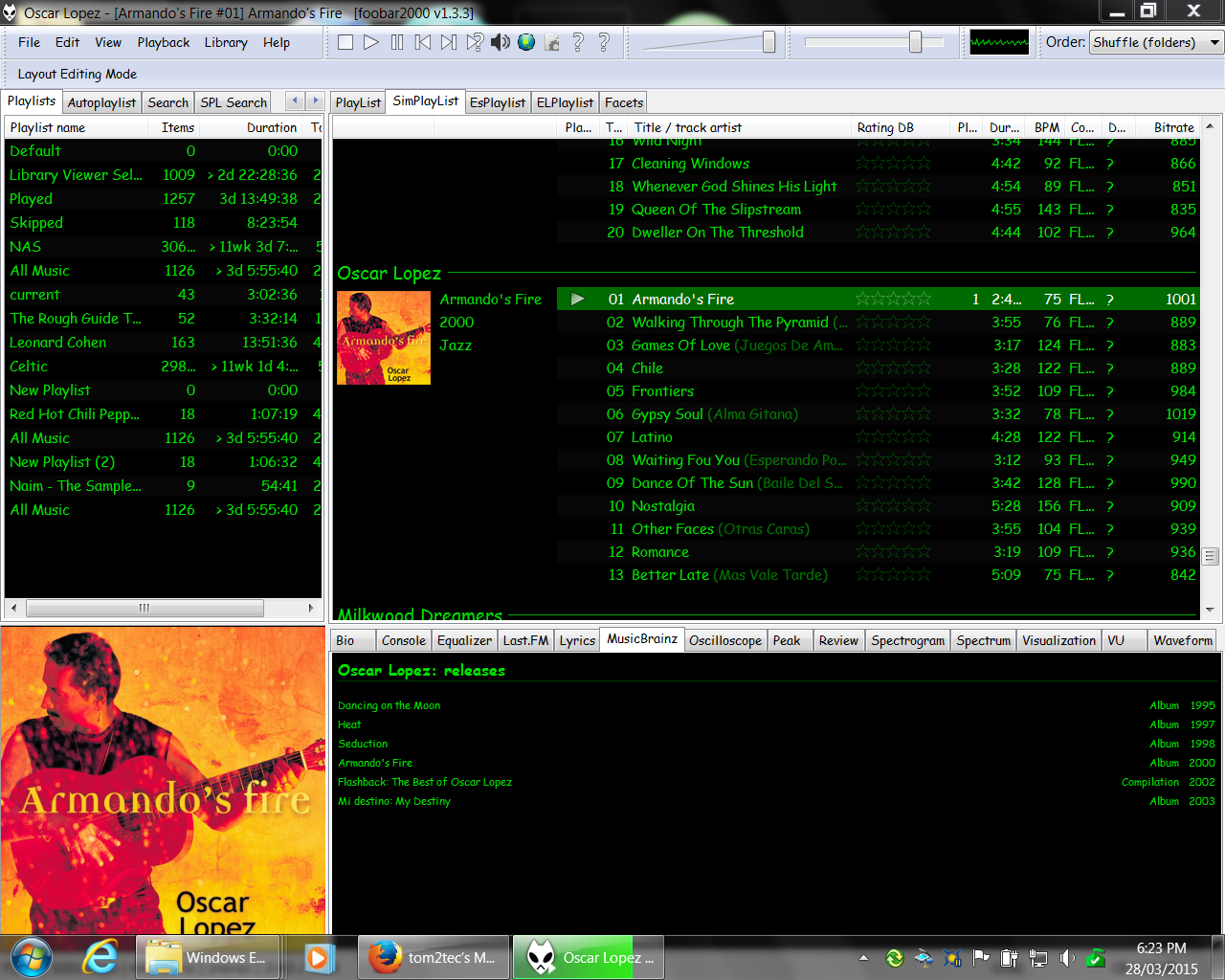
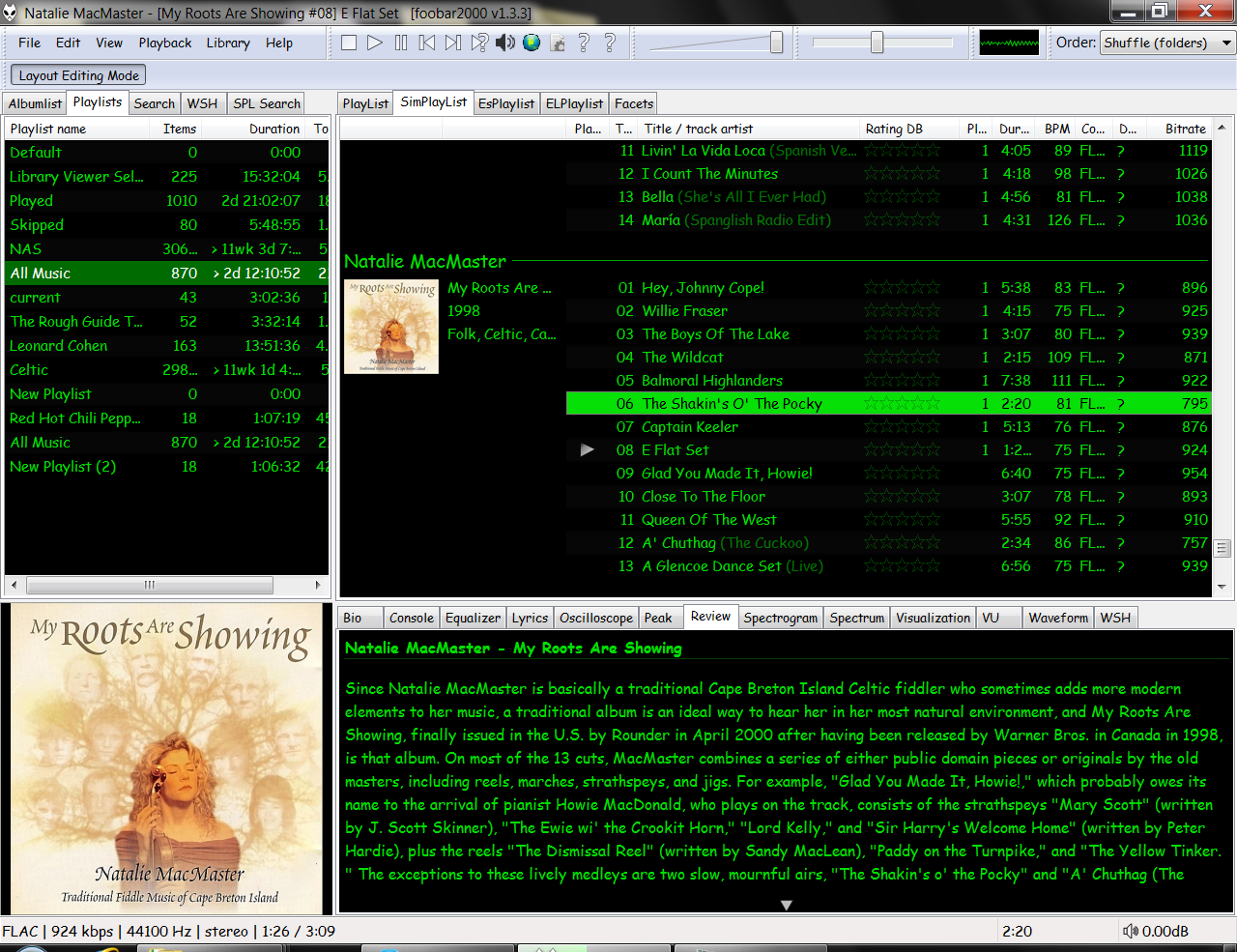
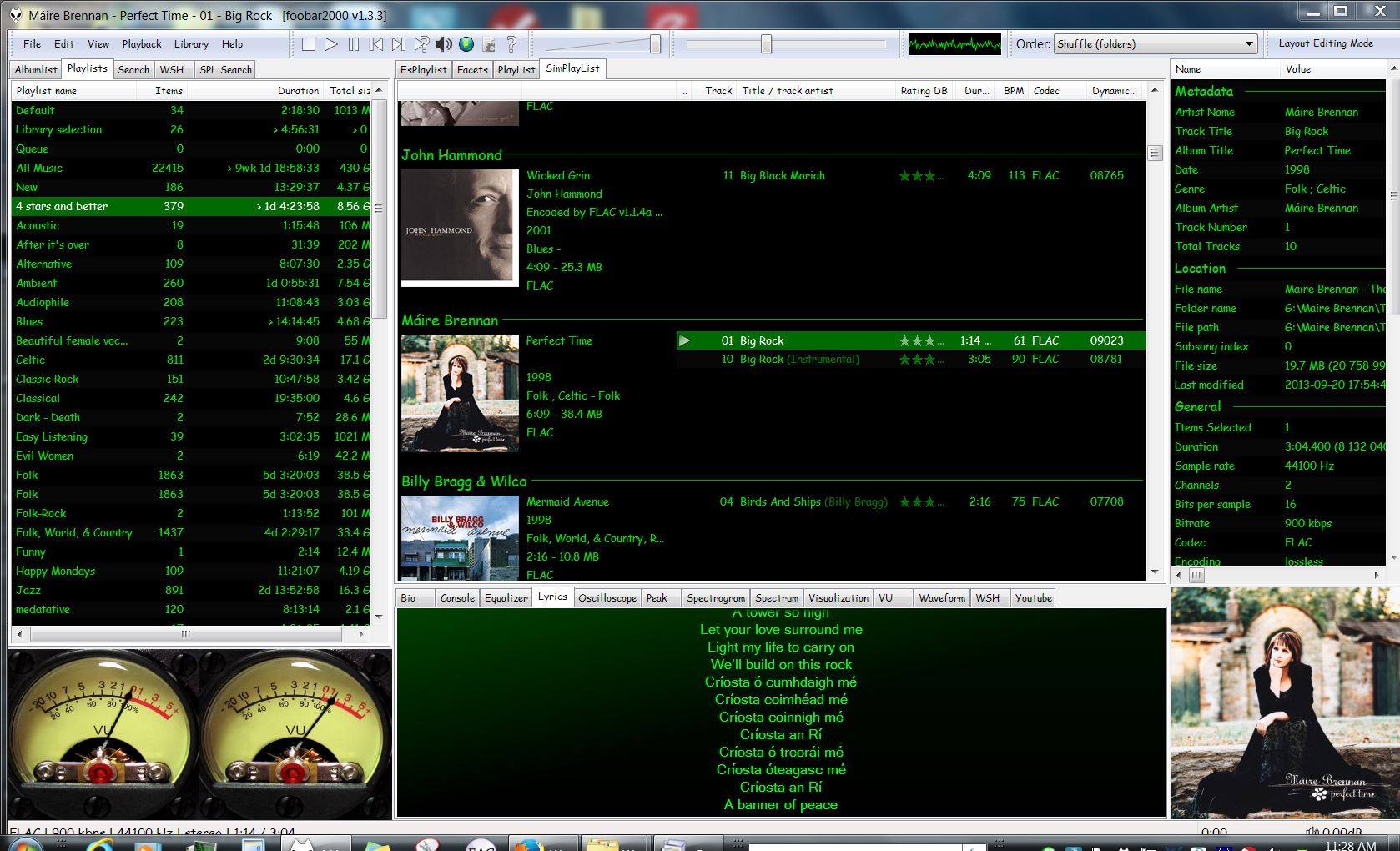
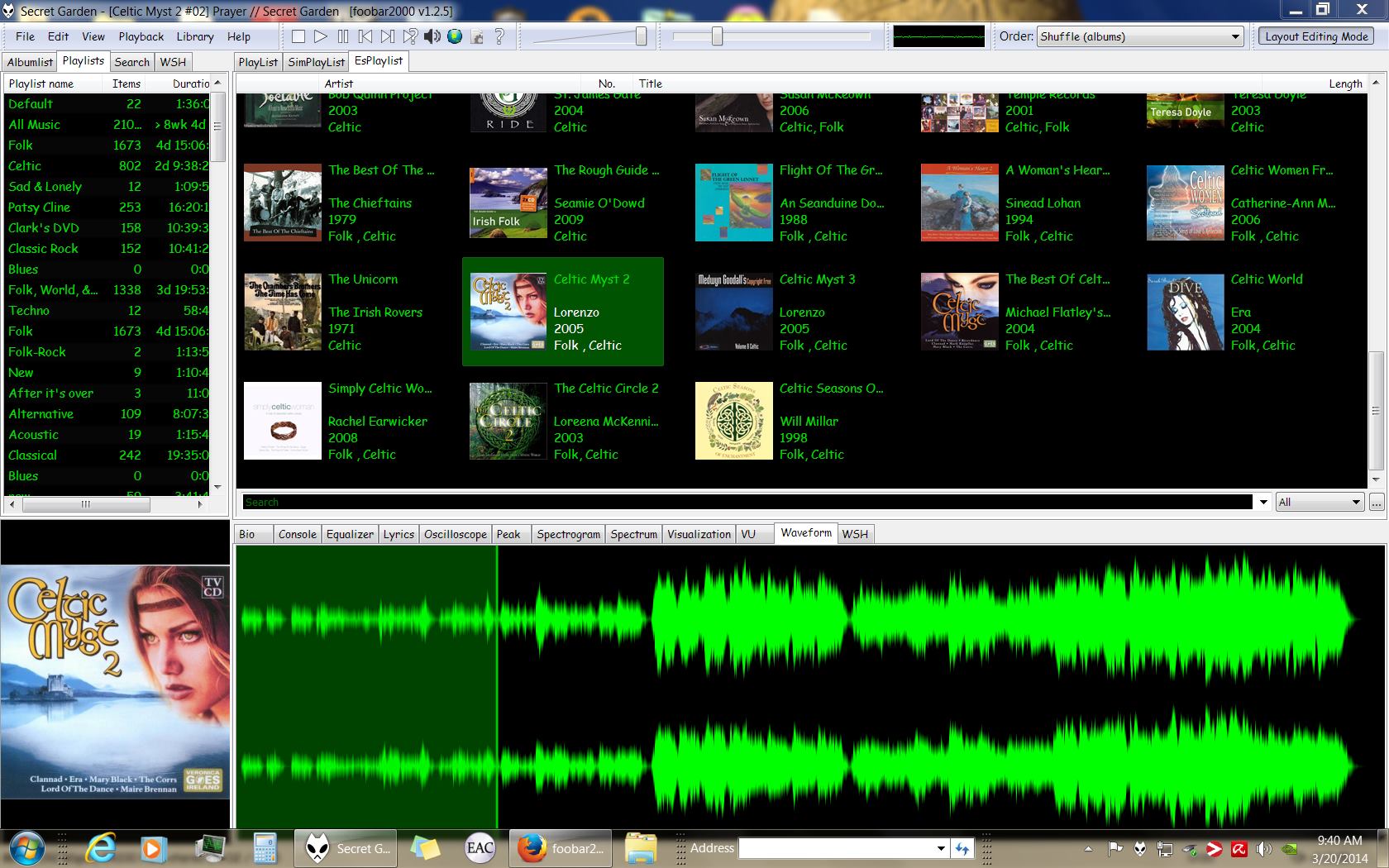
Foobar2000 Playlist Viewers display the current playlist of songs. Different playlist viewers offer various capabilities such as formatting, grouping and visual options. A playlist viewer is usually the central panel and main focus of a Foobar2000 interface. Foobar2000 plays the next song of the current playlist unless the play order has been changed from default, to repeat, random or shuffle. There is a playback queue but it is not visible or used in normal operation.

foobar2000-simplaylist-groups-v1
SimPlaylist

Adding a custom column to a playlist view: (using play count as an example)

  • When adding a column view in a playlist, you’ll need to define the column first.
  • Navigate to Preferences > Display > Default User Interface > Playlist View > Custom Columns
  • at the bottom of the custom columns windows, click “Add new
  • Name the Column “Played‘ and %play_count% as the ‘pattern’
  • click apply, ok
  • Now right click the title bar of the playlist and select “Columns” and make sure ‘Played‘ is selected (checkmarked) and that you can see the column in the playlist, it will be last but you can rearrange it.

Resources:

Configuring the default playlist viewer

Paul Marshall Analog Audio Level Meters


These standalone audio level meter programs allow the optimum setting of input levels for various sound recording functions, particularly for video editing.

ppmme121

web.archive.org/web/20130627213637/http://www.darkwooddesigns.co.uk/pc2/meter

Highly accurate PP

VUMeter ~ Windows Analog VU Meter


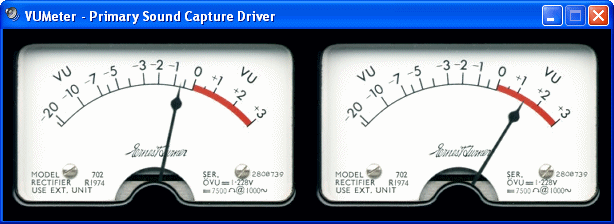
A standalone analog VU meter for monitoring PC playback & recording levels.

vumeter

Website

Foobar2000 ~ How To Install A Component


Add-on components greatly extend the appearance and functionality of Foobar2000.

  1. Open the Foobar Preferences dialog (File | Preferences or press CTRL+P)
  2. Go to the Components page  (click components at the top of the list)
  3. Click the “Install…” button and select the component archive (zip) file, or drag the component’s file to the Installed components list box.
  4. Press “OK“, you will be prompted to restart foobar2000 in order to load the newly installed component.
  5. If the component has a visual element, you’ll need to add the component to the DUI (Default User Interface) now. Toggle View\Layout\Enable Layout Editing Mode and then add a new panel or tab. Right click the new panel or tab area and select “Add New UI Element …“, then select the new component from the list. You may need to adjust borders to fit. Exit layout mode.
foobar - preferences - components - install

Foobar2000: How to install a component

Additional Resources:

List Of Foobar Components

New Feature Monitor ~ foo_whatsnew

MilkDrop ~ Audio Visualization Plugin


MilkDrop is a music visualizer – a “plug-in” or extension to Winamp or Foobar2000 music players. As you listen your music in Winamp, MilkDrop takes you flying through the actual sound waves you’re hearing, and uses beat detection to trigger myriad psychedelic effects, creating a rich visual journey through sound. MilkDrop can also be driven by a live audio feed (microphone or line-in).

www.geisswerks.com/milkdrop
sourceforge.net/projects/milkdrop2
en.wikipedia.org/wiki/MilkDrop

My Current Foobar Interfaces ~ Default User Interface (DUI)