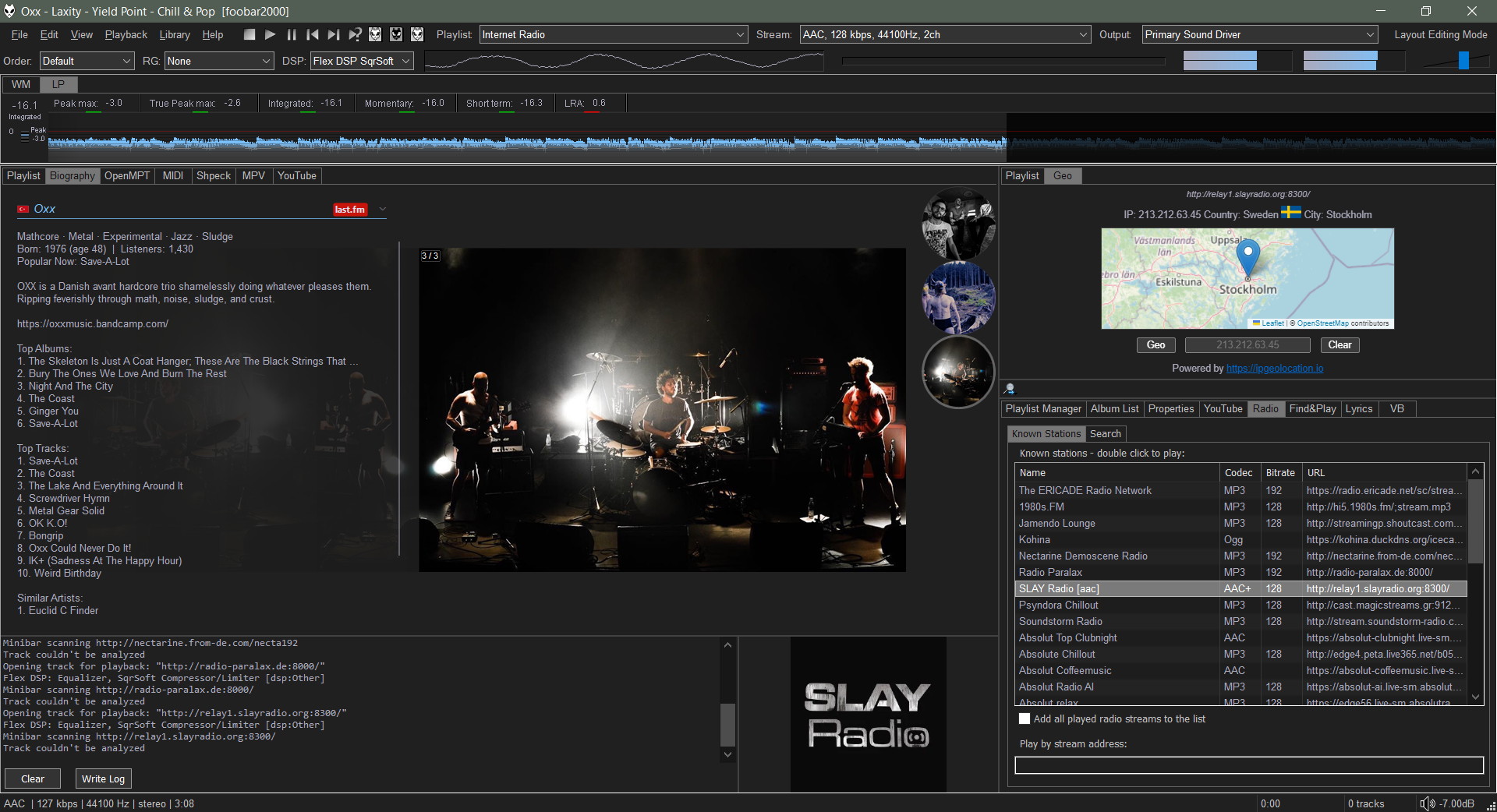
It takes an HTML file that receives playback notifications from foobar2000. The panel can react to those notifications and adjust its output using JavaScript code.
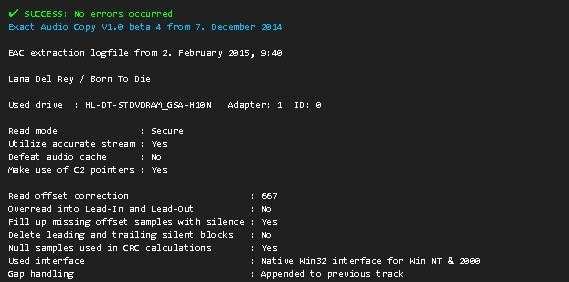
The SMP EAC Log Viewer is a Spider Monkey Panel (SMP) script for Foobar2000 designed to display Exact Audio Copy (EAC) log files in a DUI panel. It preserves the alignment of log columns, color-codes the conclusion lines for quick success/error identification, and prepends a summary line so it scrolls with the rest of the log.
Features:
DUI panel
Monospace font: Preserves column alignment in all EAC logs.
Color-coded conclusions:
Green = successful rip
Red = errors found
Summary line: Displays overall pass/fail and scrolls with the log.
Automatic log detection: Checks multiple common naming conventions:
Copy the script Copy and paste the eac_log_viewer_panel.js script into your preferred scripts folder. Typical choices:
C:\Users\<YourName>\Documents\Foobar\scripts
Or any folder you already use for SMP scripts.
Add a Spider Monkey Panel
Open Foobar2000 and switch to your DUI layout.
Right-click → Add New UI Element → Spider Monkey Panel
Open the Edit Panel Script… pane and paste the contents of eac_log_viewer_panel.js. or point to the script’s location in Panel Properties… → Script File → File.
Adjust panel settings
Set the font to match your DUI theme (monospace).
Resize the panel to comfortably display the full log width.
Usage:
The panel automatically updates when:
You play a new track.
You change focus in the playlist.
Scroll through the log using your mouse wheel.
The summary line shows the overall rip status and scrolls with the text.
Color-coded lines highlight conclusions: green for success, red for errors.
Notes:
The script is optimized for one log per album, but will attempt all three naming conventions for flexibility.
Unusually named logs may require manual renaming in order to conform or add an input condition to the script.
DUI theming preserves font and panel appearance but maintains column alignment.
License
This project is licensed under the MIT License. See the included LICENSE file or the GitHub repository for details.
Audio Dimensia III is a framework that let’s you create dimensional visualizer displays of your music with an optional mirrored image.
By default, it responds to 30~19,000 Hz in a 4-layered dimensional pattern; low frequencies are represented on the narrowest back line, up to the high frequencies on the widest front line.
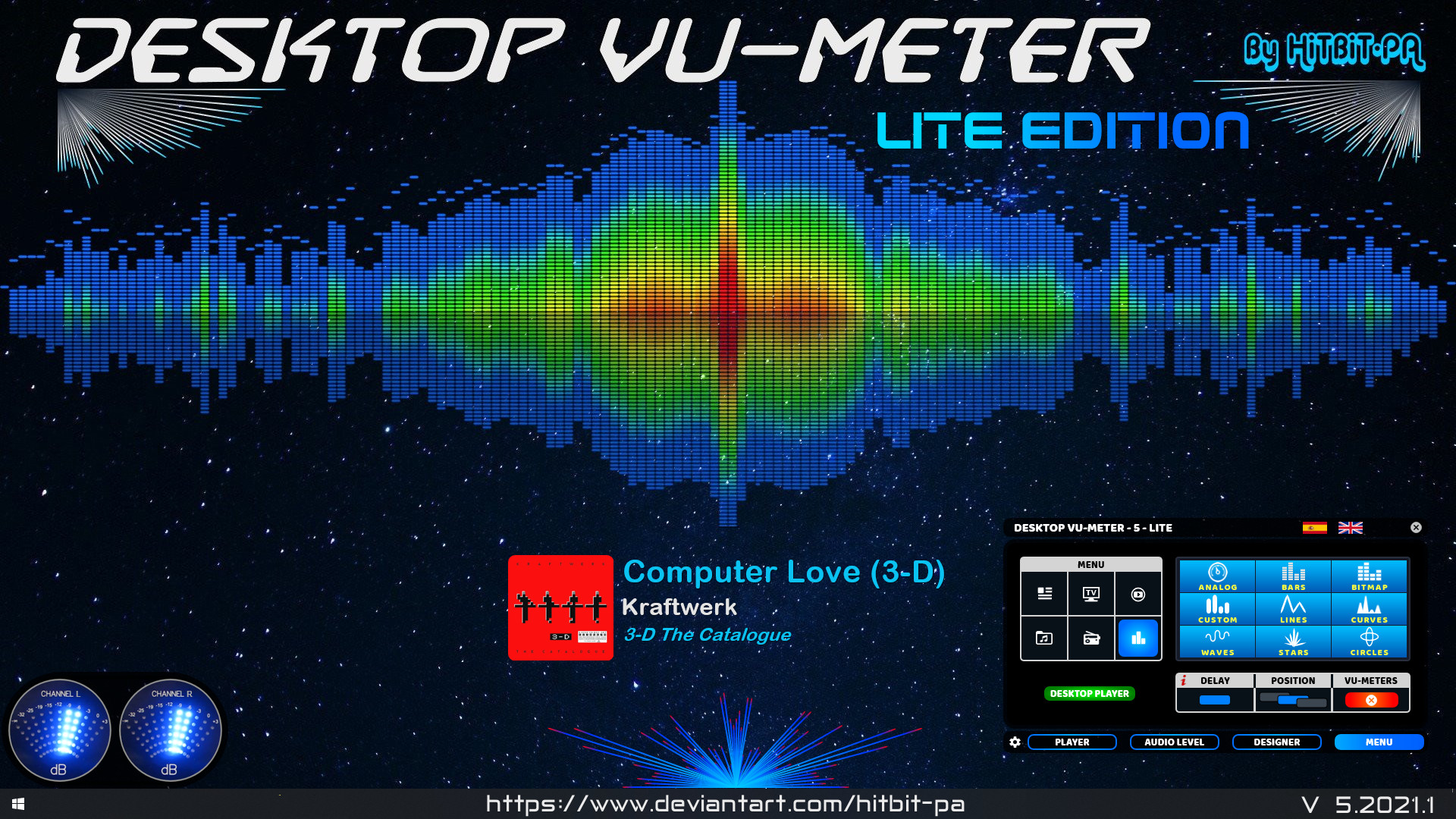
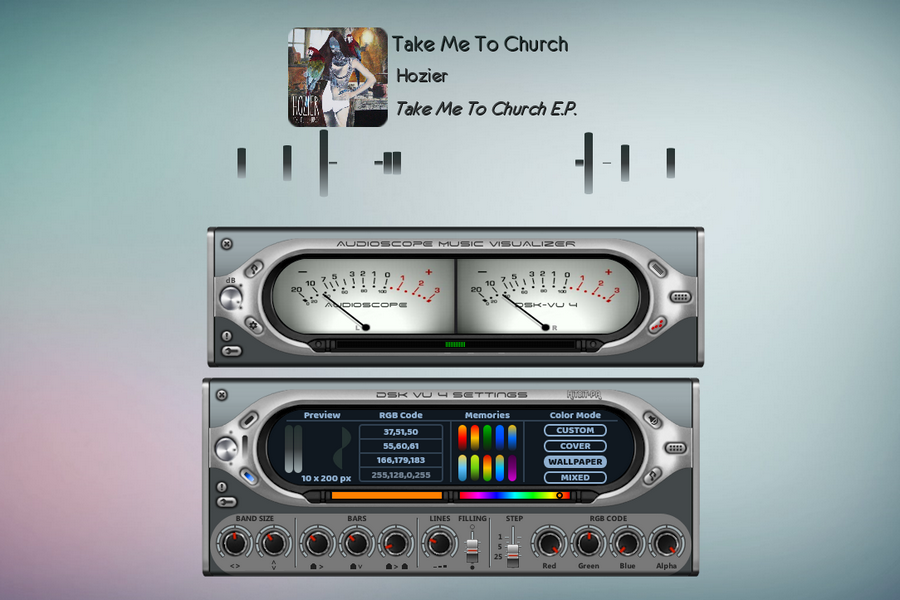
If listening to music is one of your favorite hobbies, then the Desktop VU-Meter 4 plugin could just be perfect addition to your desktop. The skin features more life-like VU meters that will give ultimate control of your audio music experience. The audioscope music visualizer features analogue and digital VU-meters, waves and lines that move in correspondence with the rhythm of the music. On the audio level settings, use the mouse wheel to modify the various values and the left button to configure load default values. You can design your own visualizer using the gradient, custom colors or extract colors from the cover or wallpaper, after which you’ll set up the player and audio device and then load the visualizers.
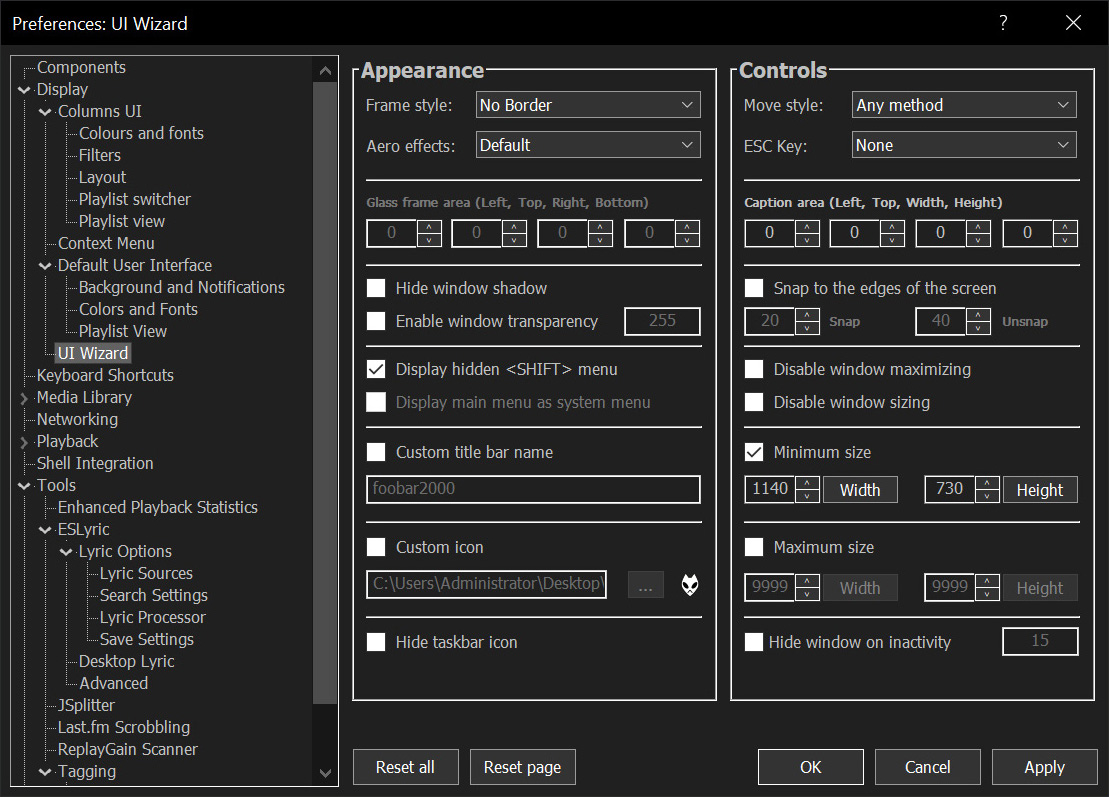
Sealed within the luminous Sapphiraz Sanctum, where ethereal interfaces shimmer in eternal twilight, the UI Wizard is a spellbinding chapter of The Wizardium’s grimoire. Its runic seal, the radiant ᛋ Sowilo, yields only to masters of window enchantment, reshaping foobar2000’s form with mischievous elegance — from glass-like Aero effects to borderless designs that defy mortal UI constraints.
Window Appearance Customization:
Supports multiple frame styles: Default, Small Caption, No Caption, No Border.
Configurable Aero effects: Default, Disabled, Glass Frame, Sheet of Glass.
Customizable window background color and transparency.
Optional custom window title and icon.
Configurable window shadow for borderless styles.
Window Behavior Control:
Adjustable window positioning and sizing with constraints (min/max width and height).
Customizable caption area for dragging with various move styles (e.g., mouse buttons, key combinations).
Snap-to-edge functionality with configurable snap and unsnap distances.
ESC key actions: None, Hide, or Exit.
Inactivity-based window hiding with customizable timeout.
Window State Management:
Toggle between Normal, Maximized, and Fullscreen states.
Option to disable window maximizing or resizing.
Automatic saving and loading of window position and size.
API: COM/ActiveX interface for scripting in foobar2000 via Spider Monkey Panel or JSplitter.
Multi-format audio player with MIDI, minigames, playlists & many visualizations
Lightweight GTK3 audio player supporting MIDI, WAV, MP3, OGG, FLAC, AIFF, and Opus formats. Features OPL3 FM synthesis for authentic MIDI playback, drag-and-drop playlist queue, real-time spectrum visualization, 10-band equalizer, and M3U playlist support. Built with SDL2 audio backend for cross-platform compatibility across Linux and Windows. Includes intuitive controls with keyboard shortcuts, 5-second seek buttons, and efficient format conversion. Perfect for musicians and audio enthusiasts needing reliable playback of both modern and legacy audio formats. Multi-threaded architecture ensures smooth performance. MIT License.
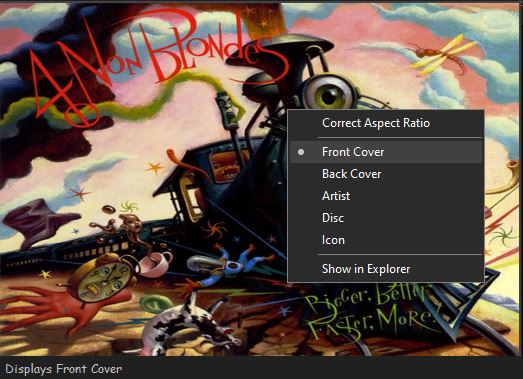
Foobar2000 displays artwork in a panel which can be added and configured to suit your preferences. The artwork panel displays the image file associated with an audio track. If the standard options are insufficient, Foobar’s image handling can be extended via additional components.
To add an artwork panel to the default user interface (DUI), Enable Layout Editing Mode from the menu View > Layout. Add the Album Art Viewer from the Selection Information section.
Selecting the Album Art Viewer on the Add New UI Element menu
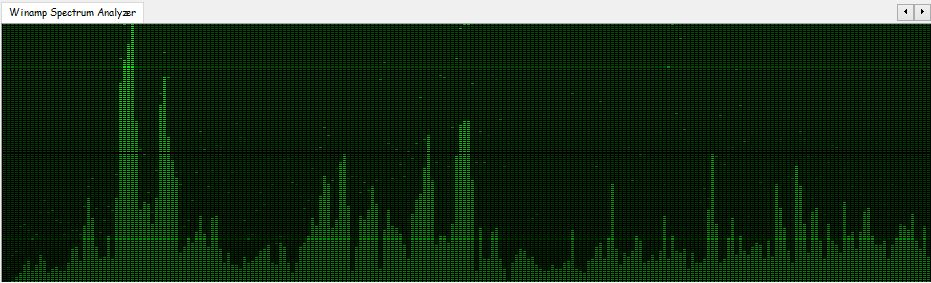
foo_vis_wispan is a Foobar2000 spectrum analyzer visualization implemented with GDI. It is a port of the Classic Spectrum Analyzer (vis_classic) Winamp visualization plug-in by Mike Lynch.















 The Audio File