Symphonie ~ Music Player


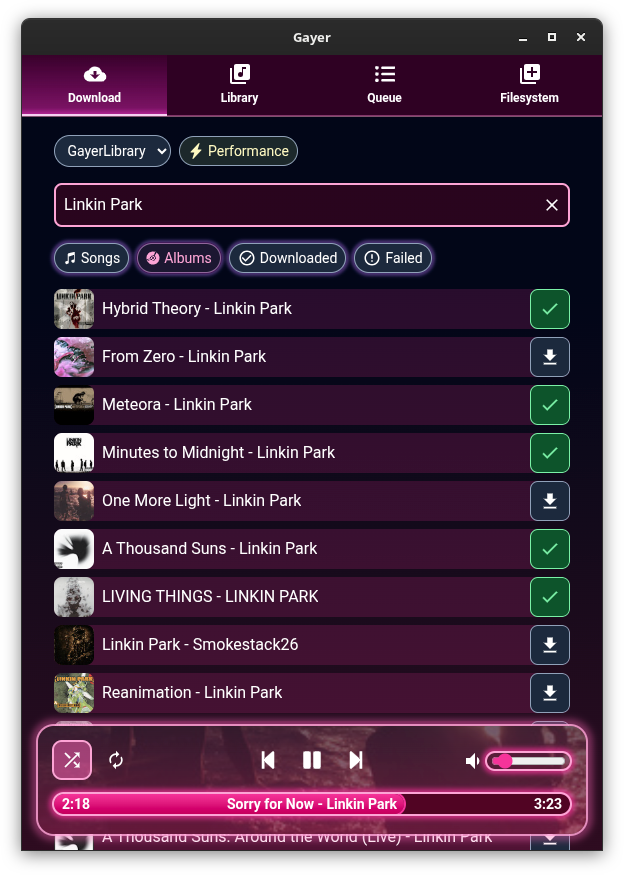
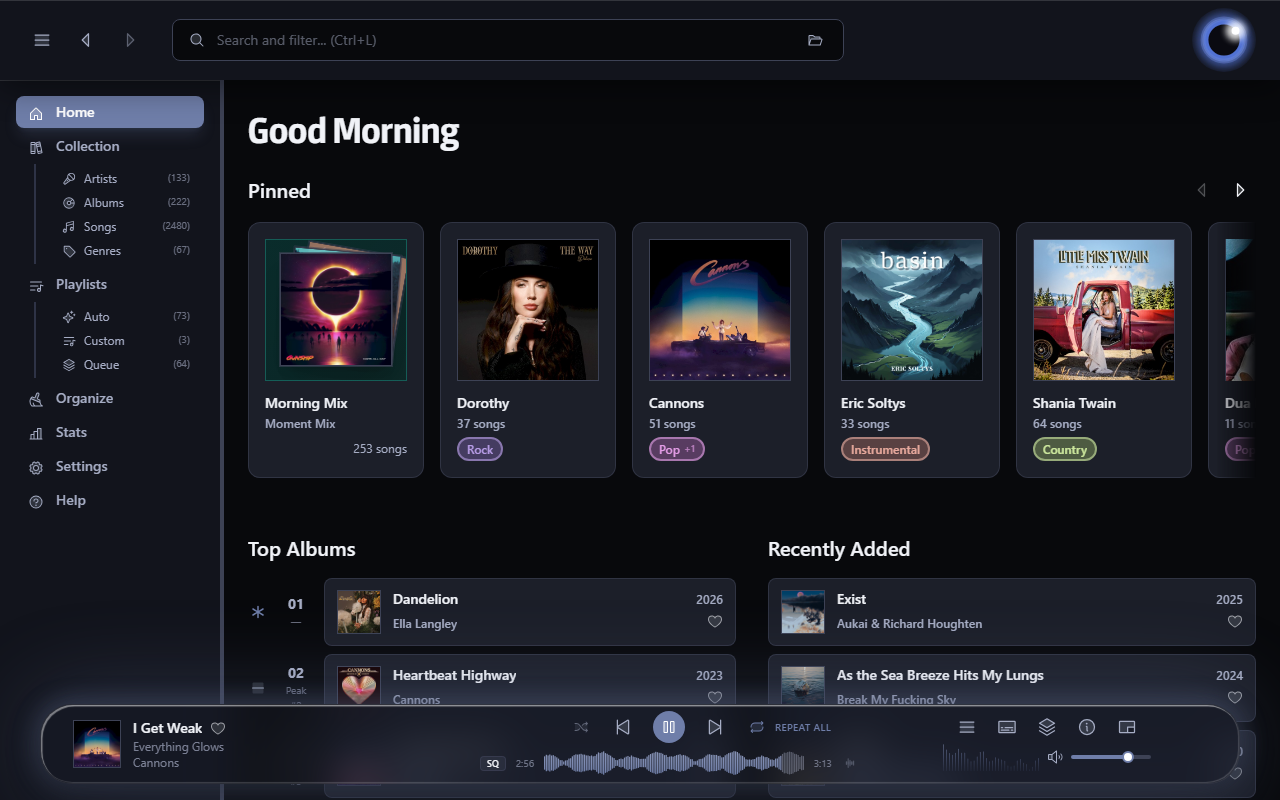
Symphonie is a sleek, lightweight desktop music player built with Electron and powered by HTML5 capabilities, offering a clean interface for enjoying your local audio library. It supports popular formats including MP3, FLAC, AAC, M4A, OGG, WAV, OPUS. Features include playlist management, intuitive playback controls, track metadata display (title/artist), and shuffle functionality for a seamless listening experience.

Features:

  • Supported audio formats mp3,aac,m4a,wav,ogg,flac,opus and more
  • Drag and drop files/folders directly onto the player or playlist
  • Visualizer which can be enabled and disabled
  • Reorder tracks within the playlist using drag and drop
  • Select all tracks and delete in the playlist using Ctrl+A
  • Seamless integration with modern web technologies without relying on third-party libraries.
  • Supported Platforms Windows 10/11,Debian,Ubuntu,Arch Linux,Linux Mint,Fedora
Symphonie

sourceforge.net/projects/symphonie

OBS ~ win-capture-audio Plugin


An OBS plugin that allows capture of independent application audio streams on Windows, in a similar fashion to OBS’s game capture and Discord’s application streaming.


obsproject.com/forum/resources/win-capture-audio.1338
github.com/bozbez/win-capture-audio
gigazine.net/gsc_news/en/20211230-obs-win-capture-audio

OpenPiano ~ Virtual Piano For Windows


OpenPiano is a Windows desktop piano application that allows you to play, practice, and record music using your PC keyboard, mouse, or a MIDI device.

It supports real-time playback using SoundFonts and provides on-screen piano layouts for visual feedback while playing.

OpenPiano is designed to run entirely locally. It does not require accounts, cloud services, or an internet connection for core functionality.

  • 61-key and 88-key layouts with live key feedback
  • SoundFont support (.sf2 / .sf3) with bank and preset selection
  • Keyboard, mouse, and MIDI input support
  • Editable keybind mode with Save, Discard, and Ctrl+Z undo
  • Keyboard and mouse combo triggers with shared 61/88-key mapping
  • MIDI recording and .mid export
  • Real-time controls for volume, velocity, sustain, and transpose
  • Live stats for KPS, held keys, and polyphony
  • Theme, UI scale, animation speed, and key color customization
  • Built-in tutorial with an in-depth explanation of features
  • Offline local-first workflow with no account required

www.justagwas.com/projects/openpiano
github.com/Justagwas/openpiano
sourceforge.net/projects/openpiano

Alternative:

github.com/michele-perrone/OpenPiano

Echo In Mirror ~ Digital Audio Workstation


An open source DAW (Digital Audio Workstation) written in pure Kotlin.

Features:

  •  VST/VST3/AU plugin support
  •  Audio effects
  •  Audio sample support
  •  ASIO support
  •  MIDI edit
  •  Latency compensation
  •  Audio edit
  •  Audio recording
  •  Midi input
  •  Plugin api
  •  CLAP and ARA plugin support
  •  Android support
  •  iOS support

github.com/EchoInMirror/EchoInMirror

Overtone GEQ ~ Harmonic Graphic Equalizer


Overtone GEQ is a free 7-band harmonic (overtone) graphic equalizer AudioUnit, AAX, and VST plugin with multi-channel operation support (supporting up to 8 input/output channels, audio host application-dependent).  Overtone GEQ offers extensive internal channel routing capabilities, and supports mid/side channel processing.

Beside equalizing, Overtone GEQ applies harmonic enhancement: it uses 7 harmonic enhancement modules, one for each EQ band.  This generates a complex harmonic coloration you will probably like a lot.

Overtone GEQ was designed to allow audio engineers to apply quick EQ shape adjustments together with adding a bit of harmonic richness to the audio material (mainly mixes and sub-mixes due to a comparably high load this EQ puts on a CPU).

www.voxengo.com/product/overtonegeq

Wigware Ambisonic Decoder (WAD)


Wigware Ambisonic Decoder (WAD)

This program now comes in two flavours, as a Direct Show filter and a VST plugin. The Direct Show Filter allows any Direct Show capable audio player software (such as Windows Media Player) the ability to read and decode B-format wave files (the format of which is specified here on Richard Dobson’s web page – details on the Waveformat extensible file format used can be found on Microsofts web site here – details on Ambisonics can be found here).

The VST version comes in 1st and 2nd order versions (3rd and 4th order versions to follow) and allows you to alter the polar patterns of the speaker feeds either across the whole frequency range or using ‘Shelf Filters’ with a variable cut-off. Both of the VST plugins will derive outputs for a standard ITU 5 speaker array, with higher orders giving better frontal resolution.

web.archive.org/web/20070806013036/http://sparg.derby.ac.uk/SPARG/Staff_BW

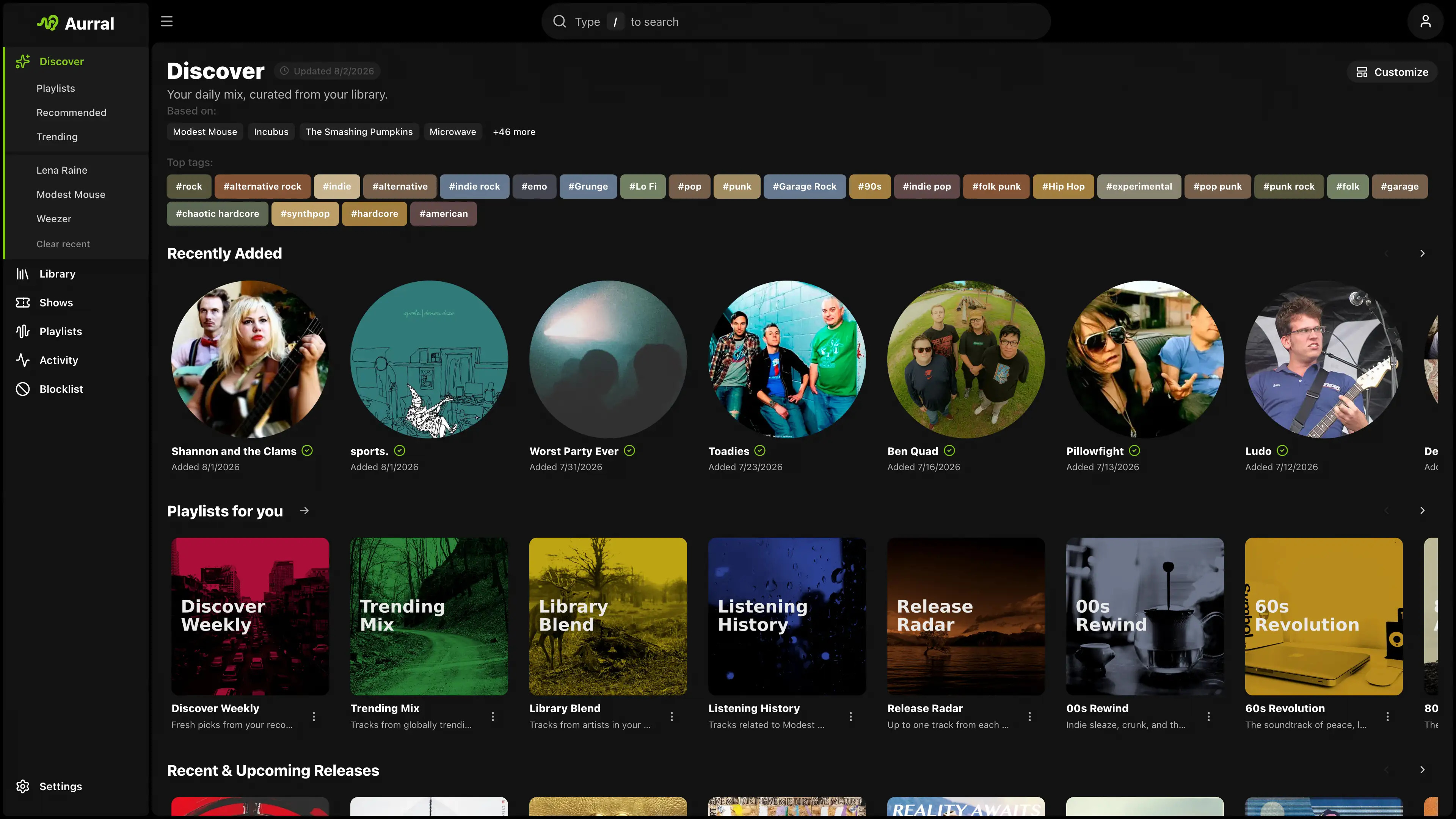
Lidify ~ Music Hosting & Discovery Tool


Lidify is built for music lovers who want the convenience of streaming services without sacrificing ownership of their library. Point it at your music collection, and Lidify handles the rest: artist discovery, personalized playlists, podcast subscriptions, and seamless integration with tools you already use like Lidarr and Audiobookshelf.

  • Stream your library – FLAC, MP3, AAC, OGG, and other common formats work out of the box
  • Automatic cataloging – Lidify scans your library and enriches it with metadata from MusicBrainz and Last.fm
  • Audio transcoding – Stream at original quality or transcode on-the-fly (320kbps, 192kbps, or 128kbps)
  • Ultra-wide support – Library grid scales up to 8 columns on large displays
Lidify Interface

github.com/Chevron7Locked/lidify
github.com/TheWicklowWolf/Lidify

PedalBoard ~ Python Audio Library


pedalboard is a Python library for working with audio: reading, writing, rendering, adding effects, and more. It supports most popular audio file formats and a number of common audio effects out of the box, and also allows the use of VST3® and Audio Unit formats for loading third-party software instruments and effects.

Features:

  • Built-in audio I/O utilities (pedalboard.io)
    • Support for reading and writing AIFF, FLAC, MP3, OGG, and WAV files on all platforms with no dependencies
    • Additional support for reading AAC, AC3, WMA, and other formats depending on platform
    • Support for on-the-fly resampling of audio files and streams with O(1) memory usage
    • Live audio effects via AudioStream
  • Built-in support for a number of basic audio transformations, including:
    • Guitar-style effects: ChorusDistortionPhaserClipping
    • Loudness and dynamic range effects: CompressorGainLimiter
    • Equalizers and filters: HighpassFilterLadderFilterLowpassFilter
    • Spatial effects: ConvolutionDelayReverb
    • Pitch effects: PitchShift
    • Lossy compression: GSMFullRateCompressorMP3Compressor
    • Quality reduction: ResampleBitcrush
  • Supports VST3® instrument and effect plugins on macOS, Windows, and Linux (pedalboard.load_plugin)
  • Supports instrument and effect Audio Units on macOS
  • Strong thread-safety, memory usage, and speed guarantees
    • Releases Python’s Global Interpreter Lock (GIL) to allow use of multiple CPU cores
      • No need to use multiprocessing!
    • Even when only using one thread:
      • Processes audio up to 300x faster than pySoX for single transforms, and 2-5x faster than SoxBindings (via iCorv)
      • Reads audio files up to 4x faster than librosa.load (in many cases)
  • Tested compatibility with TensorFlow – can be used in tf.data pipelines!

github.com/spotify/pedalboard

DLNA Music Controller ~ Manage DLNA Directly


Read a DLNA Media Server to select music to play on your DLNA Renderer

Scan the network for your Media Server (“Server”) and Renderer (“Renderer”) devices, select one of each and then from the main screen select the music you want to play, drilling into Albums, Artists, Genres (all defined by your Media Server). Any music you want to hear is called a track and is loaded onto the play queue. Then select Play button to listen to the track listed at the top of the queue. You can also create playlists and store your favorite tracks for playback.

Features:

  • DLNA
  • Media Server
  • Media Renderer
  • Play queue

sourceforge.net/projects/dlna-music-controller

Resources:

en.wikipedia.org/wiki/List_of_UPnP_AV_media_servers_and_clients

Dancing QT ~  Player For Dancing Schools


Dancing QT is a combined music database and player application specially designed for dancing schools and equivalent applications. Key features are an easy-to-use interface, fast search capabilities, playlist management, exact pitching and crossfading.

Looking around the open source landscape for a while, I tried to find a music database and player that is suitable for use in a dancing school environment – without success. Most mixing applications tend to be too confusing for the intended audience, most players lack database searching capabilites and most song databases don’t know how to pitch 😦

Because of this, I decided to setup a new application – Dancing QT. It uses alsaplayer because of its excellent interface and pitching capabilities, it uses an embedded SQLite DBMS to maintain a song database, and it uses taglib to populate the database. The interface is written in C++ using Qt. Because of the alsaplayer dependency, the target platforms will be limited to environments providing alsaplayer.

Dancing QT Interface

dqt.sourceforge.net
sourceforge.net/projects/dqt

Cynthia ~ Multitrack MIDI Player


Reliably play midi music files from a folder or “.m3u” playlist. Adjust playback speed, volume and output device on the fly during playback. A large playback progress bar makes jumping forward and backward in time a breeze with just a single click or tap. Supports “.mid”, “.midi” and “.rmi” files in format 0 (single track) and format 1 (multi-track). Comes complete with 24 sample midis ready to play.

Features:

  • Dual play systems – Play Folder and Play List
  • Comes with 24 built-in sample midis on a virtual disk
  • Elapsed, Remaining and Total time readouts
  • Native “.m3u” playlist support (copy, paste, open, save, build)
  • Drag and drop midi files to play / add to playlist
  • Play Modes: Once, Repeat One, Repeat All, All Once, Random
  • Play Speed: 10% to 1,000% (1/10th to 10x)
  • Intro Mode: Play first 2s, 5s, 10s or 30s of midi
  • Rewind / Fast Forward by: 1s, 2s, 5s, 10s or 30s
  • Play on Start option – playback commences on app start
  • Always on Midi option – maintain connection to midi device for instant playback
  • Auto Fade In – eliminate loud or abrupt notes during rewind, fast forward or reposition operations
  • Playback Progress bar – click to reposition/jump backward or forward in time
  • Volume control with volume boost (up to 200%)
  • Play “.mid”, “.midi” and “.rmi” midi files in 0 and 1 formats
  • Custom built midi playback subsystem for high playback stability
  • Scrolling lyrics viewer
  • Detailed midi information panel
  • Tracks Panel: Realtime track data indicators with mute all, unmute all, and mute individual track options
  • Channels Panel: Realtime channel output volume indicators with peak level hold and variable hold time, unmute all, mute all, and mute individual channel options
  • Notes Panel: 128 realtime note usage indicators with variable hold time, 8-12 notes per line display, labels as letters or numbers, unmute all, mute all, and mute individual note options
  • Piano Panel: View realtime piano keystrokes on a 128, 88, 76, 61, 54, 49 or 37 key keyboard with animated and lit keystrokes
  • Piano: Mark middle C key, C + F keys, or all white keys
  • Transpose option: Shift all notes up or down music scale
  • Use an Xbox Controller to control Cynthia’s main functions – playback speed and volume, song position, display panels, song file navigation, jump to start of song, toggle fullscreen mode, etc
  • Large list capacity for handling thousands of midi files
  • Switch between up to 10 midi playback devices
  • Simple and easy to use
  • Options Window – Easily change app color, font and settings
  • Portable

sourceforge.net/projects/cynthia1
www.blaizenterprises.com/cynthia

BlackDiamond ~ Fruityloops Studio Clone


Fruityloops clone with sound samples using Fmodex lib

BlackDiamond (formerly Crazy Machine) is a project I neglected for years until I got back into making music. The package comes with free VST plugins and samples, and soon to be introduced at some point in time, perfect sequencer sample mixer playback thingamagiggy we are now back in full armor trying to create the wildest dreams of software working on BlackDiamond.

Features:

  • Six built in effects for each 16 channels Flange, Chorus, Compression, Echo, Distortion, Reverb
  • fruity loops style pattern manipulation
  • Written in FreeBasic, the most best freeware IDE compiler for basic language
  • Recent May 2019 re-programming to V3
  • VST and Dialog window support, switch plugins with a click
  • calculations are now down to the clock cycle to milliseconds
  • Load VST plugins, samples during playback.
  • View VST plugin dialog, which works when using SET MS method
  • SET MS (Alter VST plugin data) now very easily tuneable
  • Supports ASIO Interface and Microsoft Windows wave file writing

sourceforge.net/projects/jesuschristsuns