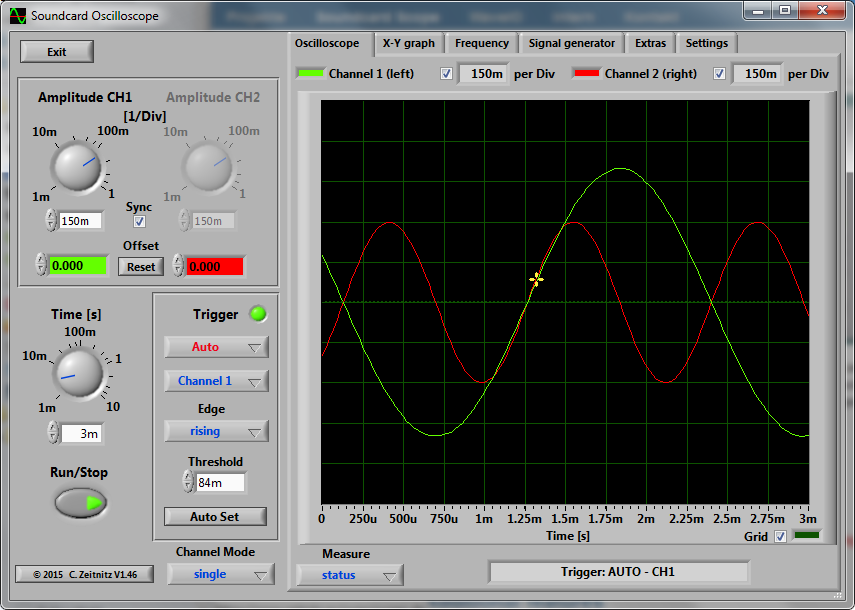
The PC based Soundcard Oscilloscope receives its data from the Soundcard with 44.1kHz and 16 Bit resolution. The data source can be selected in the Windows mixer (Microphone, Line-In or Wave). The frequency range depends on the sound card, but 20-20000Hz should be possible with all modern cards. The low frequency end is limited by the AC coupling of the line-in signal. Be aware, that most microphone inputs are only mono.
The oscilloscope contains in addition a signal generator for 2 channels for sine, square, triangular, sawtooth wave forms and different noise spectra in the frequency range from 0 to 20kHz. The signal can be defined by a mathematical formula as well. The signals are available at the speaker output of the sound card. These can be fed back to the oscillocope in order to generate Lissajous figures in the x-y mode.
Features:
Trigger modes: off, automatic, normal and single shot
Triggerlevel can be set with the mouse
The signals of the two channels can be added, subtracted and multiplied
x-y mode
Frequency analysis (Fourier spectrum)
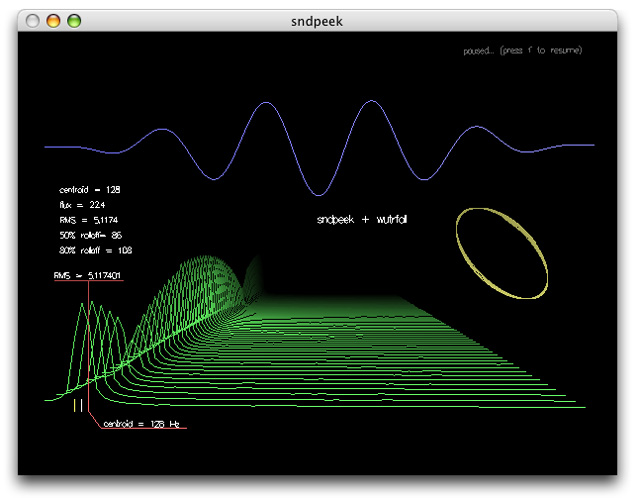
Waterfall diagram (frequency spectrum as function of time)
Frequency filter: low-, high-, band-pass and band-stop
Cursors to measure amplitude, time and frequency in the main window
Audio Recorder to save data to a wave file
For multi soundcard system, the used card can be selected in the settings tab



 The Audio File