In foobar2000, a playlist is simply a list of tracks. A grouping scheme is a set of rules that tells foobar2000 how to visually organize those tracks inside the playlist.
Grouping does not change:
The order of tracks
The audio files
The tags
Grouping only changes how tracks are visually grouped and labeled in the playlist.
What “Grouping” Means in Practice
When grouping is enabled, foobar2000 inserts group headers into the playlist. Each header represents a group of tracks that share something in common, such as:
The same album
The same artist
The same year
The same format or codec
For example, instead of seeing a flat list of tracks, you might see:
This is the most commonly used grouping scheme and the one most users start with.
Grouping Key (Conceptual)
Tracks are grouped when the album artist and album name change.
Effectively based on:
%album artist% + %album%
Group Header Display
Typically shows:
Album artist
Album name
Year (if available)
What the Playlist Looks Like
Pink Floyd — The Dark Side of the Moon (1973)
  01 Speak to Me
  02 Breathe
  03 On the Run
Pink Floyd — Wish You Were Here (1975)
  01 Shine On You Crazy Diamond
  02 Welcome to the Machine
Why This Works Well
Keeps albums intact
Handles compilation albums correctly
Matches how most people think about music collections
This is the recommended default for beginners.
2. “By Artist”
This grouping changes whenever the track artist changes.
Grouping Key
%artist%
Group Header Display
Usually just the artist name.
Outcome
David Bowie
  Space Oddity
  Heroes
  Ashes to Ashes
Talking Heads
  Psycho Killer
  Once in a Lifetime
Important Limitation
Albums are not preserved
Tracks from different albums by the same artist are mixed together
This grouping is useful for:
Shuffled playlists
“Best of” or mixed artist views
It is not ideal for album-oriented listening.
3. “By Album Artist”
This is similar to “By Artist” but uses %album artist%.
Grouping Key
%album artist%
Outcome
Various Artists
  Track from Compilation A
  Track from Compilation B
Daft Punk
  Track from Discovery
  Track from Random Access Memories
When This Is Useful
Compilation-heavy libraries
Soundtracks
DJ-style playlists
Albums are still mixed together, but compilations stay intact.
4. “By Directory Structure”
This groups tracks based on their file path, not tags.
Grouping Key (Conceptual)
%path%
Outcome
D:\Music\Pink Floyd\The Wall\
  Another Brick in the Wall
  Comfortably Numb
D:\Music\Radiohead\OK Computer\
  Airbag
  Paranoid Android
Why This Exists
Useful when tags are incomplete or inconsistent
Reflects how files are physically organized
Downsides
Breaks if you reorganize folders
Ignores metadata entirely
This is mainly for troubleshooting or legacy libraries.
5. “No Grouping”
This disables grouping entirely.
Outcome
Airbag
Paranoid Android
Time
Comfortably Numb
When to Use It
Temporary playlists
Search results
Debugging sorting issues
This is effectively a flat list.
How These Rules Are Actually Applied
Internally, each built-in grouping scheme defines:
When a new group starts (based on one or more title formatting fields)
What text appears in the group header
You can view and edit these rules by:
Selecting a grouping scheme
Clicking Edit
Inspecting the title formatting expressions
This is how users learn grouping: by modifying existing schemes.
Why Sorting Matters (Again)
All built-in grouping schemes assume a compatible sort order.
Example:
Grouping by album
But playlist sorted randomly
Result:
Multiple album headers
Broken grouping
That’s why foobar2000 usually pairs:
Sort pattern
Grouping pattern
They are designed to work together.
What foobar2000 Does NOT Do Automatically
Even with built-in schemes, foobar2000 does not:
Auto-fix bad tags
Reorder tracks inside a group
Merge albums with inconsistent metadata
Grouping is visual logic only.
Why Built-In Schemes Are Important for Learning
The built-in grouping schemes are:
Real working examples
Written using standard title formatting
Safe to experiment with
The recommended learning path is:
Duplicate an existing scheme
Make small changes
Observe the playlist outcome
This is far easier than writing one from scratch.
Summary
Built-in grouping schemes are prewritten title formatting rules
“By Album” is the most balanced and beginner-friendly
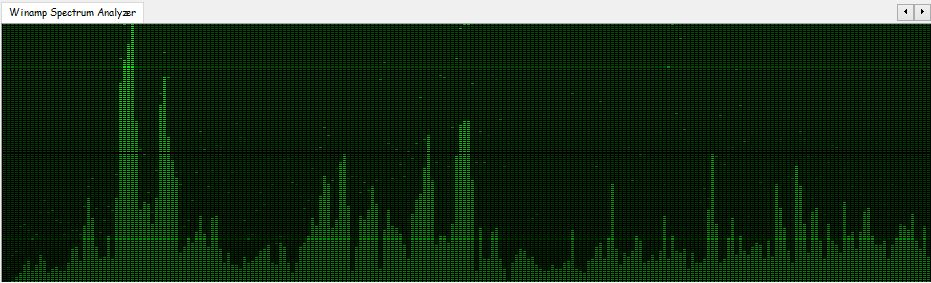
foo_vis_wispan is a Foobar2000 spectrum analyzer visualization implemented with GDI. It is a port of the Classic Spectrum Analyzer (vis_classic) Winamp visualization plug-in by Mike Lynch.
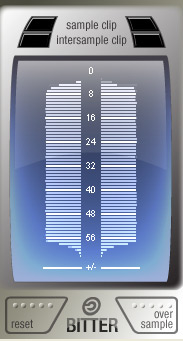
Bitter shows how many of the available bits are being used by the audio signal, reports clipping samples, and estimates when digital-to-analog conversion would cause inter-sample clips. Typical uses for a bitscope include: verifying that a render dither is working properly; verifying that a particular plugin is not reducing the signal bit depth; testing for faulty audio source data.
Features:
Check for Intersample Clipping that may appear during digital-to-analog conversion
Detailed display of the usage density of each bit
Reveal the bitrate of the digital signal, which may well differ from that of the file’s bitrate or your DAW’s audio engine bitrate
Hiddenwave is a python based program for simple audio steganography. You can hide your secret text messages in wave or mp3 audio files. You can play this audio in any media player and secretly share your private message with anyone.
The foo_outinfo component exposes information about the current audio output and signal, such as the active output device, sample rate, bit depth, and channel count. These fields are especially useful in the status bar, where you want quick technical confirmation without cluttering playlists.
A simple and practical example is:
Now Playing: %artist% - %title% | %output_samplerate% Hz / %output_bitdepth% bit
What This Displays
When a track is playing, the status bar would show something like:
Now Playing: Miles Davis - So What | 44100 Hz / 16 bit
This tells you at a glance:
What is playing
The actual output sample rate
The output bit depth being sent to your audio device
Step By Step Explanation:
Music Metadata (Standard Fields)
%artist% - %title%
%artist% → Track artist tag
%title% → Track title tag
These are standard foobar2000 title formatting fields and work everywhere.
Separator
|
This is just plain text. It visually separates the music info from the technical output info. You can replace it with a dash, bullet, or brackets if you prefer.
foo_outinfo Output Fields
%output_samplerate%
Displays the actual output sample rate in Hertz
Reflects resampling, DSP changes, or output driver behavior
This is more reliable than %samplerate% when DSPs are active
%output_bitdepth%
Displays the bit depth used by the output
Shows what is being sent to the DAC, not just what is in the file
More Informative Versions
If you want to include channels and output device name:
Now Playing: %artist% - %title% | %output_samplerate% Hz / %output_bitdepth% bit / %output_channels% channels
Displays:
Now Playing: Aphex Twin - Xtal | 48000 Hz / 24 bit / 2 channels
If you want to add the current Replaygain mode:
Now Playing: %artist% - %title% | %output_samplerate% Hz / %output_bitdepth% bit / %output_channels% channels | RG %output_rg_source%
Displays:
Now Playing: Aphex Twin - Xtal | 48000 Hz / 24 bit / 2 channels | RG Album
If you want to display the active DSP
$if(%output_dsp%, | DSP: %output_dsp%)
Displays the separator and active DSP, otherwise displays nothing:
| DSP: Resampler (SoX)
Minimal Technical Version (Very Clean)
For users who want only output confirmation:
Output: %output_samplerate% Hz / %output_bitdepth% bit
Displays:
Output: 96000 Hz / 24 bit
Why Use foo_outinfo in the Status Bar?
Confirms what your DAC is actually receiving
Helps verify exclusive mode, resampling, and DSP behavior
Avoids cluttering playlists with technical data
Ideal for users who care about signal integrity but want a clean UI
Beginner Notes and Caveats
All output_* fields require foo_outinfo to be installed
These fields only show values while audio is playing
If nothing is playing, the fields will appear empty
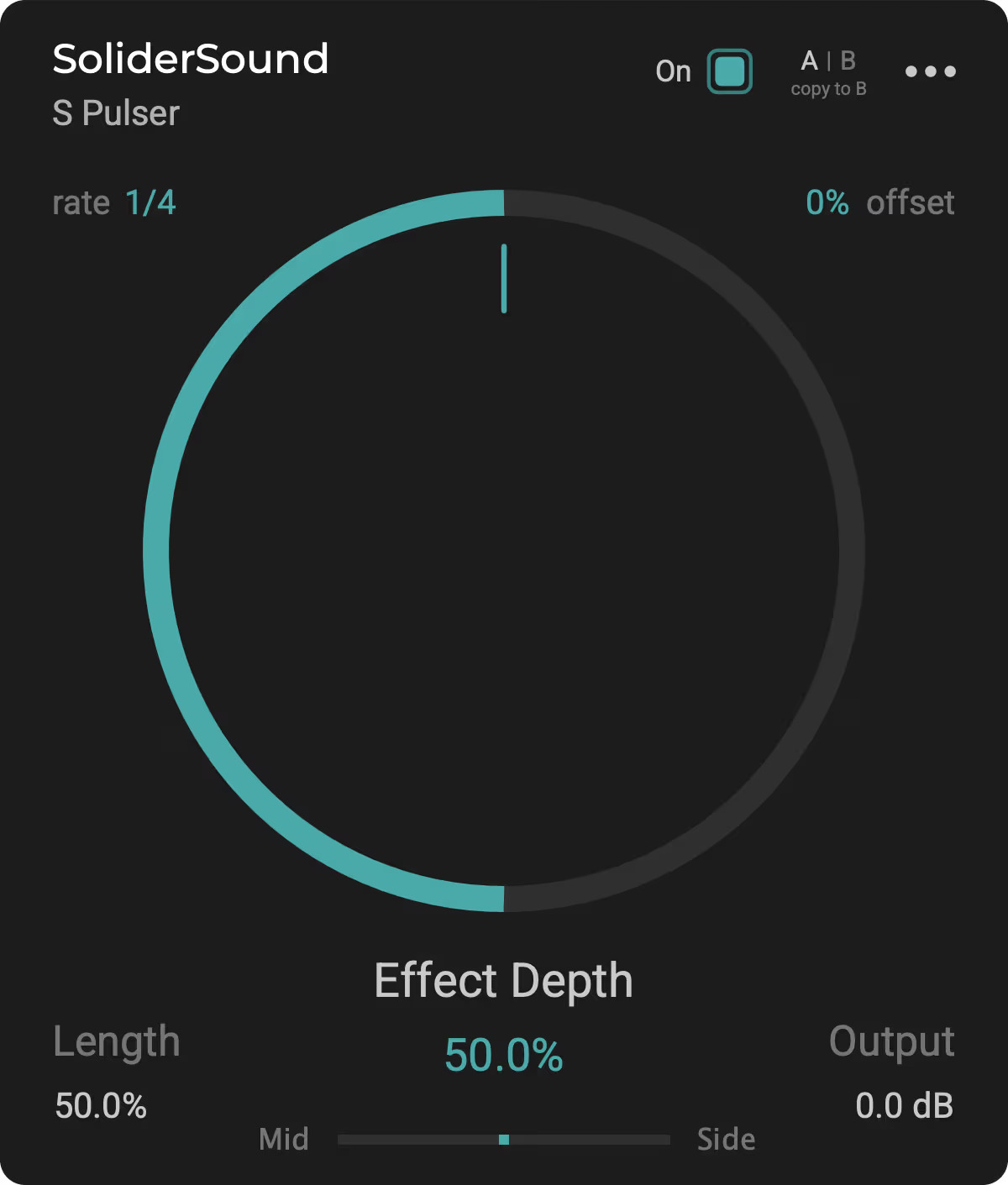
S Pulser is a unique tremolo effect plugin, designed to help you effortlessly create captivating and rhythmic melodies. Ideal for music producers, sound designers, musicians, and DJs alike, this versatile tool is available for free download. Give it a try and explore new ways to streamline your music-making process.
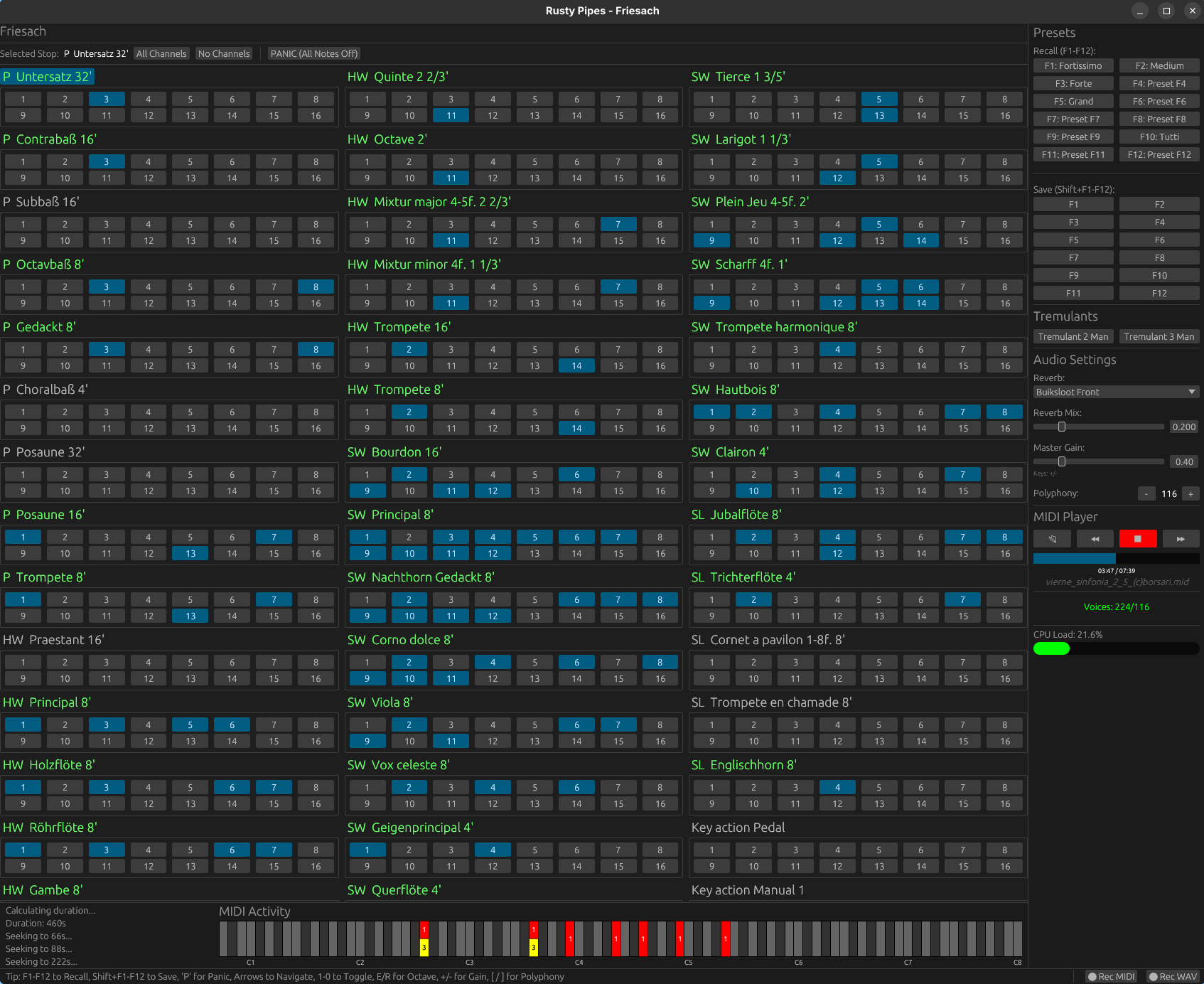
Rusty Pipes is a digital organ instrument compatible with GrandOrgue sample sets. It features both graphical and text-based user interface, can be controlled via MIDI and play back MIDI files. Rusty Pipes can stream samples from disk instead of load them into RAM, though a RAM precache mode similar to GrandOrgue and Hauptwerk is available too.
HydrogenAudio presents the definitive resource for testing sample rate conversion applications. Each Sample Rate Converter (SRC) is examined against multiple revealing tests, generating an overall quality ranking. A quality ranking needs careful consideration, these tests are formulated to test modern SRC routines, as such they are very sensitive way in excess of the 24 bit (-144dB) audible range. A SRC scoring 60% could very well have inaudible defects if converted to 24 bit, so why the need for high precision testing? An example might be in the studio, audio is processed in many ways, having a clean SRC converter allows further processing steps, including amplification, without fear of audible distortion. The best SRC have distortion down below -300 dBFS, giving plenty of head room for future processing and mixing of different sources.
This project is for a DirectSound DLL replacement. It implements the DirectSound interfaces by translating the calls to OpenAL, and fools applications into thinking there is a hardware accelerated sound device. EAX is also implemented (up to version 4) by using OpenAL’s EAX extension, allowing for environmental reverb with sound obstruction and occlusion effects.
Effectively, this allows DirectSound applications to enable their DirectSound3D acceleration path, and turn on EAX. The actual processing is being done by OpenAL with no hardware acceleration requirement, allowing it to work on systems where audio acceleration is not otherwise available.
Or more succinctly: it enables DirectSound3D surround sound and EAX for systems without the requisite hardware.
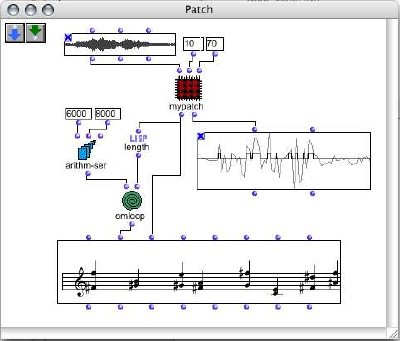
OpenMusic (OM) is a visual programming language based on Common Lisp. Visual programs are created by assembling and connecting icons representing functions and data structures. Most programming and operations are performed by dragging an icon from a particular place and dropping it to an other place. Built-in visual control structures (e.g. loops) are provided, that interface with Lisp ones. Existing CommonLisp/CLOS code can easily be used in OM, and new code can be developed in a visual way.
OM may be used as a general purpose functional/object/visual programming language. At a more specialized level, a set of provided classes and libraries make it a very convenient environment for music composition. Above the OpenMusic kernel, live the OpenMusic Projects. A project is a specialized set of classes and methods written in Lisp, accessible and visualisable in the OM environment. Various classes implementing musical data / behaviour are provided. They are associated with graphical editors and may be extended by the user to meet specific needs. Different representations of a musical process are handled, among which common notation, midi piano-roll, sound signal. High level in-time organisation of the music material is proposed through the concept of “maquette”.
OM-SoX is a library for multichannel audio manipulation and functional batch processing for OpenMusic, a visual programming environment based on CommonLisp / CLOS.








 The Audio File