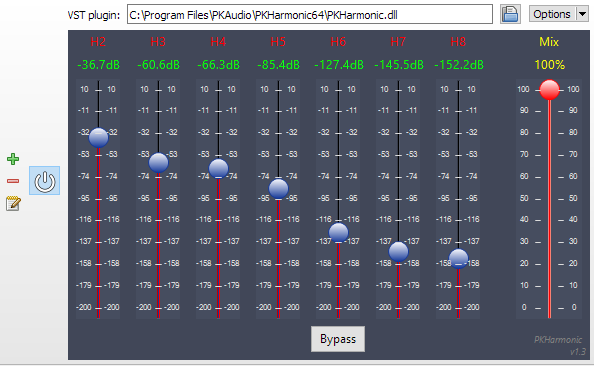
Seekbar for foobar2000, using Spider Monkey and ffmpeg or audiowaveform. It’s based on RMS or peak levels, instead of the actual waveform.
Features:
- Uses audiowaveform by default (included).
- ffprobe can be used if desired. Download it and copy ffprobe.exe into ‘helpers-external\ffprobe’.
- Visualizer mode to simply show an animation which changes according to BPM (if tag exists).
- VU Meter mode by RMS or peak levels.
- Fully configurable using the R. Click menu:
- Colors
- Waveform modes
- Analysis modes
- VU Meter
- Animations
- Multi-channel display
- Refresh rate (not recommended anything below 100 ms except on really modern CPUs)
Category Archives: Software
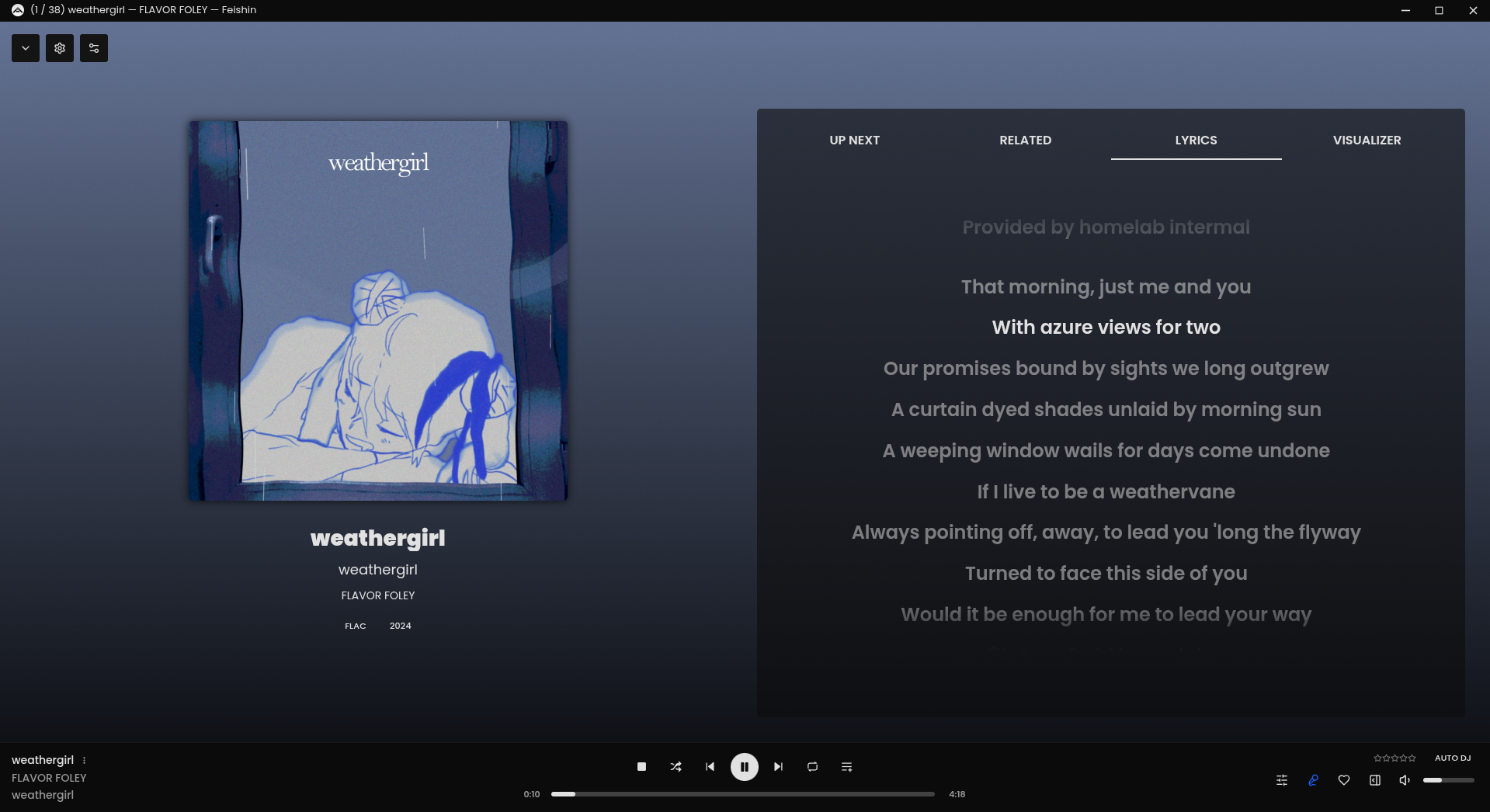
Feishin ~ Self-hosted Music Player
Rewrite of Sonixd.
Features:
- MPV player backend
- Web player backend
- Modern UI
- Scrobble playback to your server
- Smart playlist editor (Navidrome)
- Synchronized and unsynchronized lyrics support

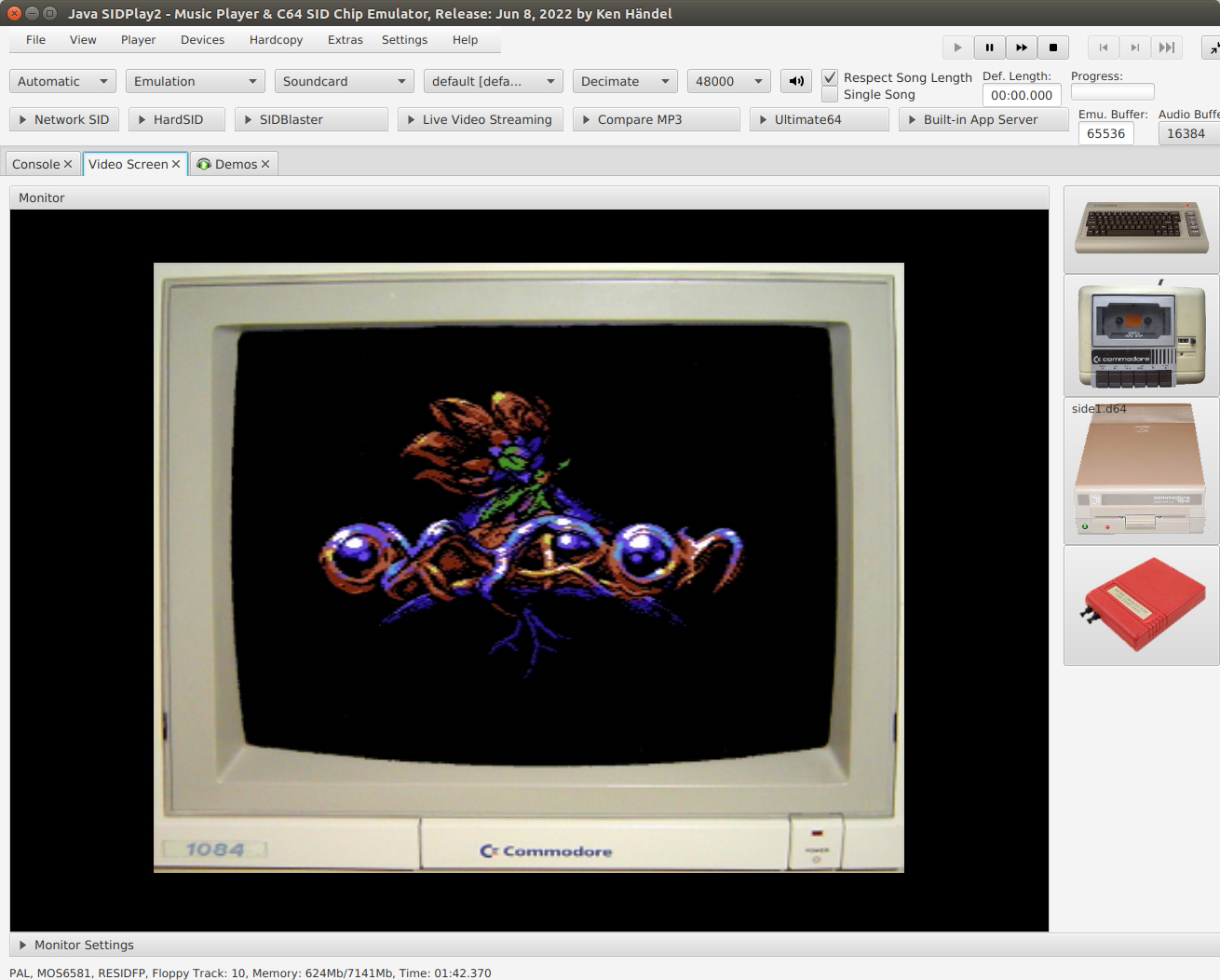
HVSID ~ Commodore 64 SID Player
SID-Wizard ~ Commodore 64 Music Tracker
A featureful SID-music creation tool (tracker) for the Commodore 64. It includes many advanced effects and tools like keyboard-tracking, tempo-programs/funktempo, gateoff-table-pointers, filter-shift, SID-export, executable-export, MIDI/XM conversion and MIDI-input hardware, etc., etc.

Features:
- Calculated vibrato, 8x framespeed, keyboard-tracking, colour-themes
- XM, MID (back & forth) and Goattracker ‘sng’ conversion tools included
- MIDI-input hardware support and HerMIDI dedicated MIDI-interface.
- Stereo (2SID) and 3SID version included, Verdi tuning system and Just-intonation
- Janko piano-keyboard layout support, Sound-effect (SFX) support
- One-step ‘Undo’ function for patterns/orderlists/instruments
- 324 example instruments and around 30 example tunes
- SWP-format: musicdata with only relative addresses, and corresponding player
- Tape slow-down simulation (enabled by default in SWP format)
sourceforge.net/projects/sid-wizard
csdb.dk/release/index.php?id=258573
MeasureLab ~ Audio Measurement Suite
A collection of DIY audio measurement and analysis tools, grown organically as needed. This software is compatible with standard audio devices.
PyQt6 desktop app bundling 28+ DIY modules: signal generator, spectrum/PSD analyzer, sound level & LUFS meters, loopback finder, distortion/IMD tools, network/impedance analyzers, oscilloscope, spectrogram, ultrasound modulator, transient analyzer, lock-in/FRA, inverse filter, frequency counter, recorder/player, sound quality analyzer, noise profiler, boxcar averager, goniometer, BNIM meter (ITD/ILD neural map), HRTF Player, and more.
Built for hobbyists and engineers: device routing, calibration (input/output/SPL), multi-language UI, light/dark themes.
github.com/youtube-at-vach/MeasureLab
youtube-at-vach.github.io/MeasureLab
pre.di.c ~ Digital Crossover
This program makes a linux computer equipped with a modern sound card behave as a traditional hi-fi preamp, but able also to make advanced DSP equalization and crossover tasks.
That means that, with a proper soundcard, external sources can be used, be them analog or digital, along with digital libraries or streamed sources.
Earful ~ Audiophile Hearing Test App
What is it? And a WARNING!
Earful is an app designed to measure and evaluate the lower threshold of hearing across a frequency spectrum. It is designed to run on Windows and support ASIO, WASAPI, and Direct Sound audio devices. Use with headphones is recommended for greater accuracy and noise elimination.
In addition, with version .10, Earful now supports two other types of tests:
- Equal-loudness testing using the same device and 1kHz reference tone
- Two devices equal-loudness testing, using a reference device, such as speakers, and a test devices, such as headphones
The app is free to use, but to use it, you must agree to do so AT YOUR OWN RISK ONLY. Make sure that the volume settings are set such that any loud sounds played through your system will not damage your equipment or your hearing! This is important. Set the frequency range in Earful correctly, and also specify the maximum volume setting at a low number to avoid surprises (default is -20dBFS).
Features:
- Pick your own frequency range for the test
- Specify any number of logarithmically spread points to test along the frequency axis
- Compare your results to others, compare to your older tests to check for changes, or compare to any of the industry standard, published curves
- Test with a single tone, a warble tone, or a band-limited white noise
- Using a simple text format supported by REW, so the result can be loaded into that tool directly
- Supports ASIO, WASAPI exclusive/shared, and Direct Sound device drivers
- Display in dB SPL or in db FS with configurable dBSPL calibration
- Apply a flat calibration curve to account for variations in headphones or speakers
- Equal-loudness testing using a 1kHz reference or a separate audio device

Use is entirely at your own risk.
AFsp ~ Audio File I/O Routines
The AFsp package is a library of routines for reading and writing
audio files. The emphasis is on providing support for the type of
audio file used by the speech processing research community. The
routines have been designed to be easy to use, yet provide transparent
support the reading of several audio file formats. A secondary
purpose for distributing these routines is to encourage the use of a
standard audio file format for the header information in the output
files.
The following file formats are supported for reading.
- NIST SPHERE audio files
- Sun/NeXT audio files
- DEC audio files
- IRCAM SoundFiles
- INRS-Telecom audio files
- ESPS sampled data feature files
- Headerless audio files
The audio file open routine automatically senses the file type and
communicates it to the audio file reading routines. Formats are
converted on the fly as the file is read, so the user manipulates
floats and doesn’t need to worry about the underlying data format.
For writing, the routines produce a standard format file, though
options are available to produce headerless files if desired. This
standard format is a compatible with the Sun audio file format. There
is provision for storing extra information in the extensible part of
the header.
Several audio file utilities (for copying, comparing, and filtering
audio files) are included in the package.
www.cs.cmu.edu/afs/cs/project/ai-repository/ai/areas/speech/systems/afsp/0
MicToggle ~ Microphone Control Tool
MicToggle is a lightweight microphone control tool designed for focus and clarity. Instantly mute or unmute your mic using a custom hotkey — no matter what you’re doing. Stay aware of your mic status with a movable on-screen overlay, system tray icon, and optional audio cues. Choose your preferred microphone, set startup behavior, and enjoy a clean, unobtrusive interface. Whether you’re gaming, streaming, or in meetings, MicToggle keeps you in control.
Features:
- Custom Hotkey — Instantly mute or unmute your mic using a hotkey you choose.
- Microphone Selection — Pick which mic to control if multiple devices are connected.
- On-Screen Overlay — Always know your mic’s status with a floating icon that you can reposition or disable.
- Startup Options — Start minimized, run at Windows startup, or launch with mic muted.
- Mic Status on Launch — Optionally hear a sound or get a notification showing your mic’s state when the app starts.
- Visual Status Indicators — Colored icons clearly show your mic state both in the app and system tray.
- Tray Controls — Toggle mute, open settings, or exit — all from the tray.
- Clean Interface — Simple, responsive UI designed to stay out of your way.
- Lightweight & Fast — Uses minimal resources, ideal for streamers, meetings, and gamers.
shntool ~ WAVE Processing & Reporting Utility
shntool is a multi-purpose WAVE data processing and reporting utility. File formats are abstracted from its core, so it can process any file that contains WAVE data, compressed or not – provided there exists a format module to handle that particular file type.
shntool has native support for .wav files. If you want it to work with other lossless audio formats, you must have the appropriate helper program installed. The “Helper programs” section below contains links to helper programs for each format that shntool supports.
foo_scrobbler_mac ~ Foo Scrobbler For Macs
Foo Scrobbler (foo_scrobbler_mac) is a native Last.fm scrobbling plugin for foobar2000 on macOS. Submits tracks based on precise playback rules, caches scrobbles when offline, and operates silently after one-time authentication. Built using the official foobar2000 plugin API, it focuses on reliability, low overhead, and correct metadata handling. Fully open-source under GPLv3.
Supports macOS ≥ 11.5 on both Intel and ARM.
caudec ~ Multiprocess Audio Converter
caudec is a command-line utility that transcodes (converts) audio files from one format (codec) to another, among other things.
It leverages multi-core CPUs and runs multiple processes concurrently (one per file and per codec, and more than one thread per codec when it supports it). The objective is to hog the CPU as much and as long as possible. One strategy is to sort input files by size, so that the largest files potentially get more threads towards the end of the job.
Features:
- Supported input formats / codecs: WAV, AIFF, CAF, FLAC, WavPack, Monkey’s Audio, ALAC.
- Supported output formats / codecs: all of the above, as well as LossyWAV / LossyFLAC, MP3, AAC (.m4a), Ogg Vorbis, Opus.
- Supported platforms: macOS, Linux.
- Transcoding to several different codecs at once is possible. In that case, decoding of input files is done only once.
- Metadata is preserved (as much as possible) from one codec to another.
- Artwork can be embedded into each file, and / or copied to the output directory. It can be done selectively (e.g. embed and / or copy one image for lossless files, and another image for lossy files).
- Audio can be resampled (e.g. 48kHz to 44.1kHz) and downmixed (e.g. 6 channels to stereo). A profile can be provided to set a maximum value for the number of channels, bit depth and sampling rate. When a profile is provided, the source will only be altered after decoding and before encoding, if some metric of the source is above the given profile.
- Multiprocess ReplayGain scanner for FLAC, WavPack, MP3, Ogg Vorbis, Opus.
- Ability to hard link lossy files to a different directory when encoding to WavPack Hybrid. The point is to have two libraries that takes the storage of just one, with a lossy collection that has its own root directory and that’s easy to drag and drop to a device such as a smartphone or a Digital Audio Player (DAP).
- Ability to touch files and album directories using metadata to reflect the music’s release date and duration (see example below).